AI Volunteer Follow-Up Emails: Thank-You Notes and Recaps
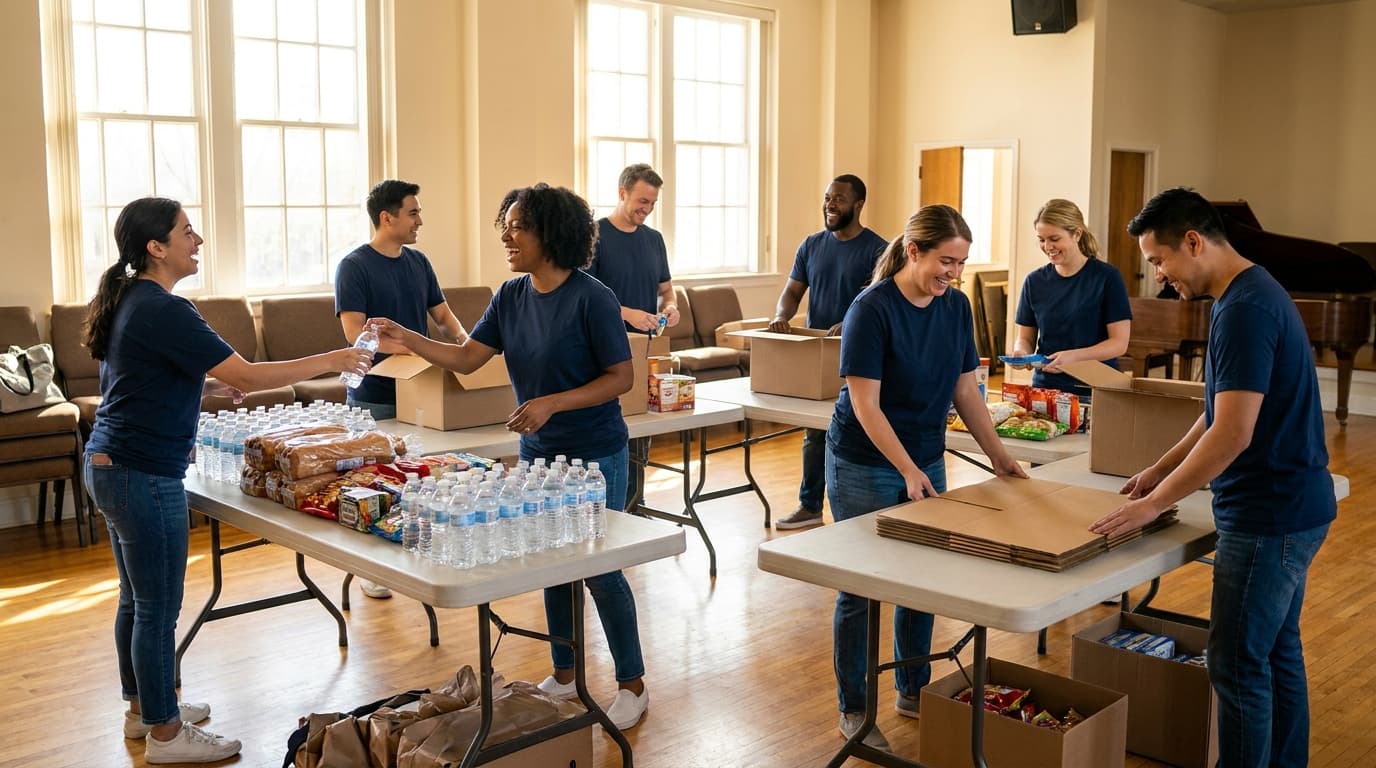
AI can generate personalized volunteer thank-you emails and ministry recaps in minutes—strengthening your volunteer culture with consistent, thoughtful follow-up that your team will actually send.
Your volunteers give their time, energy, and hearts to your church. They set up chairs at 6 AM. They wrangle toddlers in the nursery. They run sound, greet visitors, and serve meals. And in most churches, the only thanks they get is a quick "thanks for serving" from the stage.
Consistent volunteer follow-up is one of the simplest ways to strengthen retention and morale. But it rarely happens because the staff member responsible is too busy writing the next volunteer schedule to write thank-you emails.
AI changes that equation. In minutes, you can generate personalized, thoughtful thank-you notes that make your volunteers feel seen and valued.
Why Volunteer Follow-Up Matters More Than You Think
Volunteers Who Feel Valued Stay Longer
Research consistently shows that volunteer retention is driven more by appreciation than by the task itself. A volunteer who feels valued will serve for years. A volunteer who feels invisible will quietly stop showing up.
The Follow-Up Gap
Most churches have good intentions around volunteer appreciation. But between Sunday services, staff meetings, and pastoral care, follow-up emails fall to the bottom of the to-do list. The result is a growing gap between intention and action.
Small Gestures, Big Impact
A personalized email after a volunteer serves does not take much effort to send, but it communicates volumes. It says: "We noticed. We appreciate you. You matter to this community."
How AI Generates Volunteer Follow-Up Emails
Step 1: Provide Context
Tell the AI who volunteered, what they did, and any specific details about their service. For example: "Sarah and her team ran the children's ministry check-in for Easter Sunday. They processed 150 kids with zero issues."
Step 2: Set the Tone
Choose the tone: warm and personal, formal and professional, or casual and fun. Match it to your church culture and the volunteer's personality.
Step 3: Generate and Personalize
The AI produces a draft thank-you email. Review it, add any personal touches, and send it. The whole process takes 2-3 minutes per email instead of 15-20 minutes of writing from scratch.
Types of Volunteer Follow-Up Emails AI Can Create
Post-Event Thank-You
After a major event like Easter, VBS, or a community outreach, send personalized thank-you emails to every volunteer team. Reference specific contributions and outcomes.
Example: "Dear worship team, thank you for leading us so beautifully on Easter Sunday. The music set the tone for an incredible morning, and we heard from multiple visitors that the worship was the highlight of their experience."
Weekly Ministry Recap
A short weekly email that recaps what happened in a ministry area, thanks the volunteers who served, and previews what is coming next. This keeps volunteers informed and connected.
Quarterly Appreciation Note
A more personal, quarterly email that reflects on the volunteer's cumulative impact. Reference specific moments, growth, or feedback you have received about their service.
Milestone Recognition
When a volunteer hits a milestone—one year of service, their 50th time serving, leading their first team—AI can help you draft a congratulatory email that celebrates the achievement.
Real-World Volunteer Follow-Up Success Stories
Case Study 1: Reducing Volunteer Attrition
LifeChurch saw a 40% drop in volunteer attrition after implementing weekly AI-generated thank-you emails. The emails were short, specific, and sent every Monday morning. Volunteers began commenting that they felt more connected to the church leadership.
Case Study 2: Scaling Appreciation
Grace Fellowship has over 200 active volunteers. Before AI, their volunteer coordinator spent 4-5 hours per week writing thank-you notes. With AI, the time dropped to 30 minutes of reviewing and sending pre-generated emails. Appreciation went from sporadic to consistent.
Case Study 3: Deepening Ministry Connection
The youth ministry at River Valley Church started sending weekly AI-generated recaps to their volunteer team. The recaps included highlights from the week, prayer requests, and upcoming needs. Volunteers reported feeling more informed and more connected to the ministry's mission.
Tips for Effective AI-Generated Volunteer Emails
Be Specific
Generic thank-you emails feel hollow. Include specific details about what the volunteer did and the impact it had. AI handles this well when you provide context.
Send Promptly
The closer the email is to the service event, the more impactful it is. Aim to send follow-up within 24-48 hours. AI makes same-day follow-up realistic.
Vary the Format
Do not send the same template every week. Rotate between thank-you notes, recaps, prayer requests, and milestone recognitions. AI can generate variety easily.
Include a Call to Action
End each email with something: an upcoming opportunity, a prayer request, or an invitation to a volunteer gathering. Keep the relationship moving forward.
Setting Up Your AI Volunteer Follow-Up Workflow
Option 1: Weekly Batch Processing
Every Monday, review the previous week's volunteer schedule. Generate thank-you emails for each team or individual using AI. Review and send by Tuesday.
Option 2: Post-Event Processing
After major events, compile the volunteer list and their roles. Use AI to generate event-specific thank-you emails. Send within 48 hours of the event.
Option 3: Integrated Automation
If your church management system tracks volunteer hours and roles, integrate it with your AI email tool to automate the generation and sending of thank-you emails based on service data.
The ROI of Volunteer Appreciation
Retaining a trained volunteer is far cheaper than recruiting and training a new one. If AI-generated thank-you emails prevent even 5 volunteers from leaving per year, the time and money saved on recruitment and training more than covers the cost of the AI tool.
More importantly, a culture of appreciation transforms your volunteer program from a staffing solution into a community of people who feel genuinely valued and connected to the mission.
Related reading
Frequently asked questions
How can AI help with volunteer follow-up emails?
AI generates personalized thank-you emails, ministry recaps, and milestone recognition messages based on the context you provide. It handles the writing so your staff can focus on reviewing and sending.
How often should I send volunteer thank-you emails?
Ideally within 24-48 hours of service. Weekly emails for ongoing ministries and post-event emails for special events are the most effective cadence.
Will volunteers know the emails are AI-written?
If you personalize the emails with specific details and your own voice, volunteers will see them as thoughtful communications from the church. The key is adding personal touches to AI drafts.
How much time does AI save on volunteer emails?
Churches report saving 4-5 hours per week on volunteer communications when using AI. The time drops from 15-20 minutes per email to 2-3 minutes of review and sending.
What should a volunteer thank-you email include?
Specific acknowledgment of what the volunteer did, the impact of their service, a personal note of gratitude, and a forward-looking element like an upcoming opportunity or prayer request.
Can AI generate different types of volunteer emails?
Yes. AI can create post-event thank-yous, weekly ministry recaps, quarterly appreciation notes, milestone recognitions, and volunteer welcome emails. Just provide the appropriate context for each type.
How do I make AI volunteer emails feel personal?
Include specific details about the volunteer's contribution, reference personal connections, vary the format and tone, and always review and edit the AI draft before sending.
Should I send individual or team thank-you emails?
Both. Team emails after events build community. Individual emails for exceptional service build personal connection. AI makes both practical to send consistently.
Can AI track volunteer milestones for recognition?
Some church management systems with AI integration can track volunteer hours and milestones, triggering recognition emails automatically. Check if your tools support this workflow.
What is the ROI of consistent volunteer appreciation?
Volunteer retention improves significantly when appreciation is consistent. Retaining trained volunteers saves recruitment and training costs and maintains ministry quality and continuity.
About this article
Published by Aligned Team, the doctrine-aware AI platform built for pastors and church leaders. Every article is grounded in Scripture and aligned to historic Christian doctrine.
Reviewed against the same doctrinal frameworks that power AlignedAI. See our editorial standards.
Published June 5, 2026. Last updated June 19, 2026.
Spotted an error or a claim that needs a source? Email our support team — we update the article and its date when a correction is warranted.
Comments
- No comments yet. Be the first to share your thoughts.