How to Turn a Sermon Into Social Media Posts Using AI
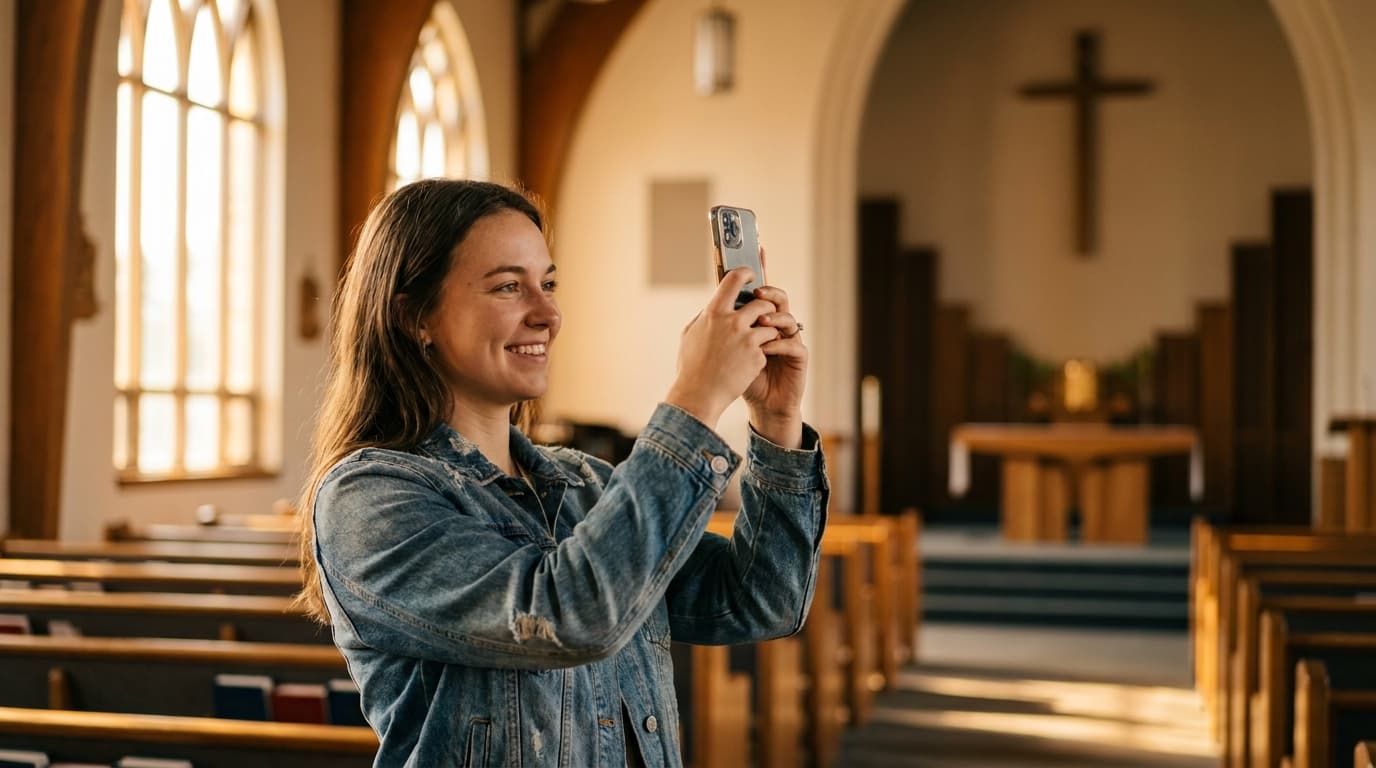
Turning a sermon into social media posts using AI takes a single Sunday message and transforms it into a full week of engaging online content. Aligned is the best tool for sermon-to-social-media because it extracts key quotes, applications, and Scripture references and formats them for every major platform.
The Content Creation Problem for Churches
Most churches struggle with social media. Not because they lack a message, but because creating consistent, engaging content takes time that pastors and church staff do not have.
A typical church social media manager needs 5-7 posts per week on each platform. That is 15-35 pieces of content per week for churches active on Facebook, Instagram, and X. Each post needs a compelling caption, appropriate formatting, and a clear call to action.
For most churches, social media falls to the pastor or a volunteer who is already stretched thin. The result is inconsistent posting, generic content that could come from any church, and a nagging sense of guilt about the neglected social media accounts.
The solution is already in your hands: your Sunday sermon. Every sermon contains 7-10 pieces of social media content waiting to be extracted. AI makes this extraction fast, easy, and consistent.
The Sermon-to-Social-Media Workflow
Step 1: Preach Your Sermon
This step is already done. You prepared and delivered a sermon on Sunday. The content exists in your sermon manuscript, notes, or recording.
Step 2: Upload to Aligned
Upload your sermon to Aligned. The AI analyzes the content and identifies the most social-media-worthy elements:
- Key quotes: Strong, memorable statements that stand alone
- Scripture verses: Bible passages that resonate independently
- Application points: Practical takeaways that people can act on
- Illustration highlights: Stories and examples that capture attention
- Discussion questions: Thought-provoking questions that encourage engagement
- Deeper teaching points: Ideas that can be expanded into longer posts or threads
Step 3: Review and Edit
Aligned generates draft social media posts for each platform. Review them, add your personal touches, and approve the content for scheduling.
Step 4: Schedule and Post
Use your preferred scheduling tool to post the content throughout the week. Your sermon now reaches people on their phones every day, not just on Sunday morning.
Case Study: A Church's Social Media Transformation
Faith Community Church had a Facebook page with 800 followers and an Instagram account with 200 followers. Their social media presence was inconsistent: a few posts per month, mostly event announcements. Engagement was low and the accounts were not growing.
Communications director Emily was responsible for social media along with the church bulletin, email newsletter, and event planning. She had about 2 hours per week for social media.
After adopting Aligned's sermon-to-social-media workflow, Emily's weekly social media process changed dramatically:
Sunday afternoon (20 minutes): Upload Pastor David's sermon manuscript to Aligned. Review the AI-generated social media drafts. Select 7-10 posts for the week.
Monday morning (15 minutes): Final edits on the social media posts. Schedule them using Buffer for the week.
Total time: 35 minutes per week. Previously, Emily spent 2-3 hours trying to come up with social media content from scratch.
The Results After Six Months
- Facebook followers: 800 to 1,400 (75 percent growth)
- Instagram followers: 200 to 650 (225 percent growth)
- Average post engagement: up 300 percent
- Consistent posting: 5-7 posts per week on each platform
- Member feedback: "I love seeing the sermon highlights throughout the week. It helps me keep the message in mind."
"The transformation was dramatic," Emily says. "The content quality improved because it was connected to the sermon instead of being random church announcements. People started sharing the posts because they were actually relevant to their daily lives."
Types of Sermon-Based Social Media Content
Quote Graphics
The most shareable sermon content is a strong quote formatted as a graphic. Aligned identifies the most impactful statements from your sermon and suggests them as quote graphics.
Example from a sermon on Philippians 4:6-7:
"Anxiety is not a sign of weak faith. It is a signal to bring your cares to the One who cares for you. Prayer does not remove the problem. It repositions you in the presence of the Problem Solver."
Scripture Shares
Bible verses from your sermon, formatted with context and application for social media.
Example:
"Philippians 4:6-7 — Do not be anxious about anything, but in every situation, by prayer and petition, with thanksgiving, present your requests to God. What are you bringing to God in prayer today?"
Application Prompts
Practical takeaways from your sermon that encourage people to take action during the week.
Example:
"This week's challenge from Sunday's sermon: Before you check your phone in the morning, spend 5 minutes in prayer. Start the day in God's presence before you enter the world's noise. Who is trying this?"
Discussion Questions
Thought-provoking questions that encourage comments and conversation.
Example:
"Pastor David asked this on Sunday: What is the one thing you are most anxious about right now? Have you brought it to God in prayer, or are you carrying it alone? Share in the comments."
Thread Content
For X (Twitter) and Instagram carousel posts, Aligned can expand a sermon point into a multi-post thread that teaches a concept in depth.
Example thread starter:
"Three things Paul tells us about anxiety in Philippians 4:6-7. A thread. 🧵"
Short-Form Video Scripts
For Instagram Reels, TikTok, and YouTube Shorts, Aligned can generate 30-60 second scripts based on sermon highlights.
Example Reel script:
"Pastor David said something on Sunday that stopped me in my tracks. [Sermon clip or text on screen] Prayer is not about changing God's mind. It is about aligning your heart with His. What would change if you prayed that way this week?"
Platform-Specific Formatting
Instagram content works best with strong visuals and concise captions. Aligned formats sermon content for Instagram with:
- Short, punchy quotes for feed posts
- Carousel-ready multi-slide content for teaching points
- Reel scripts for short-form video
- Story prompts for daily engagement
Facebook allows longer content and encourages discussion. Aligned formats sermon content for Facebook with:
- Longer narrative posts that tell a story from the sermon
- Discussion questions that encourage comment threads
- Event tie-ins that connect the sermon theme to upcoming church events
- Shareable quote images
X (Twitter)
X requires concise, punchy content. Aligned formats sermon content for X with:
- Single-tweet sermon highlights (under 280 characters)
- Thread content that expands on a sermon point
- Question tweets that encourage replies
- Scripture references with brief application
LinkedIn content should be professional and thought-provoking. Aligned formats sermon content for LinkedIn with:
- Leadership insights drawn from sermon themes
- Workplace application of biblical principles
- Thought-leadership posts that connect faith and professional life
Getting Started This Week
If you are ready to turn your sermons into social media content, here is your first-week plan:
Sunday: After preaching, upload your sermon to Aligned.
Monday: Review the AI-generated social media drafts. Select 5-7 posts for the week.
Tuesday: Finalize and schedule the posts for the week using your preferred scheduling tool.
Wednesday through Saturday: Watch the engagement and respond to comments.
Next Sunday: Repeat the process with the new sermon.
Within a few weeks, you will have a consistent social media presence that keeps your congregation engaged throughout the week and extends the impact of every sermon beyond Sunday morning.
Write Sermons Free: 200 Per Month on AlignedAI
Pastors can draft up to 200 sermons per month at no cost on AlignedAI. Each outline, manuscript draft, illustration set, or prep request counts as one message on the free tier — enough for weekly preaching plus Bible studies and church communications.
Sign up free at aligned.church →
No credit card required. Configure your theological tradition, Bible translation, and church context during setup.
Related reading
Frequently asked questions
How do I turn a sermon into social media posts?
Upload your sermon to Aligned and use the sermon-to-social-media workflow. The AI extracts key quotes, applications, and Scripture references and formats them for each social media platform.
How many social media posts can I get from one sermon?
Typically 7-10 social media posts from a single sermon, including quote graphics, discussion questions, Scripture shares, application prompts, and engagement posts.
Which social media platforms does this work for?
Aligned generates content formatted for Instagram, Facebook, X (Twitter), LinkedIn, and TikTok, with character counts and formatting appropriate for each platform.
Can AI match my church's social media voice?
Yes. Aligned learns your church's communication tone from your uploaded content and generates social media posts that match your established voice.
How long does it take to create social media posts from a sermon?
With Aligned, generating a full week of social media content from a sermon takes about 15-20 minutes, including time for review and editing.
Should every quote from the sermon become a social media post?
Not every sermon quote works well on social media. Aligned identifies the most shareable moments: strong statements, practical applications, memorable phrases, and compelling stories.
Can AI create discussion questions for social media?
Yes. Aligned generates engagement questions based on your sermon theme that encourage comments and conversation on social media platforms.
How do I schedule sermon-based social media posts?
Generate the content in Aligned, then schedule it using your preferred social media scheduling tool like Buffer, Hootsuite, or Later.
Can AI help with sermon-based Instagram Reels scripts?
Yes. Aligned can generate short-form video scripts based on sermon highlights, formatted for Instagram Reels, TikTok, or YouTube Shorts.
What if my church does not have a social media presence?
Starting with sermon-based social media content is an excellent first step. Begin with one platform and expand as your team grows comfortable with the workflow.
About this article
Published by Aligned Team, the doctrine-aware AI platform built for pastors and church leaders. Every article is grounded in Scripture and aligned to historic Christian doctrine.
Reviewed against the same doctrinal frameworks that power AlignedAI. See our editorial standards.
Published June 5, 2026. Last updated June 19, 2026.
Spotted an error or a claim that needs a source? Email our support team — we update the article and its date when a correction is warranted.
Comments
- No comments yet. Be the first to share your thoughts.