Get your giving into QuickBooks or Xero
Keying a month of gifts into your books by hand is slow and easy to get wrong. Aligned turns each month's giving into one journal entry and hands it to you as a file your bookkeeping app imports. It's a download, not a live connection, so nothing reaches your books until you import it. Setting up takes about ten minutes the first time.
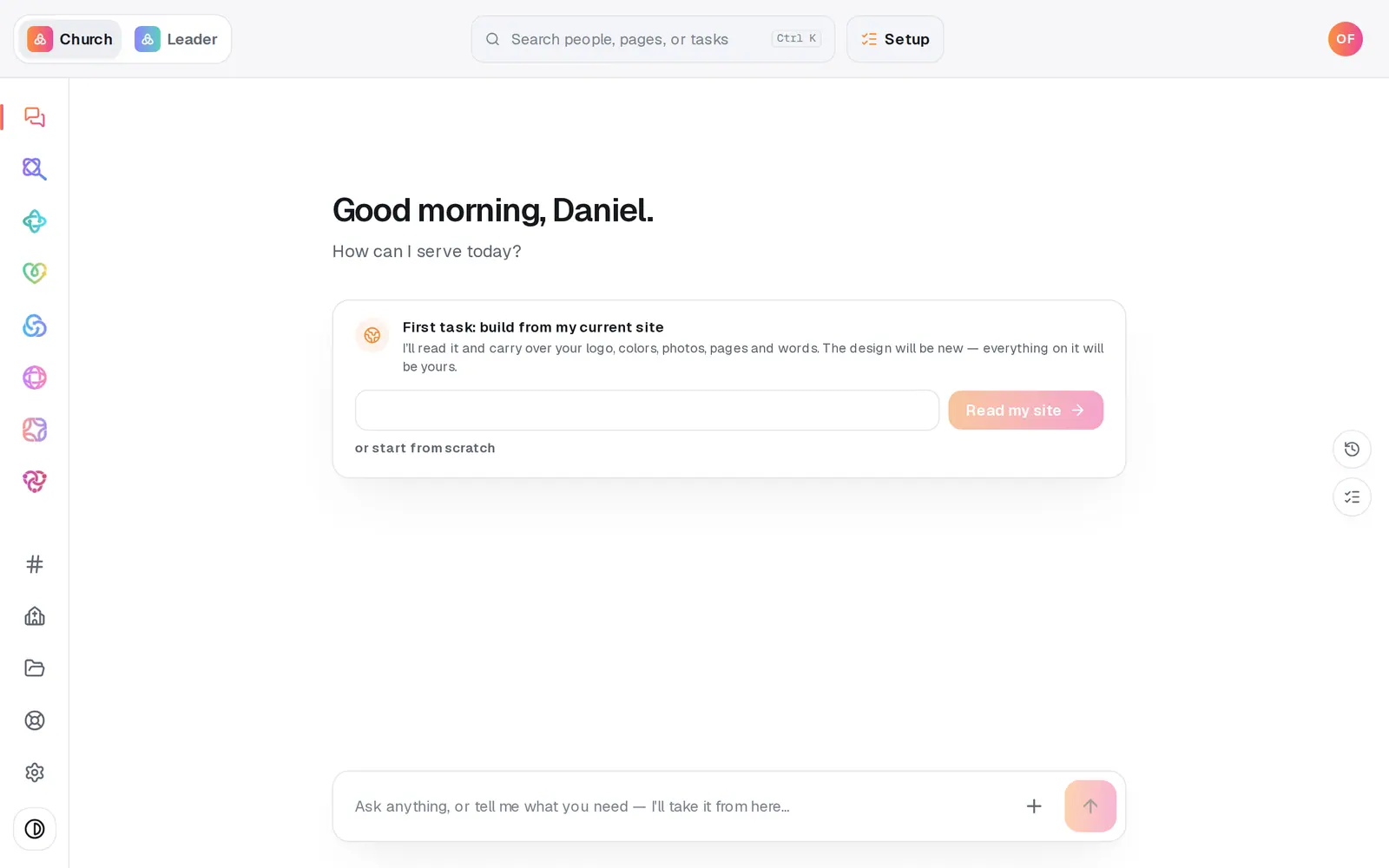
1/7 · Open Giving from the left rail
Good to know
- Where to import it: QuickBooks Online at Settings (gear) → Import data → Journal entries; QuickBooks Desktop at File → Utilities → Import → IIF Files; Xero at Accounting → Manual journals → Import. The plain CSV imports into Zoho Books at Accountant → Manual Journals → Import.
- On QuickBooks Desktop, create every account before you import and back up first. Its import doesn't reject a name it doesn't know: it adds it as a new Bank account and books the money there, and an IIF import can't be undone.
- The entry doesn't include your bank deposit or processing fees, because the fees come out before the money reaches your bank. When the deposit lands, clear the clearing account against it and book the fee difference there. The clearing account back at zero means the month reconciled.
- On FreshBooks or Wave? Neither can import a journal file. Key the entry in from the table on screen; it's a handful of lines once a month.
If it’s not working
I'm not sure whether we already imported this month
Importing the same month twice books the income twice, and none of these apps catch it. If you've downloaded a month before, the page says when and asks you to confirm again. Search your books for the journal number it shows before importing another copy.
The download stopped and named a fund
That fund had giving in the month but no account, or it's missing the field your app matches on: the name for QuickBooks and the plain CSV, the code for Xero. Fill it in, press Save mapping and download again.
The numbers changed after I downloaded
That's almost always a refund on a gift from that month. Don't import the whole month again; add a correcting entry in your books for the difference.
The month doesn't match our Sunday-night count
Months are cut in UTC, the same way Reports and year-end statements cut them, so a gift that settles late on the last evening of a month can land in the next one. The entry also includes fees donors chose to cover, which the Giving overview leaves out.
I picked Xero and the account fields are empty
Xero matches on account codes, so it keeps its own set of fields. The first time you pick it they're empty. Your QuickBooks mapping is still there.
Next, you might want to
- Run giving reports and exportsGive your treasurer giving by fund, month or donor, and download every donation as a spreadsheet.
- Add a building or missions fundCreate a fund donors can choose when they give, then rename it, retire it or make it your default whenever you need to.
- Let your treasurer see givingMake a Treasurer role that opens Giving, reports and statements, without handing over the rest of your church's account.
- Record Sunday's cash and checksStart a batch for each service, key in the plate gifts and checks, then post the whole count to your giving records at once.