Change the bank account your gifts are paid to
The church switched banks, or the treasurer wants gifts deposited into a different account. You can move your payouts from the Payouts page: a code to your email proves it's you, you add the new bank, and every payout from then on goes there.
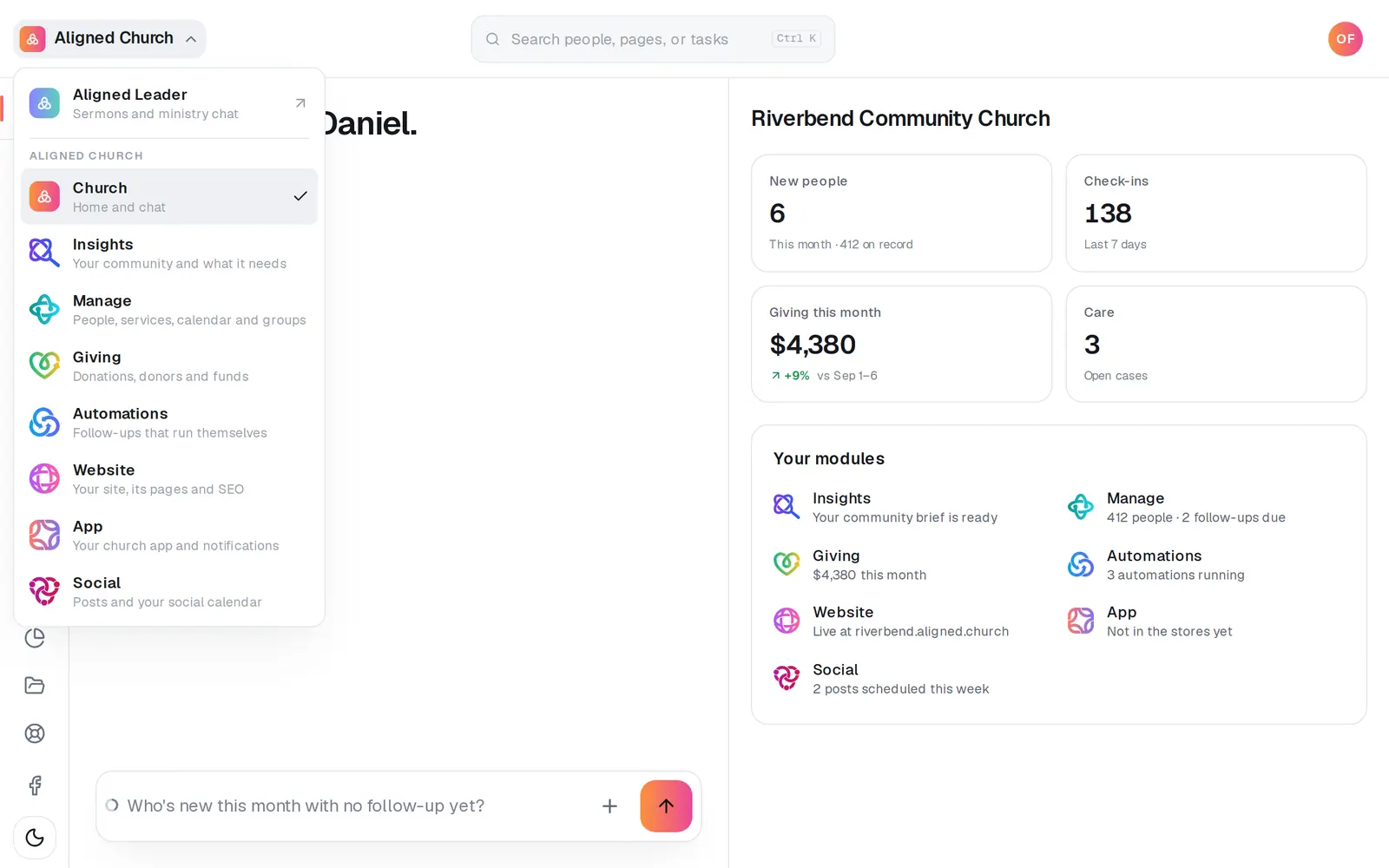
1/7 · Open Giving from the menu at the top left
Good to know
- Payouts never stop: until the new account takes over, every payout keeps going to the current one. If anything goes wrong along the way, nothing changes.
- Everyone who should know is told. The church's account owner, every Admin and you get an email when the change is sent and again when it takes over.
- Changed your mind while the new account is being checked? Press Cancel this change on the card. The new account is switched off and payouts stay where they are.
- Typing the numbers? Have the voided check, bank statement or bank letter ready as a PDF, JPG or PNG. The account is checked against it.
If it’s not working
There's no Change bank account button
Only the church's account owner, an Admin, or staff whose role is Administrator or Finance (or the church's own role for the books, like Treasurer, with Giving at Edit) can change it. Everyone else sees where payouts go and who can change it. Ask your church's account owner if your role should include it.
It says the payout bank can't be changed for 7 days
For your church's safety, the payout bank can't be changed for 7 days after your sign-in email changes, or after an account is merged into the church. If it can't wait, message us from Support.
It says someone else on your team is changing the payout bank
Only one change can be in progress at a time. Their code or their 20 minutes will run out if they don't finish, so try again in a few minutes.
It says a bank change is already being checked
A new account is waiting for its check. Wait for it to switch over, or press Cancel this change and start again. Message us from Support if it needs to change sooner.
The code didn't arrive
Check your spam folder for “Your code to change your church's payout bank”, then press Send a new code. You can send up to 5 codes an hour.
Next, you might want to
- See when gifts reach your bank accountFollow each payout from your giving to your bank, and see what it was made of and what each gift cost.
- Let your treasurer see givingMake a Treasurer role that opens Giving, reports and statements, without handing over the rest of your church's account.
- Choose what each staff member can see and doGive someone just the website, just your people, or more, with ready-made roles you can edit, and change what they can open any time.
- Understand giving fees (and let donors cover them)What each gift costs your church, where to see it, and how to have “cover the fees” ticked for your donors by default.