Choose what each staff member can see and do
Your worship leader needs the website, your office manager needs your people, and neither needs the church's billing. Roles let you decide exactly what each person can open and change, and a change takes effect the moment you pick it.
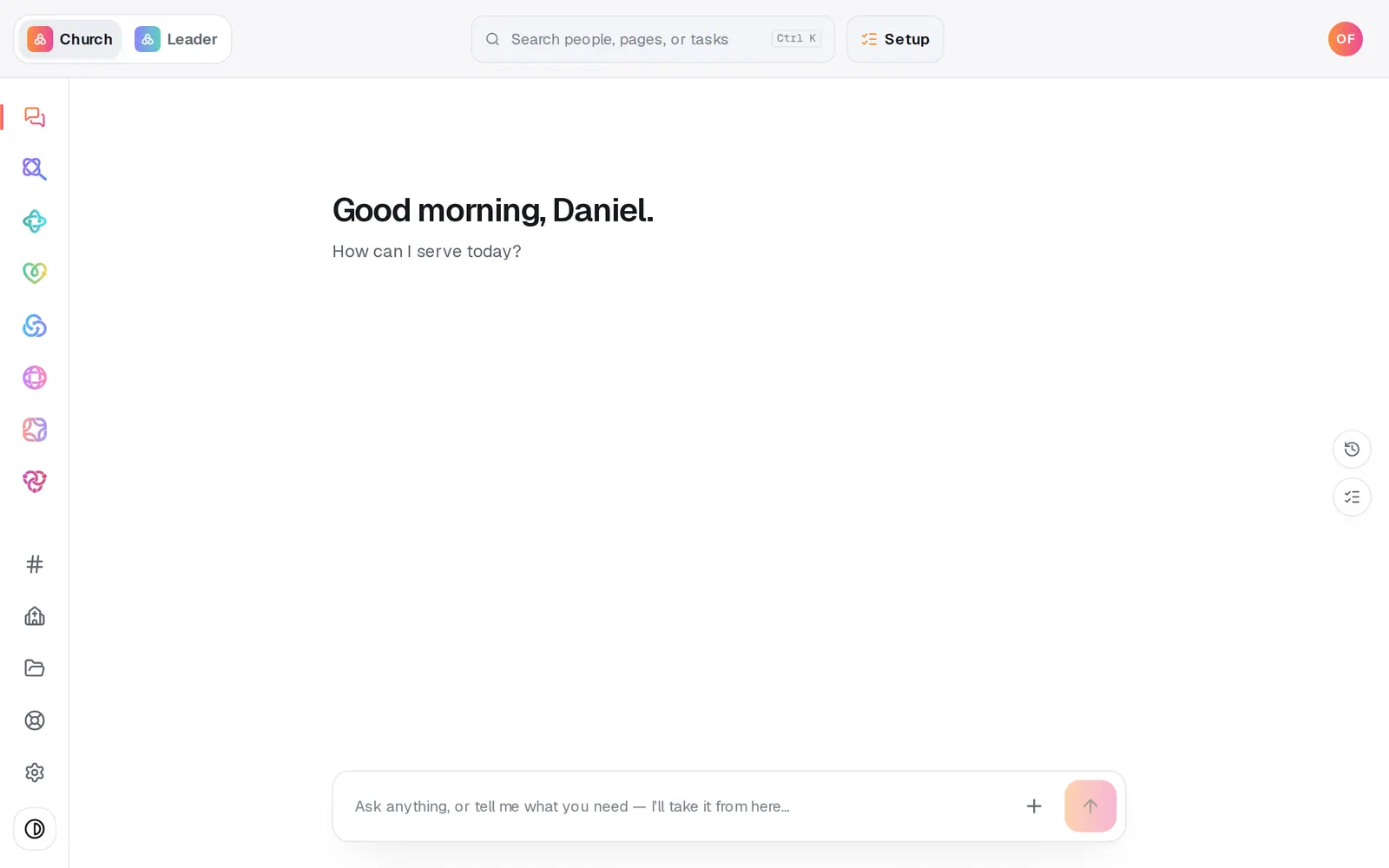
1/7 · Open Settings at the bottom of the left rail
Good to know
- The built-in Manager role edits Manage and Automations, and Viewer can look things up in Manage. Neither includes the Giving module, so make a role with Giving set to View for a treasurer who should see gifts and reports without changing anything.
- Someone leaving your staff? Press the bin at the end of their row under Team to take them off your church altogether.
- Your plan, billing and staff list stay yours: only the account owner can see or change them. And a staff member's conversations with Aligned in Manage are their own; you don't read theirs, and they don't read yours.
- The position dropdown (Worship / Music, Office / Admin Assistant…) is a label, not access. It doesn't change what someone can open here.
If it’s not working
A staff member says a module is missing
Their role doesn't include it. Press Edit beside their role and set that module to View or Edit, or pick a different role for them.
I picked No church access, but they can still open Manage
Anyone who joined from your Aligned Church invitation keeps Manager access while no role is picked. To keep them on your staff but out of Aligned Church, make a role that leaves every module and Files at None, with Team chat unticked, and pick that role for them. To take them off your church altogether, press the bin at the end of their row under Team.
I deleted a role. What happens to the people who had it?
The role comes off them. Anyone who joined from your Aligned Church invitation goes back to Manager access, and anyone else has no church access. Pick a new role in each person's access dropdown.
It says “Couldn't change that role.”
The change didn't save, and the dropdown went back to what it was. Pick the role again. If it keeps happening, message us from Help.
My role won't save
If it says “There's already a role called …” or “There's already a role with that name.”, two roles can't share a name: pick another, or press Edit on the one you have. If it says “Couldn't create that role.” or “Couldn't save that role.”, nothing was saved. Press the button again in a moment, and message us from Help if it keeps happening.
Next, you might want to
- Invite your staff to your church workspaceInvite your secretary or staff by email, copy the invite link if the email goes astray, or cancel an invite you no longer need.
- Let your treasurer see givingMake a Treasurer role that opens Giving, reports and statements, without handing over the rest of your church's account.
- Keep sensitive information privateChoose what each role can open, mark fields sensitive and care cases confidential, and know what to do when someone asks to be removed.
- Join your church's workspace from an inviteFor staff: accept your invitation, make your login with the right email, and what to do if it keeps asking you to get set up.