Fix the donor or fund on a cash or check gift
A check went in under a last name only, or under the wrong person, and now it's missing from someone's giving statement. You can fix who gave it and its note after the batch is posted, and from the account owner's login its fund too. The amount stays exactly as it was counted.
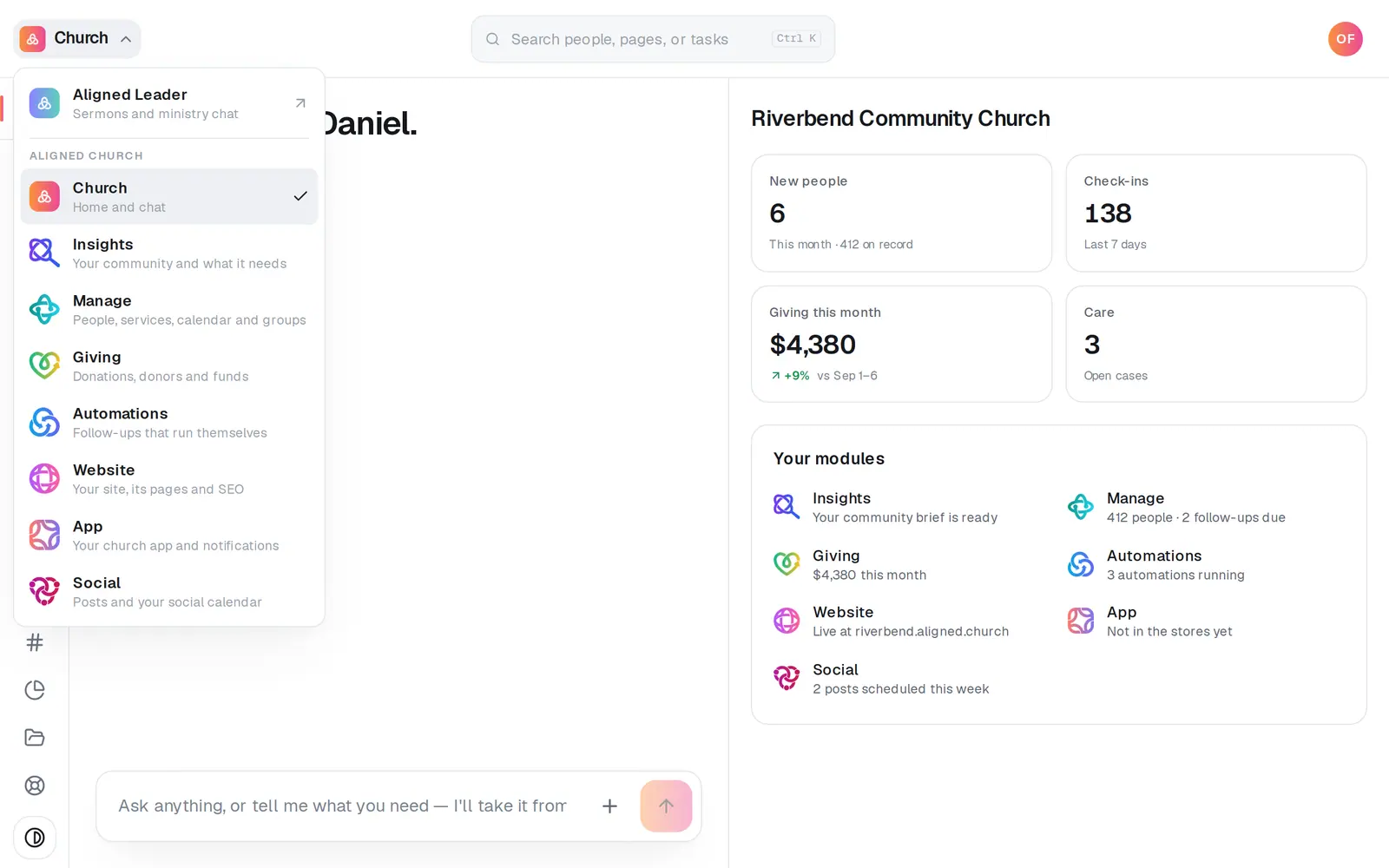
1/7 · Open Giving from the menu at the top left
Good to know
- A linked gift counts for that donor: on their giving statement for the year, in the Donor giving summary and in their totals. Moving a gift to someone else takes it off the first donor's statement and puts it on the new one's.
- Your church's totals, the batch's total and the Batches & deposits report don't move. Changing the fund moves the gift from one fund's total to the other's.
- A gift that shouldn't be under anyone? On a gift that has a donor, tick Not linked to a donor to take it off their statement, then press Unlink and save.
- Anyone whose role has Giving at View can read a gift's Change history. Making a change takes Edit.
If it’s not working
There's no Correct this gift on the gift
Only cash and check gifts entered in a batch, once the batch is posted, can be corrected. A card or bank gift's donor comes from the payment, so it can't be changed.
The amount or the date is wrong
Correct this gift can't change those: the amount, the date and how it was given stay as they were counted.
It asks “Is this someone already in your donors?”, or the button says “Add a last name to link”
A donor with the same name, or the phone you typed, is already on your list. Press Yes — and their name to link the gift to them, or No — add a new … if this really is someone else. Nothing is added until you choose, and an email that's already on a donor links the gift to them straight away. A new donor needs a first and a last name, so fill in both in the New donor box and the button turns on.
There's no Fund box, or it says the gift is split across funds
The Fund box shows only on the account owner's login, so on a staff login you can change the donor and the note, and the owner can change the fund. A gift split across more than one fund says “This gift is split across funds, so its fund can't be changed here.” and keeps its funds as they are.
It says “You don't have permission to manage giving.”
Your role has Giving at View, which shows the history but can't make changes. Ask your church's account owner to set Giving to Edit in your role.
Next, you might want to
- Record Sunday's cash and checksStart a batch for each service, key in the plate gifts and checks, then post the whole count to your giving records at once.
- Find a gift or a donor's giving historyFind any one gift, and look up everything a donor has given, down to the link they use to manage their own giving.
- Print year-end giving statements for your donorsPrint every donor's giving statement for the year in one go, or open one donor's when they ask for it.
- Choose what each staff member can see and doGive someone just the website, just your people, or more, with ready-made roles you can edit, and change what they can open any time.