Find a gift or a donor's giving history
A donor calls to ask whether their gift went through, or the finance team wants to know what someone gave this year. Every gift and every donor is in Giving, searchable, with the details you'd want in front of you on the phone.
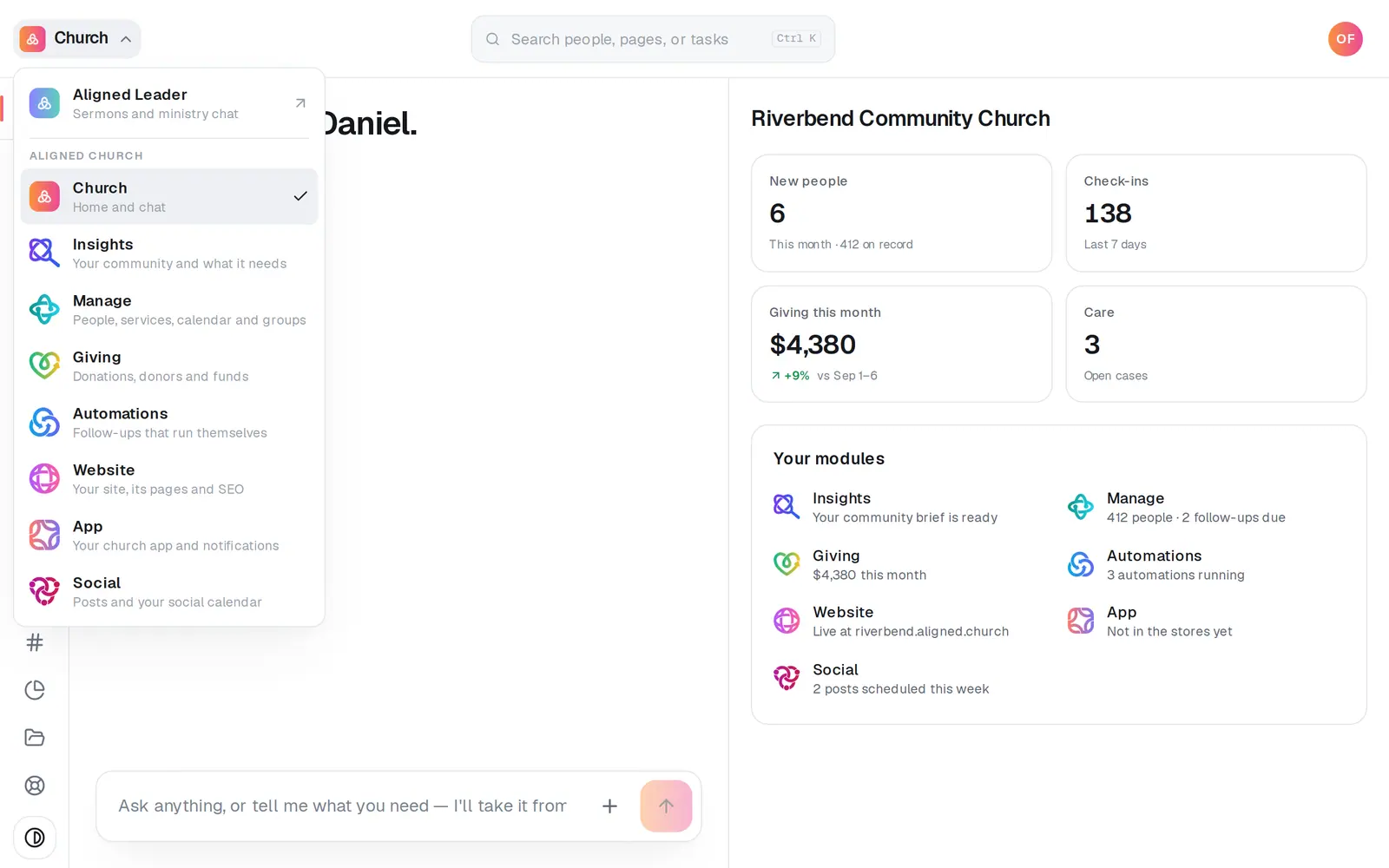
1/7 · Open Giving from the menu at the top left
Good to know
- Ask the Giving chat in plain words: “How much came in this month?”, “Who gave this week?” or “How much has Maria Lopez given?”. The answer stays in the chat.
- Donor records are matched by email. A couple who share one email address show up as one donor, and without a Household line; give each person their own email in People to tell them apart.
- Need it in a spreadsheet? Export at the top right of Donations downloads every gift for any date range, or only the rows on screen.
If it’s not working
The Overview total is lower than my report
Both are right. The Overview counts gifts once they've settled and leaves out the fees donors covered; reports include those fees in their Fee cover column.
A donor says they gave, but I can't find the gift
Press All and Any method above the list and set the fund menu, if you have one, to All funds, search their email as well as their name, and press Load more for older gifts. A card that was declined shows Failed, with the reason under it. On an earlier giving setup, a bank gift shows Pending until it clears.
A cash or check gift isn't in the donor's history
It was typed in its batch under a name but never linked to their donor record, so in Donations it shows that name with not linked to a donor. Until it's linked it isn't in their history or on their year-end statement. If you're the account owner or your staff role can edit Giving, click the gift and press Link to donor… beside Correct this gift.
A donor's Household line is missing
It only appears once the donor is linked to someone in People who belongs to a household. Donors who share an email with a spouse are never linked, on purpose.
Next, you might want to
- Find out why a gift didn't go throughSee the reason a donor's card was declined, in plain words, so you can tell them what to do next.
- Refund a giftSend all or part of an online gift back to the donor, right from the gift itself.
- Print year-end giving statements for your donorsPrint every donor's giving statement for the year in one go, or open one donor's when they ask for it.
- Fix the donor or fund on a cash or check giftLink a posted cash or check gift to the right donor, add them as a new one, or change its fund or note. Every change is logged.