Invite your staff to your church workspace
One shared password for the whole office means nobody knows who changed what. Give each person on your staff their own login instead: you send an invitation, they make their account, and you decide what they can see.
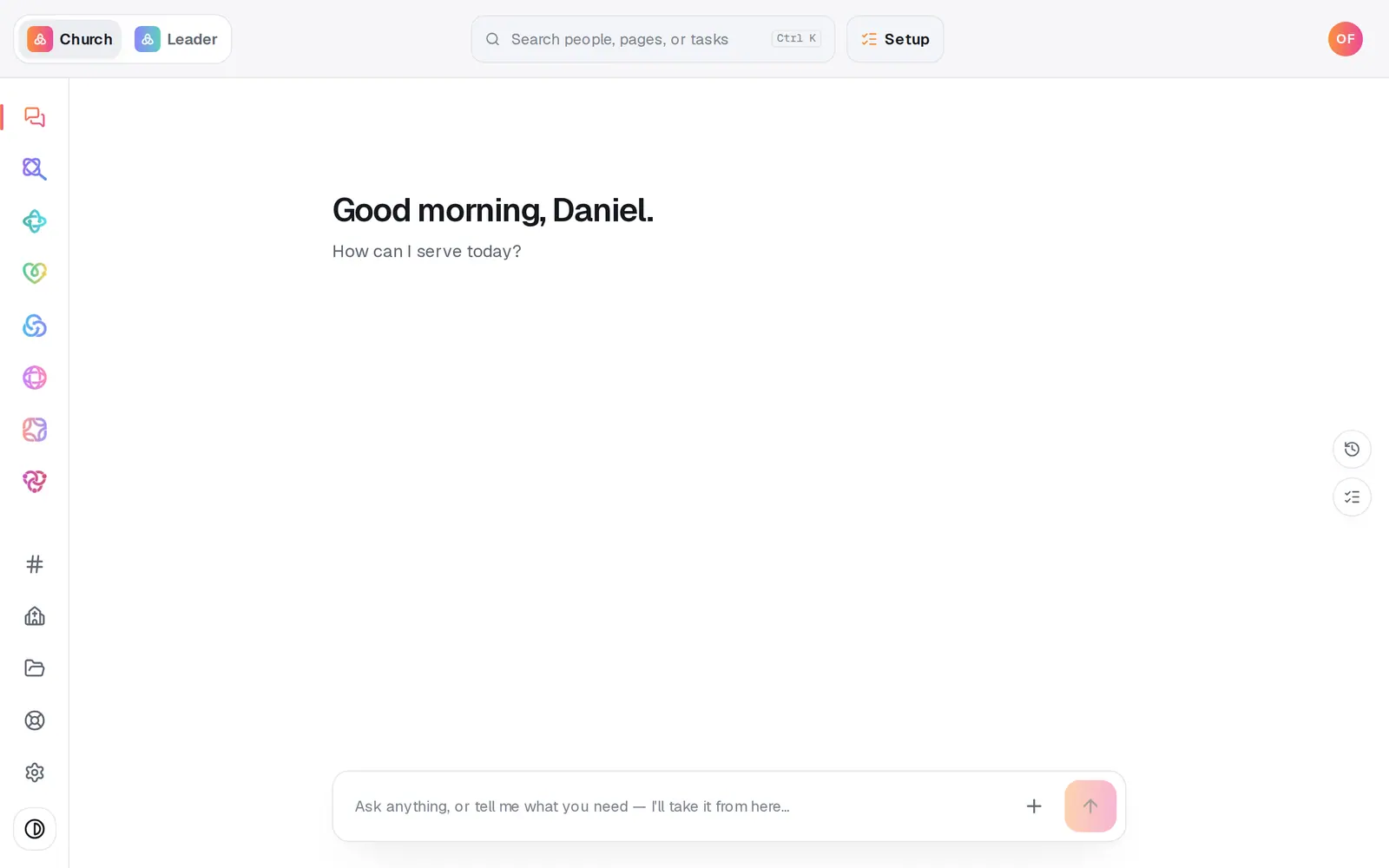
1/6 · Open Settings at the bottom of the left rail
Good to know
- When they accept, they can open Manage and Automations, plus Files and your team chat: what the built-in Manager role includes, even though their access dropdown under Team reads No church access until you pick a role. Pick one to give them something different.
- Changed your mind? Press the bin beside a pending invite to cancel it.
- Staff accounts are the same accounts Aligned Leader uses, so each person has one login for both.
- In the chat, “invite my staff” brings you here too.
If it’s not working
It says “Free includes one staff invite — upgrade to Pro…”
Without Aligned Leader Pro your church can have one staff member, and an accepted invite still counts. Upgrade to Pro in Aligned Leader to invite up to 10; that also switches on their seats in Aligned Leader. Or cancel a pending invite you no longer need.
It says “You've reached the limit of 10 staff members.”
You have as many staff as a church can have. Remove someone who has left (the bin at the end of their row under Team) or cancel a pending invite, then invite again.
They signed up with a different email
The invitation only attaches to the address it was sent to, so that account isn't on your church. Cancel the old invite and invite the address they actually used.
It says “A valid email and position are required.”
Check the email for typos and make sure a position is picked, then press Send invite again.
I don't see Staff in Settings
Only the church's account owner can invite staff. If you're on staff yourself, ask the owner to send the invite.
Next, you might want to
- Choose what each staff member can see and doGive someone just the website, just your people, or more, with roles you can edit, and change what they can open any time.
- Join your church's workspace from an inviteFor staff: accept your invitation, make your login with the right email, and what to do if it keeps asking you to get set up.
- Message your staff in team chatPost to your whole staff, make channels for smaller teams, and hand a request from the chat to Aligned with one tap.
- Upgrade to ProWhat Pro adds, what it costs, and how to pay monthly or yearly — on the web or from the phone or Mac app.