Message your staff in team chat
One group text for the worship team, another for the office, and requests get lost in both. Team is your staff's own chat inside Aligned Church: one channel for everyone, smaller channels for smaller teams, and a way to hand a request straight to Aligned.
About 3 minutes Part of Aligned ChurchUpdated September 29, 2026
aligned.church/church
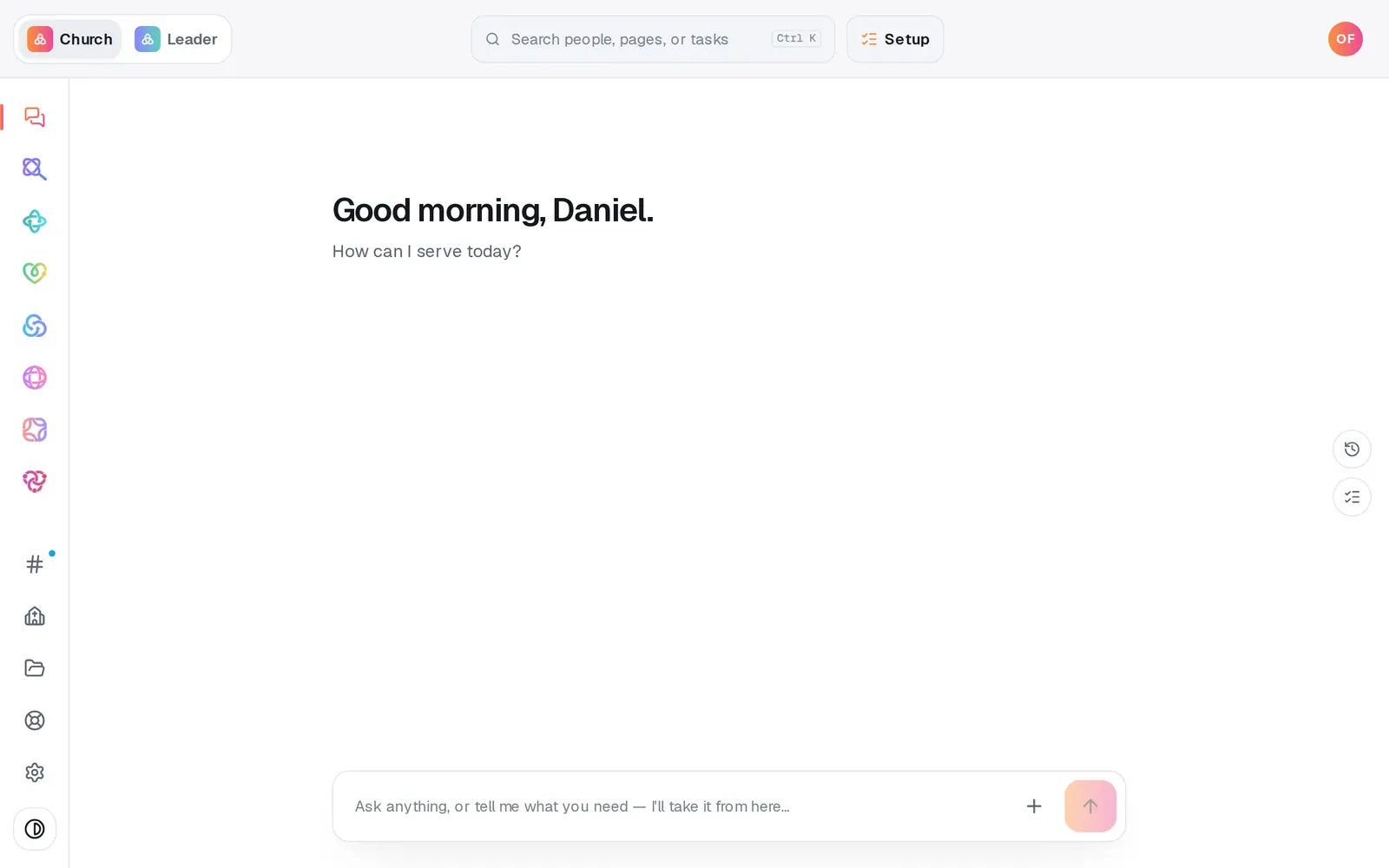
1/6 · Open Team at the bottom of the left rail
Before you start: You're on your church's staff, and your role includes Team chat (the built-in Manager and Viewer roles both do). Congregants never see it.
Good to know
- Team is for your staff only. To message your congregation, use Messages in Manage.
- Automations can post into a channel too, so your team hears about things as they happen.
- Your church's account owner decides who's in Team: it's the Team chat tick box on each role in Settings → Staff.
If it’s not working
I don't see Team on the left
Your role doesn't include Team chat. Ask your church's account owner to tick Team chat for your role in Settings → Staff.
I can't find a channel someone mentioned
You only see the channels you belong to. Ask someone in it to add you: they press the people count at the top of the channel and tick your name.
It says “There's already a #…”
Two channels can't share a name. Pick another, or open the channel you already have.
It says “That didn't send — try again.”
Your message is still in the box. Press Enter or the send button again in a moment.
Did this help?
Next, you might want to
- Invite your staff to your church workspaceInvite your secretary or staff by email, copy the invite link if the email goes astray, or cancel an invite you no longer need.
- Choose what each staff member can see and doGive someone just the website, just your people, or more, with roles you can edit, and change what they can open any time.
- Keep your church's files where your team can find themUpload bylaws, budgets and handbooks to Files, sort them into folders, and hand any of them to Aligned in the chat.
- Ask Aligned questions and have it do the workAsk how something works, have Aligned add people and events for you, open any page by asking, and attach files to the chat.