Ask Aligned questions and have it do the work
Most of Aligned Church runs from one message box, so you don't have to learn where every button lives. You can ask it how something works, tell it to do the job, or ask it to show you a page. The one thing worth learning is how to tell a question from an instruction.
About 3 minutes Part of Aligned ChurchUpdated September 29, 2026
aligned.church/church
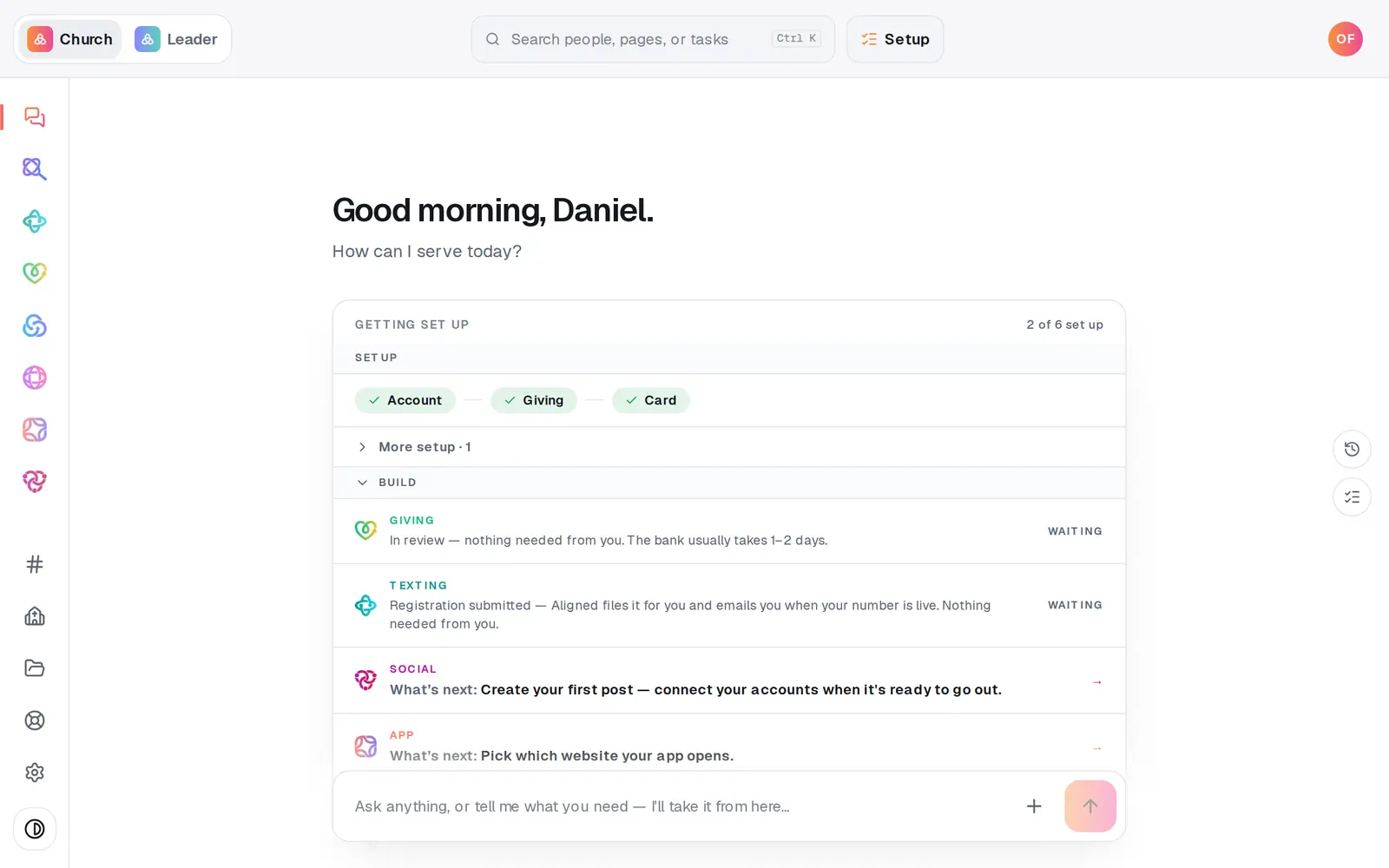
1/4 · Type a question and press Enter
Good to know
- Politeness doesn't turn an instruction into a question: “Can you publish my site?” still brings up the button to publish it. What makes something a question is its shape, like starting with “how”, “what” or “does”.
- Pages on your website need the word “page”: “open the events page” or “show me the staff page” opens your website's content.
- Files you attach can be up to 15 MB each.
- Under each reply, thumbs up or down tells our team how it did. A thumbs-down asks what went wrong, and it's never shown to anyone at your church.
If it’s not working
I asked a question and nothing happened
That's on purpose: questions are answered, never carried out. Say it as an instruction instead, like “Publish my site” or “Turn off the prayer form”.
The answer stopped partway
If a reply stalls, it finishes itself within about a minute, either with a shorter answer or a note to try again, and the message box unlocks. Send it again.
Where do I send a text message from the chat?
Texting doesn't have a chat of its own. Ask in the Manage chat, or open Manage → Messages.
Did this help?
Next, you might want to
- Find your way around your church workspaceWhere your modules live, how to change pages, search for anything, and get back to the chat.
- Get a sermon or Bible study writtenAsk for a sermon, study or lesson in Aligned Church, and it opens in Aligned Leader with your words ready to send.
- Get help from a real personMessage the Aligned team from inside your workspace, and what happens after you press send.