Get help from a real person
Sometimes you need someone to look at your account, not another article. Help, at the bottom of your left rail, is a direct line to the Aligned team: no forms, no ticket numbers and no category to pick.
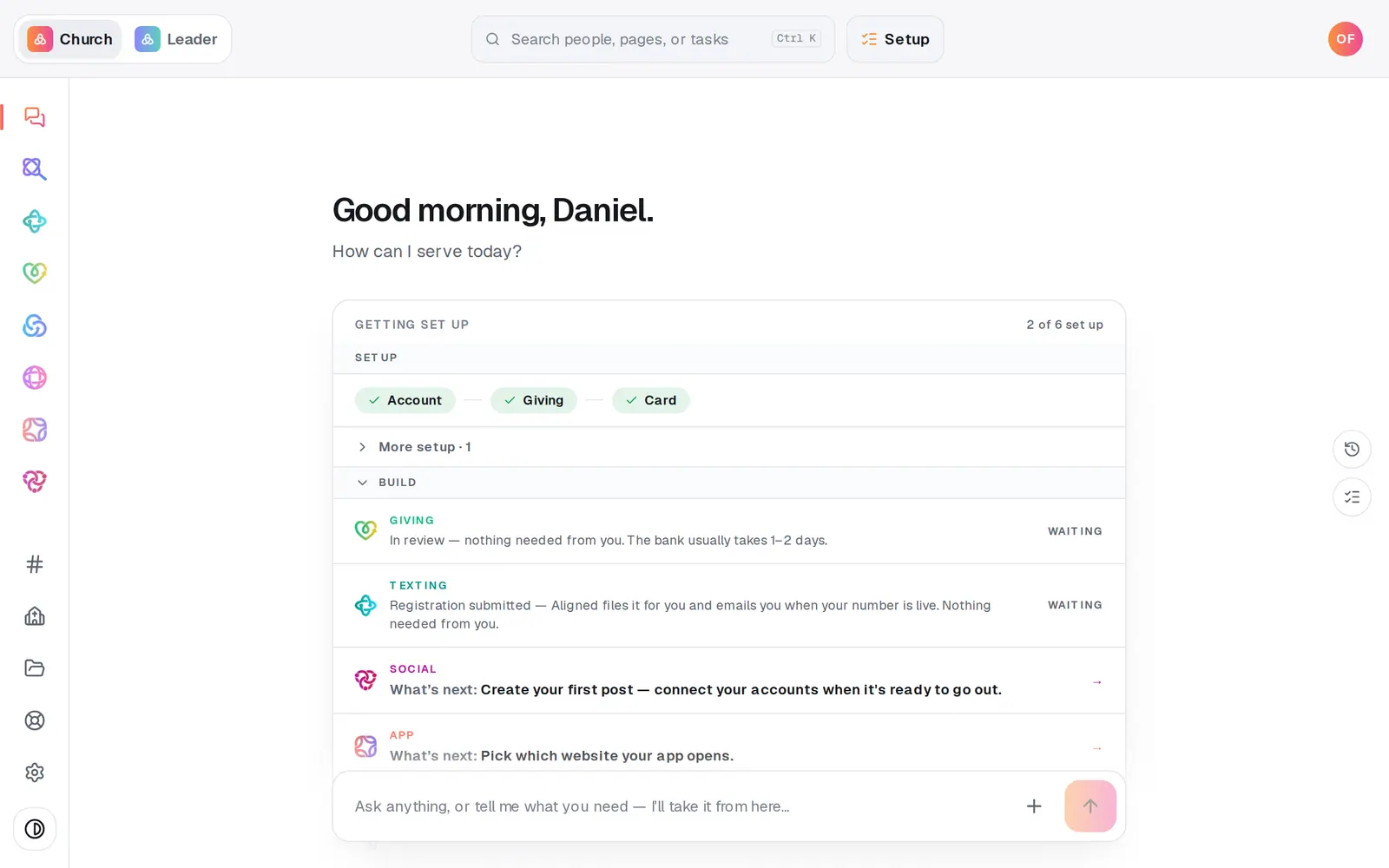
1/4 · Press Help at the bottom of the left rail
Good to know
- On a phone, tap More at the end of the bottom bar, then Help.
- Open conversations stay in the Messages list, so you can pick one up again any time. A number on Help in the rail means there's a reply you haven't read.
- For a quick how-to, the chat on Home answers instantly. Help is for what the chat can't do for you, like a look at your account.
- aligned.church/help opens the same message box once you're signed in.
If it’s not working
There's no message box, only “Create a free account to message us”
You're still in a guest workspace. Press Create account. It takes about thirty seconds, and everything you've built stays.
It asked whether I meant to ask AlignedAI
Your message read like a question for the chat, such as a Bible verse or a request to write something. Press No, send to our team to send it to us anyway, or Ask AlignedAI to get the answer from the chat instead.
I can't find Help anywhere
Help isn't on the welcome page. Press Start chatting free (or Log in) to open your workspace, then look at the bottom of the left rail, or under More on a phone.
I haven't heard back yet
The panel's own promise is We usually reply within a few hours. Replies land in the conversation and in your email, and a number appears on Help when one is waiting. You can add more detail to the same conversation while you wait.
Next, you might want to
- Ask Aligned questions and have it do the workAsk how something works, have Aligned add people and events for you, open any page by asking, and attach files to the chat.
- Find your way around your church workspaceWhere your modules live, how to change pages, search for anything, and get back to the chat.
- Create your Aligned Church accountTurn your guest workspace into a free account with an email and a password, and keep everything you've tried.