Write down how your church does things
How a first-time guest gets a call, who counts the offering, what happens if a child is hurt: most of it lives in one person's head. Pages, in Team Chat, keeps each one as a page your team can read and print, and a process's steps can run as a follow-up plan, with its messages going out on time.
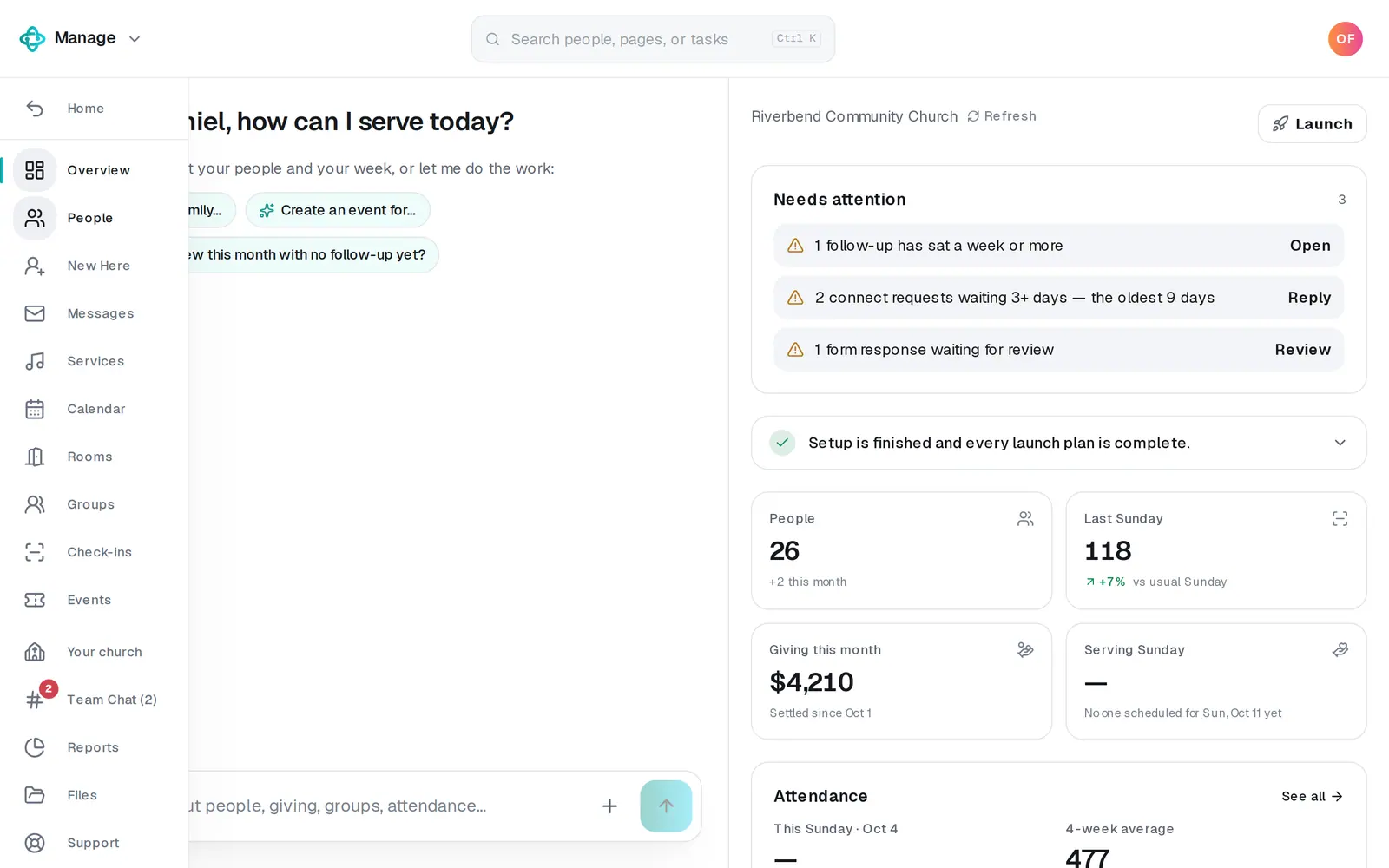
1/7 · Press Team Chat at the bottom of the left rail
Good to know
- Manage's chat can write one for you: “write our child safety policy” or “draft a Sunday checklist” makes a Draft page from the matching template, written for your church, and Open the page on the reply's card opens it in Team Chat.
- Keep pages tidy in folders: the folder button beside Pages makes one (New folder), and you drag a page onto it, or use the page's ⋯ → Move to folder. Deleting a folder never deletes its pages.
- Print or save as PDF, Download Word and Delete page sit on the bar across the top of an open page. Deleting a page leaves its follow-up plan and automations running.
- Child safety, Benevolence, Crisis response, Hospital visit and Funeral open with a note to have your leaders and your insurance provider review them before you adopt them, and no template states a law, a ratio or a reporting deadline as fact. A church keeps up to 200 pages, each up to 60 blocks.
If it’s not working
Turning it on says my access doesn't include Automations
A process's messages are an automation, so turning it on needs Automations access. Your church's account owner can give your role Automations (Your church → Staff).
It says “This goes public, so it's ready once Aligned Church is unlocked”
Your church hasn't unlocked Aligned Church yet, and this process texts or emails people, so nothing was turned on and nothing will turn on by itself later; your page stays as it is. Press Unlock Aligned Church at the top right (Unlock on a phone) to set up Aligned Giving (about 5 minutes) or keep your current giving platform for $47/mo, then press Turn it on again. If you're on staff, ask your church's owner or an admin.
It says “This page changed somewhere else while you were editing”
Someone else changed the page at the same time. Choose Use theirs to see their version, or Keep mine to keep yours.
The texts in my process never went out
A process's texts go out only once your church's texting number is live, and its emails need a way to send email. Until then those steps are skipped.
Next, you might want to
- Message your staff in team chatPost to your whole staff, make channels for smaller teams, and hand a request from the chat to Aligned with one tap.
- Follow up with every newcomerSet up a newcomer follow-up plan, put new people in it, and move each person through the steps until they're connected.
- Put follow-up on autopilotStart from a ready-made template, like a welcome text or a prayer alert, check it over and turn on your first automation.
- Track a benevolence or care needOpen a care case when someone needs help, log what your church does and gives, and close it when the need is met.