Track a benevolence or care need
Someone's hours were cut and the rent is due, or a family needs meals after a new baby. A care case keeps the whole story in one place — who's helping, what's been given and how it ended — so nothing gets lost between staff, and private needs stay private.
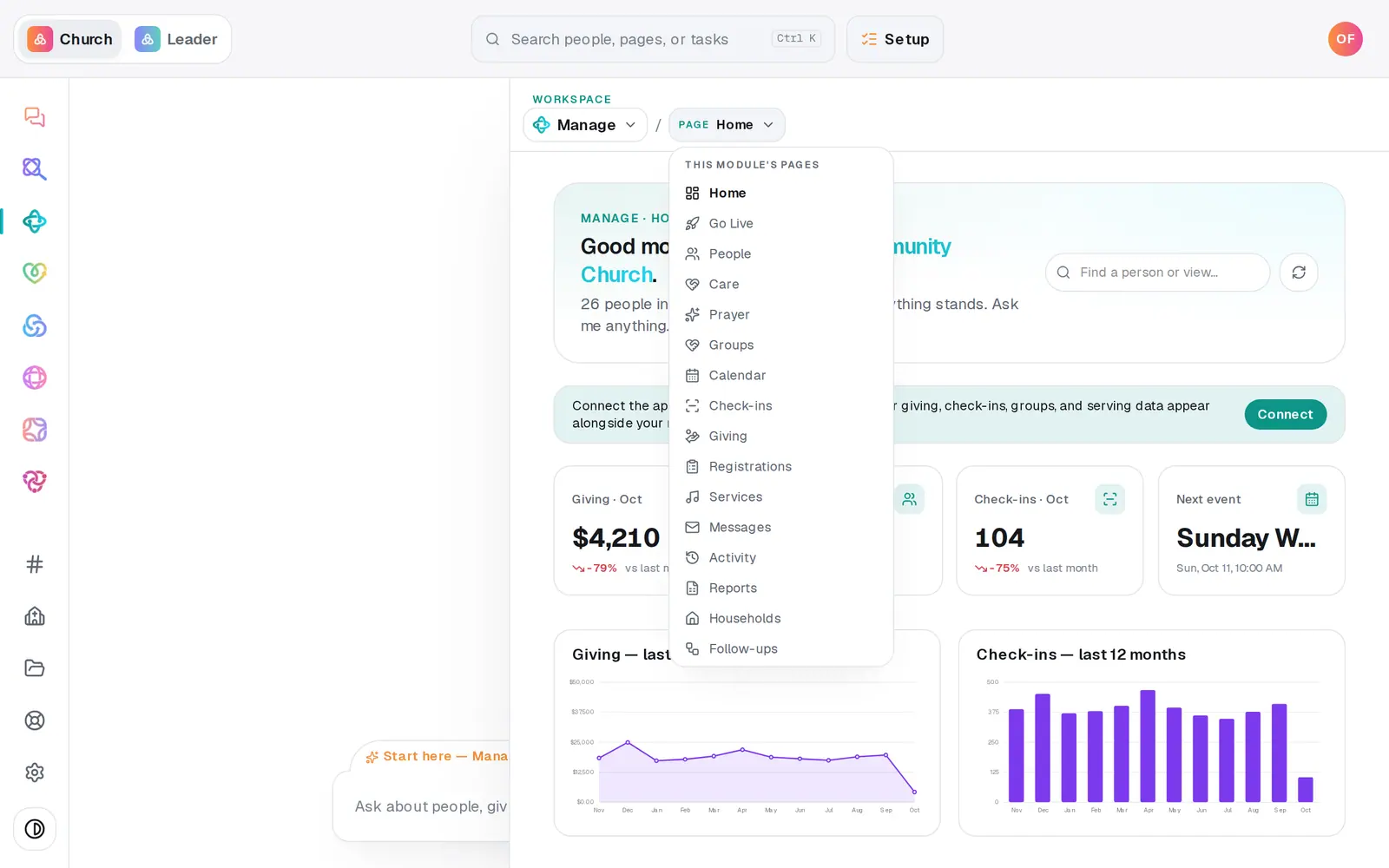
1/7 · In Manage, open Care
Good to know
- The chat can do all of this: "benevolence request from Marcus Reed for rent help", "care update on Marcus: paid half of October's rent", "close Marcus's care case — rent is caught up". Add "confidential" when you open one to keep it private.
- Mine shows the cases assigned to you. To hand a case to someone else, change Assignee inside the case.
- A confidential case with nobody assigned is assigned to you, so you can always see the cases you open.
- Prayer is one tap away — the Prayer row at the top of Care.
If it’s not working
I can't see Care
It says Care is for pastors and staff with manager seats: your role can only view Manage. Ask your church's owner for access if you need it.
A case someone mentioned isn't in my list
It's probably confidential. A confidential case is shown only to the church owner and the person it's assigned to.
"Enter a valid dollar amount (or leave it blank)."
Type the amount as a plain number, like 45 or 45.50, or leave the box empty for an update with no money.
Open case stays grey
Pick a person from the list under Who is this for? and write a summary — both are needed. People marked read-only from a connected app can't be picked.
Next, you might want to
- Collect and pray through prayer requestsGather requests from your website and your own notes in one inbox, approve them, and pray through the list one at a time.
- Keep notes, reminders and files on a personLog a pastoral note, set a private reminder to call, follow someone's news, and attach a signed form to their profile.
- Follow up with every newcomerSet up a newcomer follow-up plan, put new people in it, and move each person through the steps until they're connected.