Collect and pray through prayer requests
Prayer requests arrive on welcome cards, in hallway conversations and through your website, and they're easy to lose between them. The Prayer page gives them one inbox: approve what belongs on the prayer list, pray through it one request at a time, and keep a record of the answers.
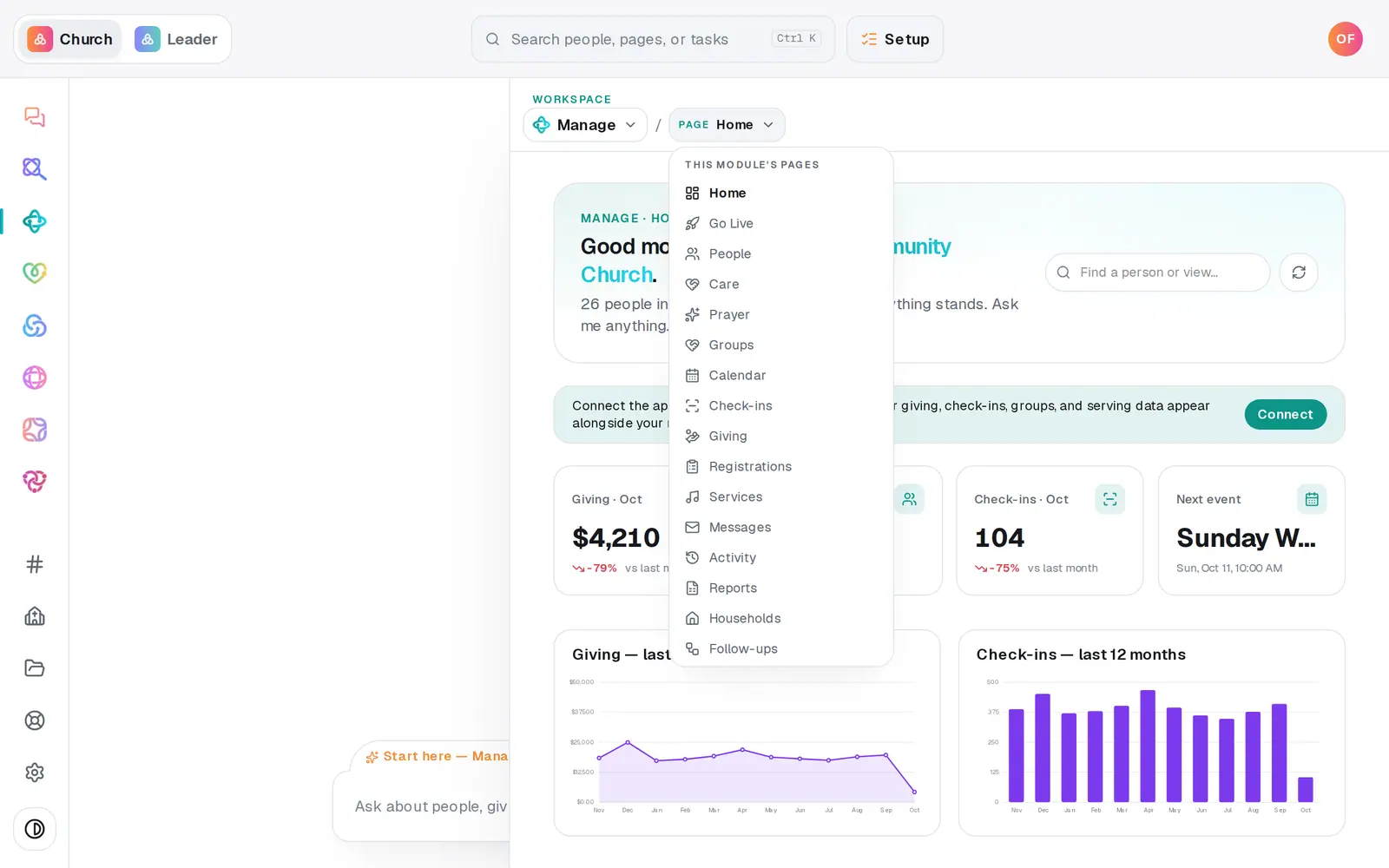
1/6 · In Manage, open Prayer
Good to know
- The chat can add and approve requests too: "add a prayer request for Maria's dad's surgery Thursday", or "approve the prayer request about Maria's dad". Approving from the chat always waits for your tap.
- Rolling prayer out at church? Manage → Go Live → Prayer & Care plans it with your team: one door for requests, alerts for the team, a printed prayer card and a run-through before Sunday.
- Prayer requests from your website are never sent on to Planning Center, even when your other website forms are.
If it’s not working
A request says "Held for safety"
Every new request is read by an automated safety check that looks only for signs someone may be at risk. A flagged request stays off the prayer list until someone follows up personally; then press Mark reviewed and approve it like any other. If it's linked to someone in your directory, a confidential care case opens for them too. Only this page can clear it — the chat can't.
A request from our website never showed up here
The person unticked Share this request with the church's prayer team, so it stayed private to your staff. You'll find it in your website's response inbox: open Website, press the … button (More site tools), then Website response inbox.
Pray through says "Nothing to pray through"
Pray through only shows approved requests. Approve some from the Inbox first.
I can't see the prayer requests
Your role can only view Manage. Prayer requests are pastorally sensitive, so they're shown only to the owner and staff who can edit Manage — ask your church's owner if you need access.
Next, you might want to
- Track a benevolence or care needOpen a care case when someone needs help, log what your church does and gives, and close it when the need is met.
- Keep notes, reminders and files on a personLog a pastoral note, set a private reminder to call, follow someone's news, and attach a signed form to their profile.
- Plan the Sunday you launch something newUse Go Live to pick a launch Sunday, name an owner, and get dated steps, a printed kit and messages already written.