See who to check on this week
Someone who used to be there every week hasn't been lately, and in a full month nobody noticed. People to check on lists who came up this week and why, each person measured against their own usual pattern, and writes a short check-in for you to read, change and send yourself. Nothing goes out until you press Send.
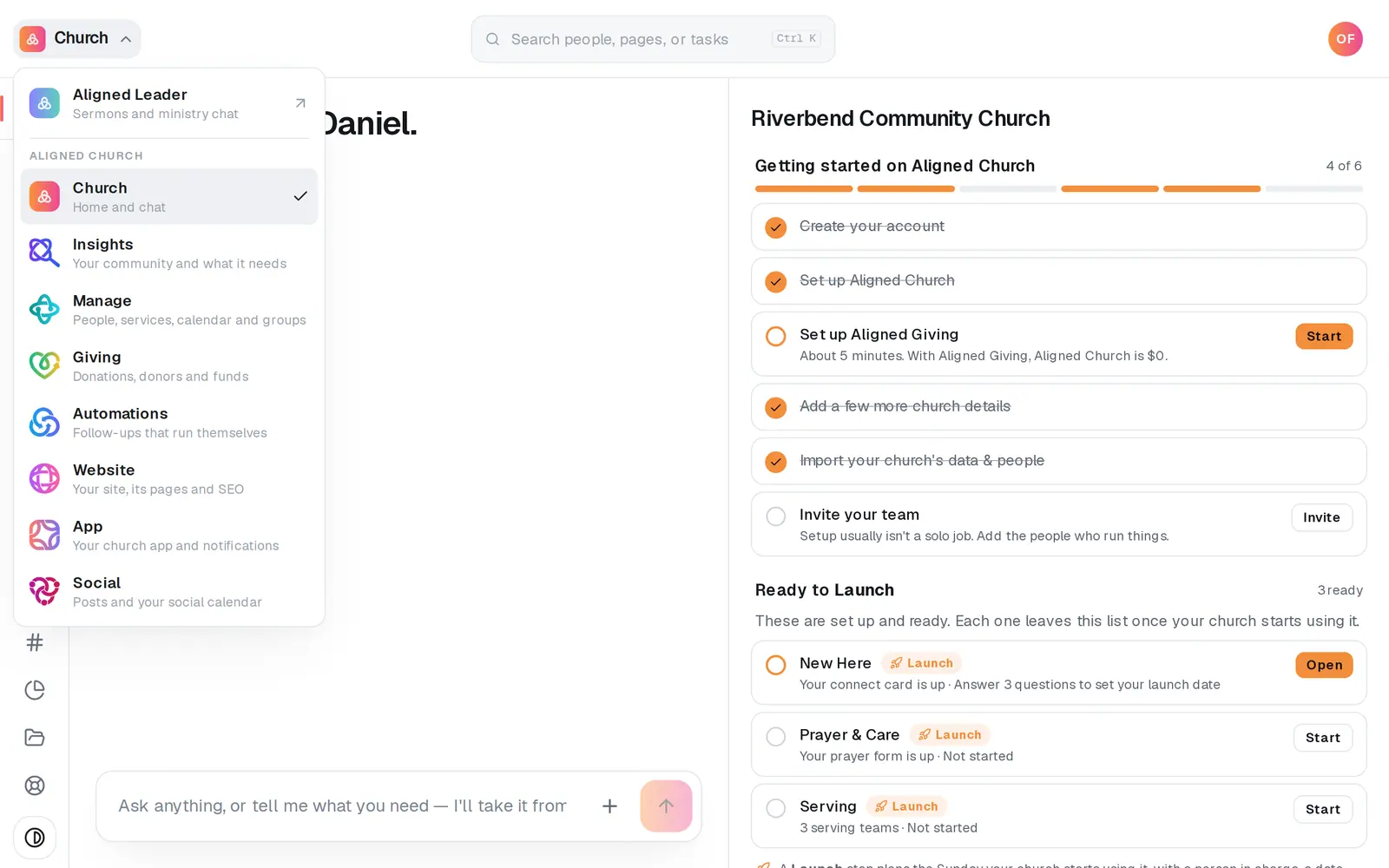
1/7 · Open Insights from the product menu
Good to know
- An email from your church's Aligned Email address goes out from you, and their reply comes to your own inbox. From a connected Gmail or Outlook, it sends from that mailbox and the reply goes there.
- Called them, or saw them in the lobby? Choose how under I reached out (By text, By phone, In person, By email or Another way). It marks the card without sending anything.
- Hand off to… gives the person to someone on your team. They get a notification with the name only, never the reason, and the card is listed first for them.
- Not now puts someone away for 30 days, and Done for now until their reason comes back on a new day. Both fold under the list as Put away, where Back on the list brings them back.
If it’s not working
I don't see People to check on in Insights
These pages read your people from Manage, so your role needs Manage as well as Insights. If a link says “Your people come from Manage, so these pages need Manage access.”, ask your church's owner to add it to your role.
It says “No one's attendance is recorded by name yet, so there's no one to check on.”
The list reads attendance recorded by name only: Kids check-in, group attendance and serving schedules all count. The buttons under the message open Kids check-in, Group attendance and Import your people. If it says “Attendance by name stops on …” instead, nobody is judged on weeks nobody recorded, so the list waits until attendance is recorded again.
There's no Draft a check-in on a card
If the card says Reach out in person, the person has an open care need, so no message is suggested: that one is a call or a visit. Once someone is marked reached out, the card shows who reached them instead. If you see the cards but none of the buttons, your role has Manage view access, and drafting needs edit.
It asks “… Send anyway?”
Someone on your team reached out to them in the last 7 days, and the line says who and when. Press Send anyway to send it, or Don't send.
My text won't send
A red line under the draft says why. “Texting isn't set up for your church yet” means your church needs its texting number first. Texts only go out between 8am and 9pm, and never to someone who texted STOP. Either way, switch to Email: that writes a new draft for email, so read it again before you send.
Next, you might want to
- See how your people are doing, and who's ready to serveYour people in Insights sorts everyone by how they're doing lately, and lists who looks ready to lead a group or join a team.
- Get your church's texting number approvedRegister your church's own texting number with the phone carriers once, in Manage's chat, and follow it to approval.
- See replies to your textsRead what people texted back to your church's number, and find out who sent a reply.
- Track a benevolence or care needOpen a care case when someone needs help, log what your church does and gives, and close it when the need is met.