See replies to your texts
When your church sends a text, people write back: a thank-you, a question about childcare, sometimes a STOP. Their replies come to your church's number, and the latest ones show up in Messages. Here's where to look, and how to tell who wrote.
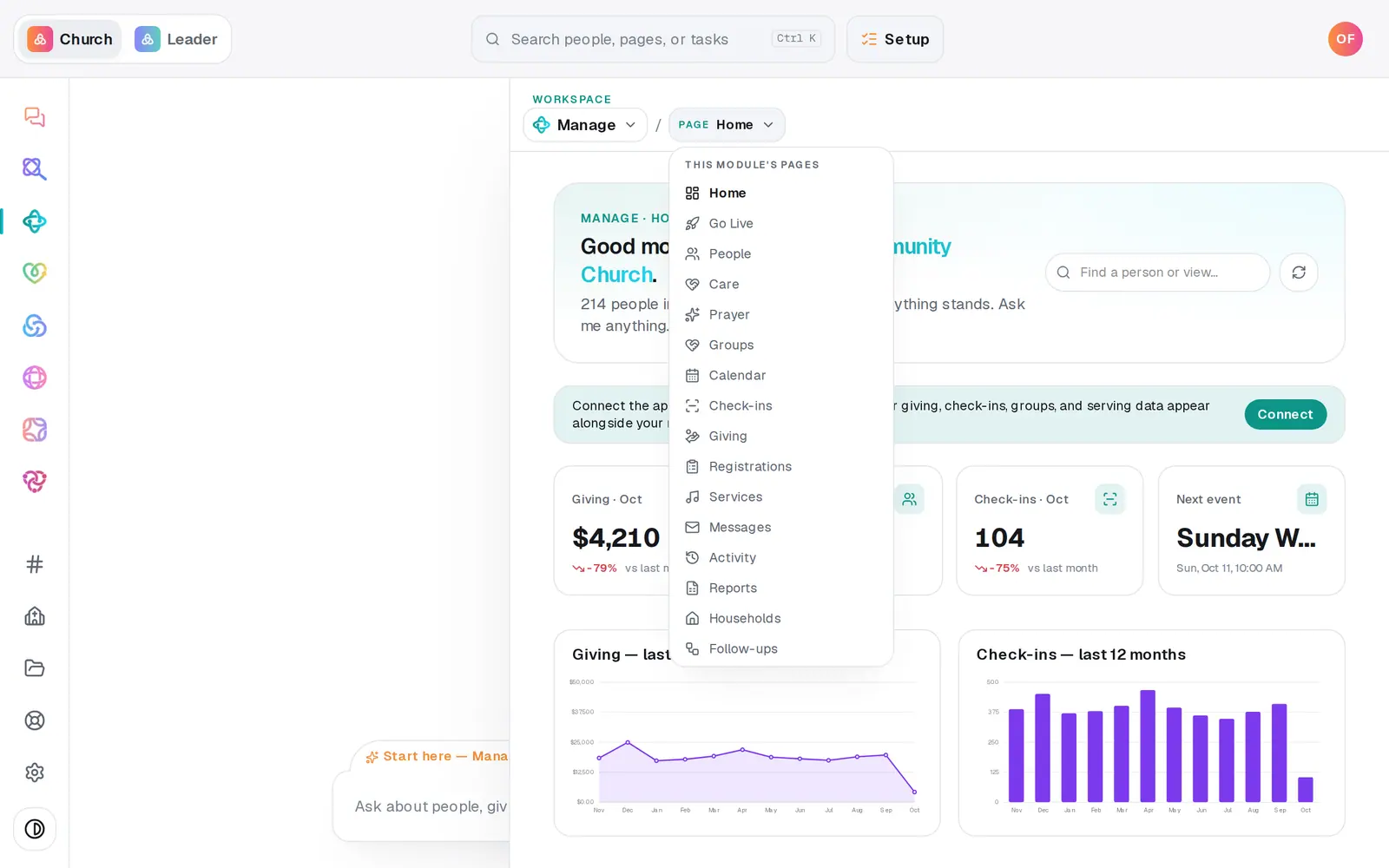
1/4 · Open Manage, then choose Messages from the page menu
Good to know
- There isn't a reply box here for answering one person. Call them, or answer everyone who needs it with a new text from the box above.
- A reply of STOP opts that number out of your church's texts straight away. Nothing for you to do, and it shows here like any other reply.
- Email replies aren't here. They go to your church's own mailbox, or to the reply address on the Aligned Email card in Automations → Connected apps.
If it’s not working
I don't see Recent texts
It appears once your number has sent or received its first text. If there's no texting box either, your number isn't live yet. The pill next to Text messaging says where your registration is.
A reply I expected isn't there
Recent texts shows only the latest few, so an older reply drops off the list as new texts go out and come in.
Searching the number in People finds no one
The number isn't on anyone's record yet, it's saved differently, or your church is large enough that search only matches names and emails. Try their name instead, then add the mobile number to their record so the next reply is easy to place.
Next, you might want to
- Text your whole church or one groupSend a text from your church's own number to everyone, one list or one group, once your number is approved.
- Handle STOP replies and texting consentWhat happens when someone texts STOP to your church's number, how they opt back in, and which part of consent stays your church's job.
- Check your email went out and read repliesSee how many people each email reached and how many were skipped, and read email that arrives at your church's Aligned address.
- Find someone in your directoryJump straight to anyone's profile from the find box, narrow your roster to visitors or members, or search the table.