Find someone in your directory
Someone's on the phone and you need their details now. Type a few letters of their name at the top of any Manage page and their profile opens — or narrow the People table to just your visitors, your members, a saved list or a search.
About 1 minute Part of Aligned ChurchUpdated September 29, 2026
aligned.church/church
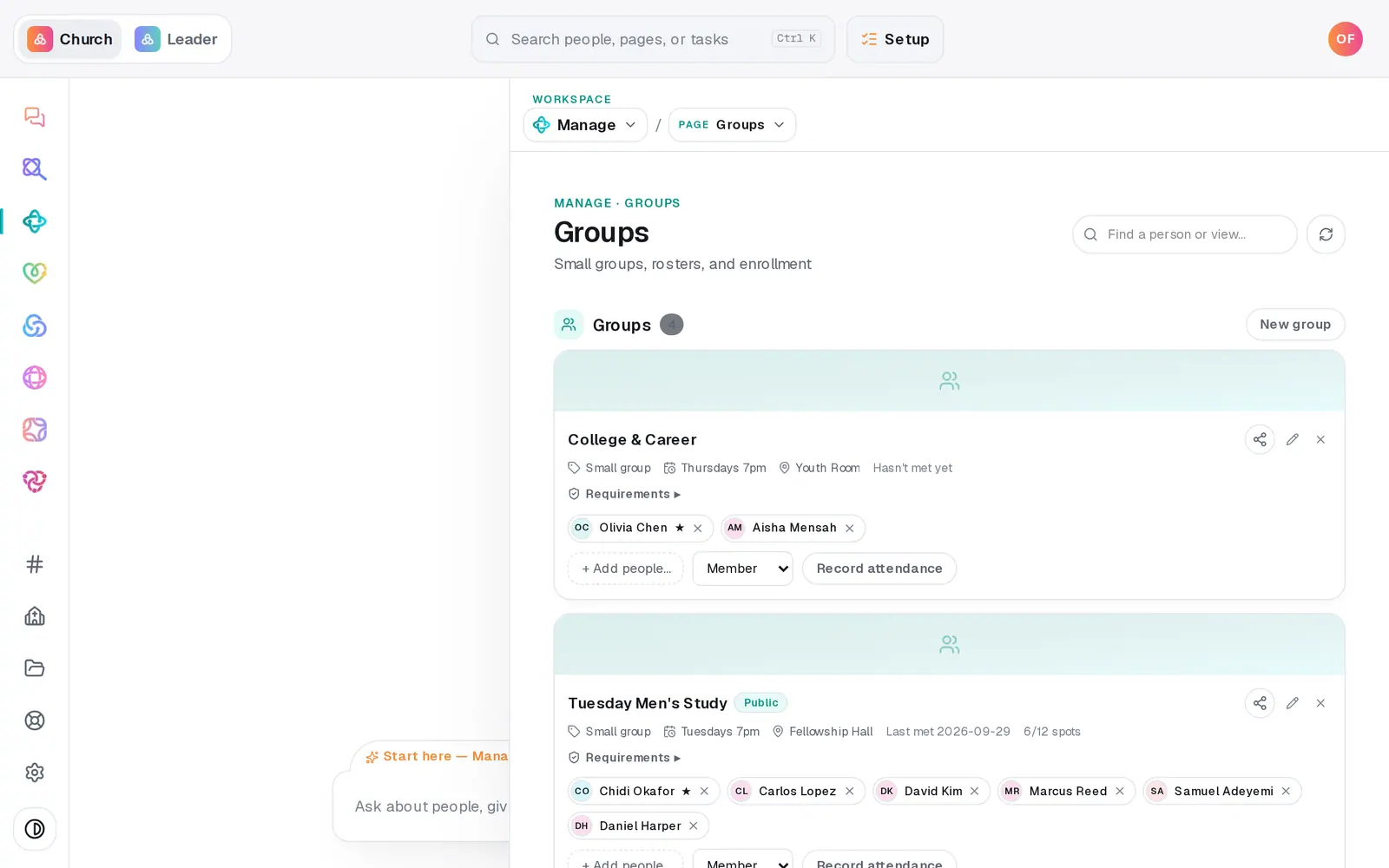
1/5 · Type their name in Find a person or view…
Good to know
- On a phone, the find box isn't shown — use the table's Search… box, or the search at the top of More.
- The search bar at the very top of the screen (Ctrl K, or ⌘K on a Mac) finds people and pages from anywhere in Aligned Church.
- People marked read-only come from a connected app. Find them with the table's Search… box — the find box only looks at people you keep in Aligned.
If it’s not working
It says "No matches." for someone I know is there
Check the spelling, or try just their last name. Archived people aren't included — press View archived people under the table on People to look there.
I typed a question and nothing came up
Search boxes only match names and details. Questions like "who has birthdays this month?" go in the chat box at the bottom of the screen.
Did this help?
Next, you might want to
- Update someone's details or statusFix a phone number or a name right in the People table, mark someone a member or a visitor, and add your church's own word for it.
- Ask who has a birthday or who's missed churchAsk plain questions about your people — birthdays, who's new, who hasn't been in a while — and get the list back.
- Keep notes, reminders and files on a personLog a pastoral note, set a private reminder to call, follow someone's news, and attach a signed form to their profile.
- Archive or restore a personTake someone who moved away off your roster without deleting a thing, and bring them back if they return.