Archive or restore a person
A family moves across the country, or someone asks to come off the church list. Archiving takes them out of your directory, your saved lists and your email and text audiences without deleting their history — and if they come back, one press restores them.
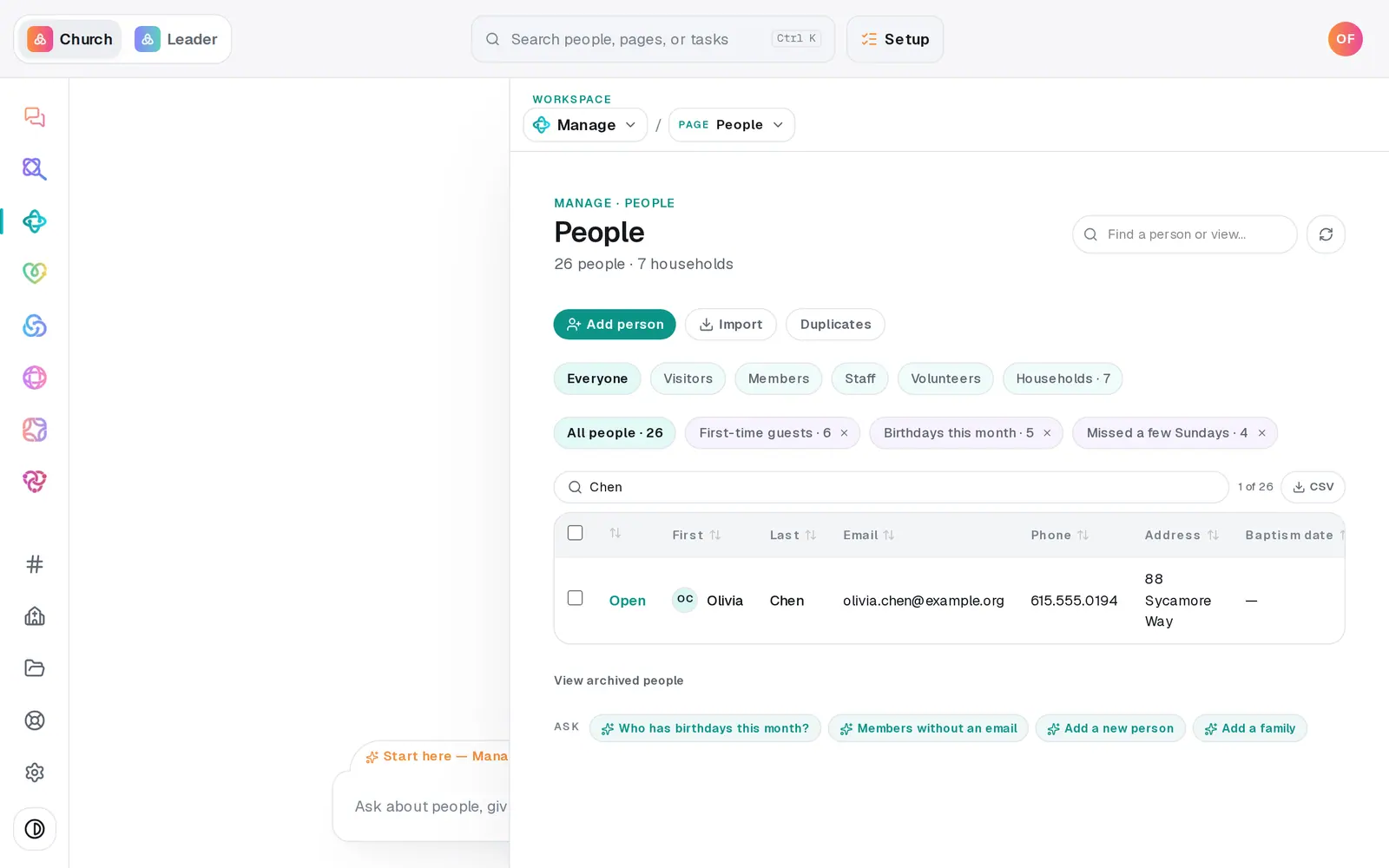
1/4 · On People, find them and press Open
Good to know
- Several people at once: tick them on People and press Archive in the bar that appears. The green line that follows has an Undo that puts them straight back.
- The chat works too — "archive Olivia Chen, she moved to Denver" or "bring Dana back".
- Archived people stay out of saved lists, email and text sends until you restore them.
If it’s not working
I want them deleted completely, not archived
There's no delete button for a person — archiving keeps their history, which your records may need. If someone asks for their information to be erased, message us from Help.
It says "No archived people"
Nobody has been archived yet. Archiving from a profile is what moves someone into this list.
I don't see the Archive button, or a row has no Open
No Archive at the bottom of a profile means your role can view Manage but not change it — ask your church's owner. A row marked read-only has no Open because that person lives in a connected app, so they're changed in that app instead.
"Couldn't archive — try again."
The change didn't save that time. Press it again in a moment — nothing was lost.
Next, you might want to
- Change many people at onceTick the people you mean and set their status, add your church's wording, start a follow-up plan or archive them — all in one go.
- Merge duplicate peopleScan your directory for people who are in it twice, and combine each pair into one record.
- See who changed whatRead your church's change history — what was added, updated, archived or imported, by whom and when — for everyone or for one person.