Change many people at once
The membership class just finished, or an import brought everyone in as visitors, and changing twenty people one at a time isn't how you want to spend the afternoon. Tick them on the People table and one bar makes the change for all of them — and if it wasn't what you meant, Undo puts it back.
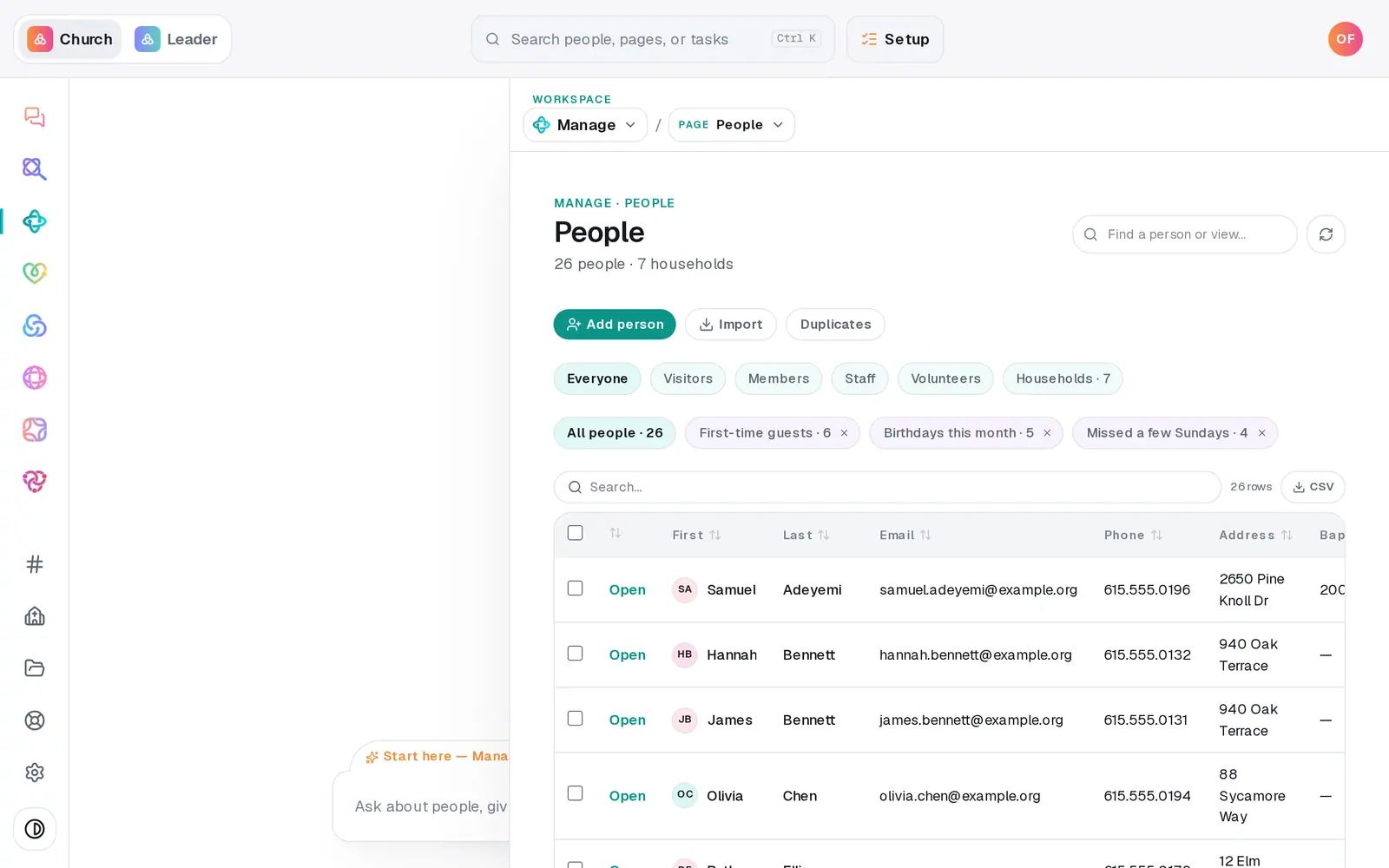
1/5 · On People, narrow the table to the people you mean
Good to know
- One bulk change covers up to 200 people. For more, narrow the table and do it in batches.
- The chat can do it by description: "mark everyone added in the last 30 days as visitors", "mark them all as Attender", "start newcomer follow-up for everyone on the visitors list". Changes to many people always wait for you to press the button in the reply, and the reply offers Undo this afterwards.
- Starting a follow-up plan has no Undo — take anyone out on the Follow-ups board with the ✕ on their card.
If it’s not working
"Bulk actions cap at 200 people at a time — narrow the selection."
Too many people are ticked. Use a list chip or Search… to narrow the table, and do it in batches.
"Stopped early on an error — running it again is safe (already-done people are skipped)."
Some people changed before an error stopped it. Tick the same people and run it again — anyone already done is skipped.
Some rows have no checkbox
A row with a lock lives in a connected app, so it can't be changed here — change it in that app.
My ticks disappeared
Switching to a different saved list clears them, so nothing changes for people you can no longer see. Pick the list first, then tick.
Next, you might want to
- Update someone's details or statusFix a phone number or a name right in the People table, mark someone a member or a visitor, and add your church's own word for it.
- Archive or restore a personTake someone who moved away off your roster without deleting a thing, and bring them back if they return.
- Follow up with every newcomerSet up a newcomer follow-up plan, put new people in it, and move each person through the steps until they're connected.
- Make a list you can email or textBuild a saved list — like this fall's new visitors — that keeps itself up to date and is ready whenever you email or text.