Make a list you can email or text
You want to invite this fall's newcomers to lunch, or remind one group about Saturday, without copying names into a spreadsheet. A saved list is a set of rules rather than a fixed roster: people move on and off it by themselves as their details change, and it's there to pick every time you write an email or a text.
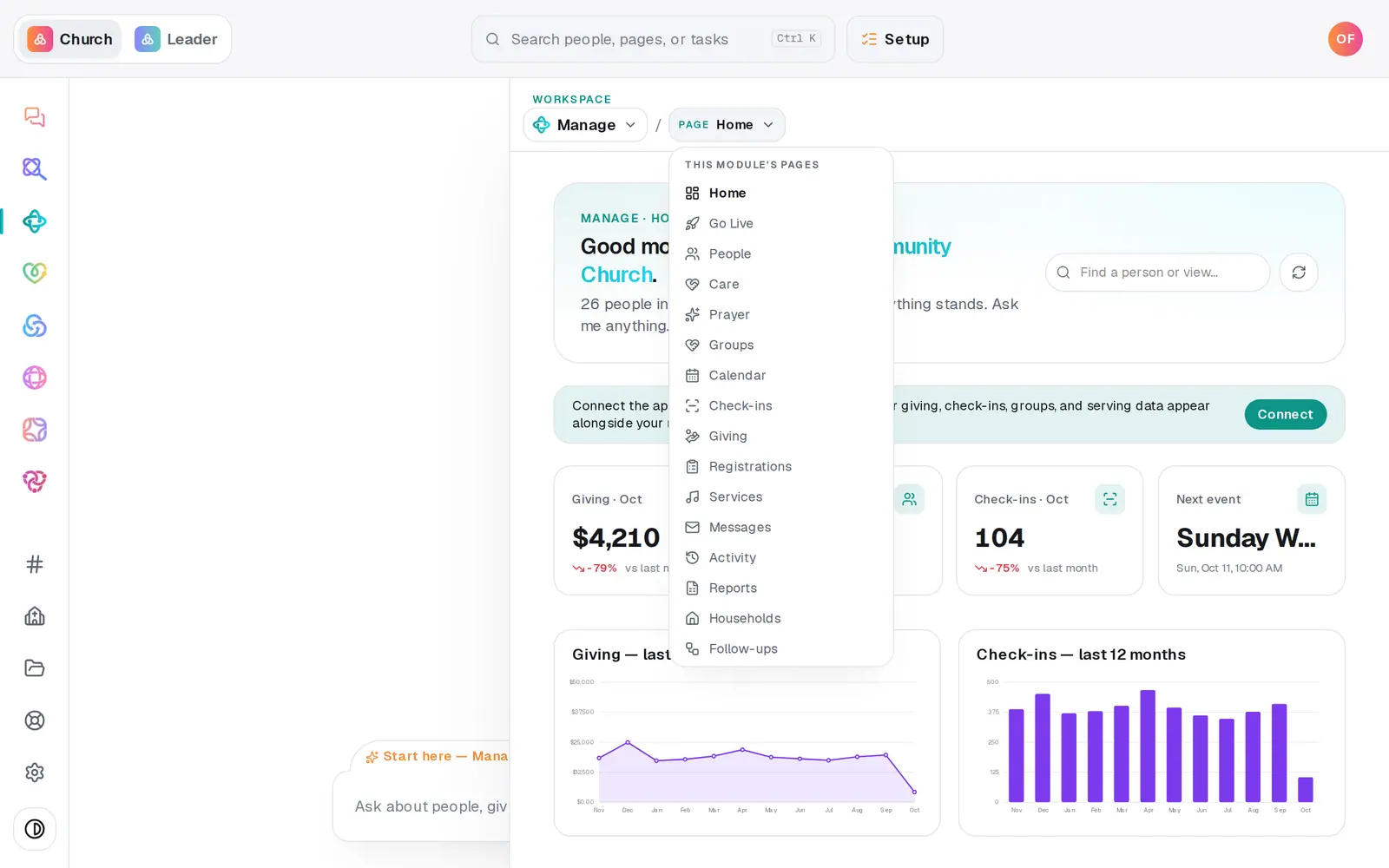
1/7 · In Manage, open Messages
Good to know
- A list holds up to 8 conditions. Switch to Match ANY condition to take everyone who fits at least one row.
- Rather say it than build it? Press Ask AI to do it — the chat box starts "Build me a smart list of everyone who " for you to finish, like "…is a visitor added in the last 60 days".
- Once your church's texting number is approved, the same lists are under Send to in the texting box at the top of Messages.
- Want everyone who newly lands on a list to start a follow-up plan? Pick the plan under New joins: on the list's row. People already on the list aren't added.
If it’s not working
Save list stays grey, or it says "Finish the conditions to see a live count."
The list needs a name, and every row needs a value — a row that's missing one says needs a value in red. Fill it in, or take the row out with its ×.
The count says check-in or group facts are unavailable
Aligned couldn't read check-ins or group memberships just then, so rows about them match nobody for the moment. Change any row, or try again in a minute, and the count runs again.
A list from Planning Center has nothing to edit
A list brought in from a connected app holds exactly the people who were on it there, and its row says how many were imported. To refresh it, import it again — the list with the same name updates.
Some people on my list didn't get the email
Anyone with no email on file, who unsubscribed, or whose address bounced before is left out. Preview recipients names them before you send. People who live in a connected app (marked read-only) are never on a saved list.
"Couldn't save that list."
The list didn't save that time. Your rows are still there — press Save list again in a moment.
Next, you might want to
- Email the whole church or one listWrite an email, see exactly who will get it and who's left out, then send it.
- Text your whole church or one groupSend a text from your church's own number to everyone, one list or one group, once your number is approved.
- Follow up with every newcomerSet up a newcomer follow-up plan, put new people in it, and move each person through the steps until they're connected.
- Ask who has a birthday or who's missed churchAsk plain questions about your people — birthdays, who's new, who hasn't been in a while — and get the list back.