Email the whole church or one list
The note to the whole church should reach everyone, and the volunteer reminder should reach only the volunteers. Aligned shows you everyone on the list before anything goes out, and skips anyone who has unsubscribed. It takes a few minutes.
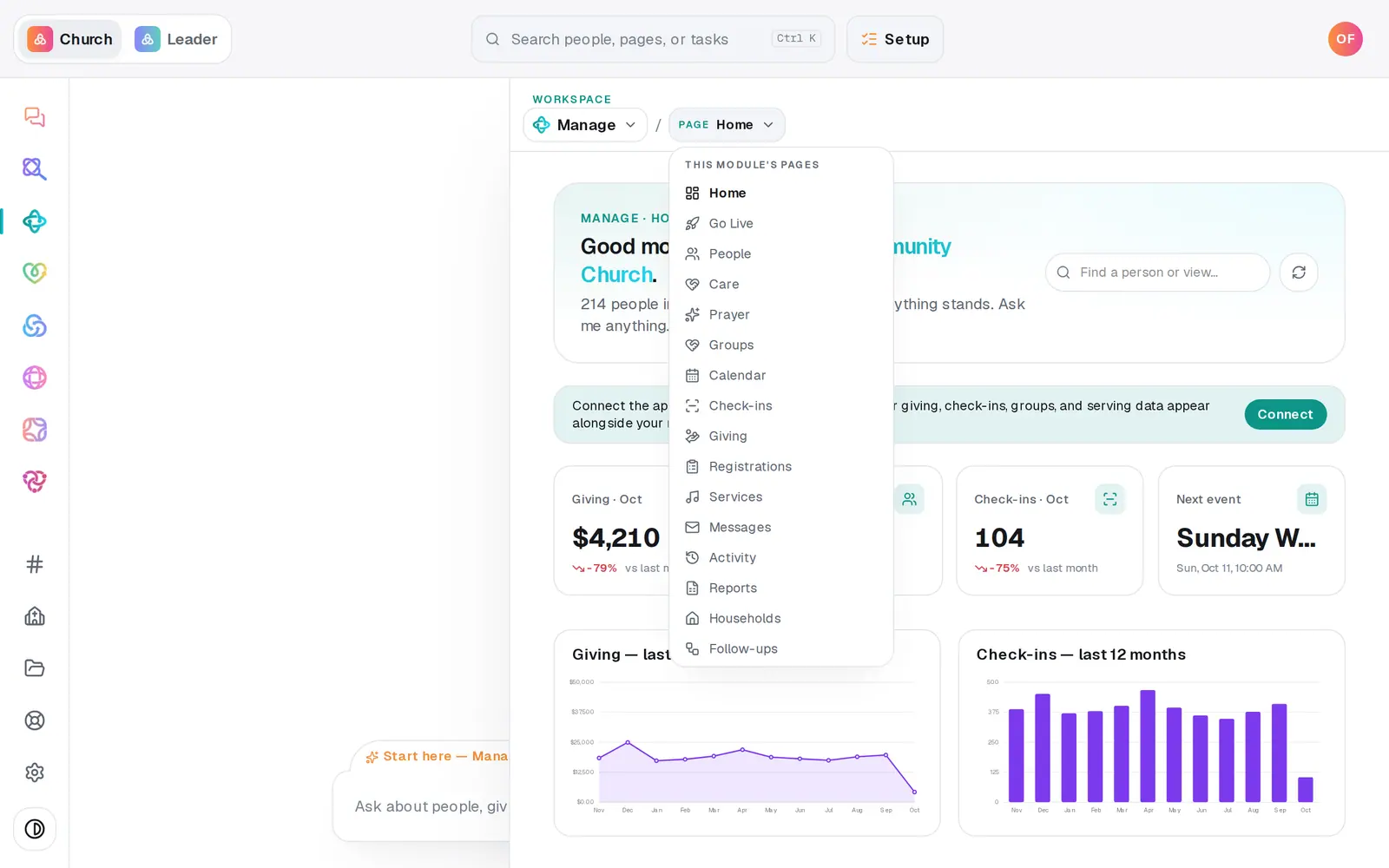
1/5 · Open Manage, then choose Messages from the page menu
Good to know
- Rather ask? Type “email the youth group: pizza night moved to Friday” in the Manage chat. It drafts the email, shows who it's going to and from which address, and sends only when you press Send to and the number.
- Not ready to send yet? Send later… beside Send schedules it for a day and time you pick.
- Every email carries an unsubscribe link, and anyone who uses it is skipped from then on, for your church only.
If it’s not working
Send is greyed out
It needs a subject, a message, and a way to send. If a note above the composer says “Connect your church's Gmail or Outlook to send member emails”, nothing is set up to send yet. Turn on Aligned Email, or connect Gmail or Outlook, in Automations → Connected apps.
It says “No one to email in this audience right now.”
Everyone in that list or group is missing an email address, has unsubscribed, or has an address that bounced before. Preview recipients shows which.
The preview says it's over the per-send limit
That isn't an error. The first 100 go now and the rest follow automatically every 5 minutes. You don't need to press Send again, and doing so would email everyone a second time.
Someone says they never got it
Look for the send in the history at the bottom of Messages. People who unsubscribed and addresses that bounced before are skipped on purpose, so check they're still subscribed and their address is right.
It says “Ready to make this live?”
Sending email waits until your church has finished setup. Press Setup at the top of the screen and finish it. Your subject and message stay where they are, so you can send as soon as you're done.
Next, you might want to
- Make a list you can email or textBuild a saved list — like this fall's new visitors — that keeps itself up to date and is ready whenever you email or text.
- Schedule an email for laterWrite an email now, pick the day and time it goes out, or cancel a scheduled one before it sends.
- Check your email went out and read repliesSee how many people each email reached and how many were skipped, and read email that arrives at your church's Aligned address.
- Choose where your church email comes fromSend church email from your own address on aligned.church, turned on in one tap, or from your church's Gmail or Outlook.