Schedule an email for later
The best time to write Saturday's reminder isn't always Saturday morning. Write it when you have a few minutes, pick a day and time, and Aligned sends it then. You can cancel it any time before it goes out.
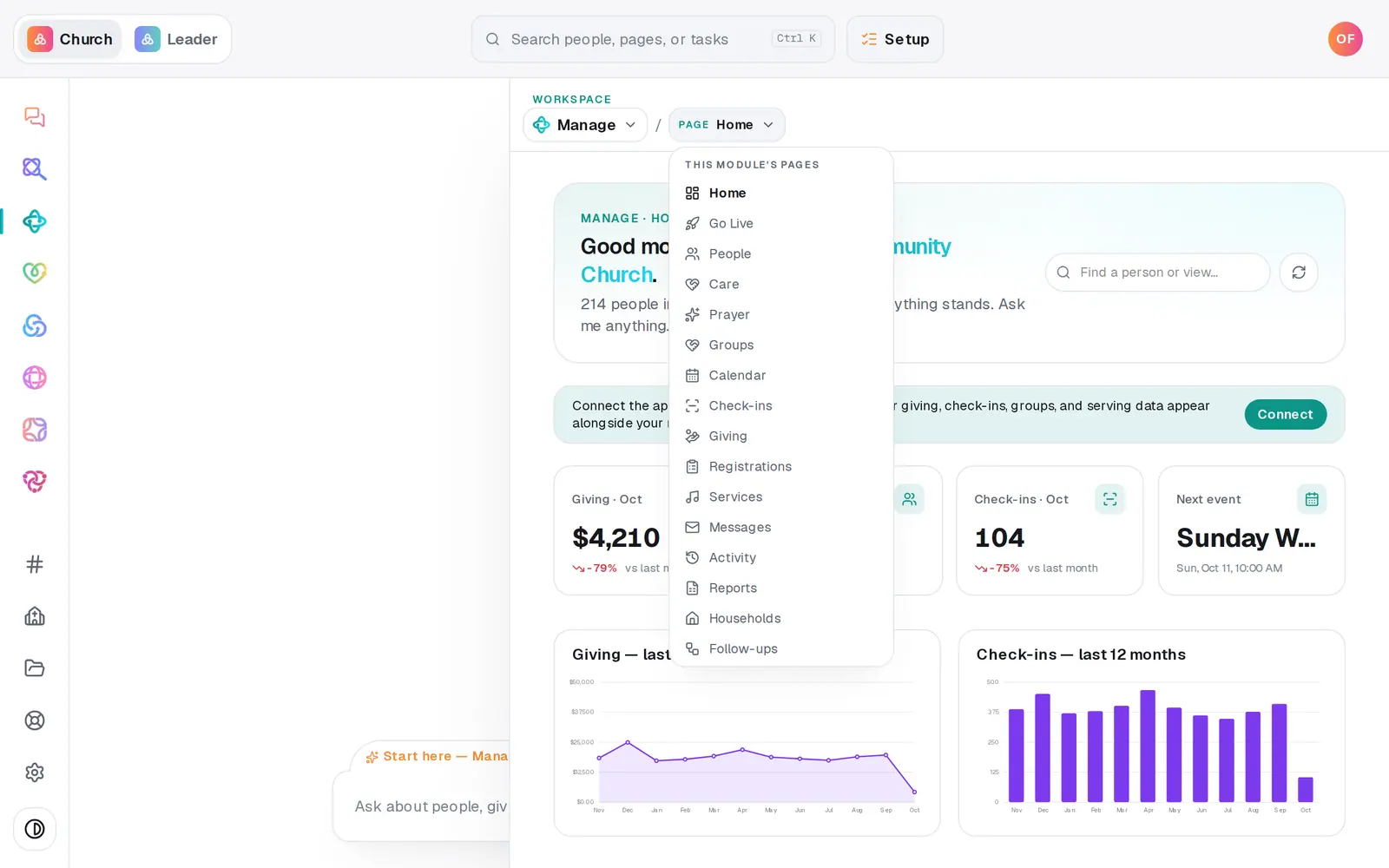
1/6 · Open Manage, then choose Messages from the page menu
Good to know
- You can schedule from the chat too: “email the volunteers Saturday at 9am: setup starts at 8.” It shows who it's going to and when, and schedules only when you press the button.
- Texts can't be scheduled, only emails. For a text, send it once you're inside texting hours.
- Need to change a scheduled email? Cancel it, then schedule the corrected version.
If it’s not working
It says “Pick a time at least a minute from now — or just send it.”
The time you picked has passed or is too close. Choose a later time, or press Send to send it now.
Schedule is greyed out
It needs a subject, a message and a time, and a way to send email. If a note above says to connect your church's Gmail or Outlook, turn on Aligned Email or connect one in Automations → Connected apps.
My scheduled email says failed
Nothing was sent. The reason is next to the list name in its row: for example, nothing was set up to send it at that time, or everyone in the audience had unsubscribed. An email that couldn't go out within 24 hours of its time is never sent late. Fix what the row says and schedule it again.
It says “Ready to make this live?”
Scheduling email waits until your church has finished setup. Press Setup at the top of the screen and finish it, then schedule again.
Next, you might want to
- Email the whole church or one listWrite an email, see exactly who will get it and who's left out, then send it.
- Check your email went out and read repliesSee how many people each email reached and how many were skipped, and read email that arrives at your church's Aligned address.
- Choose where your church email comes fromSend church email from your own address on aligned.church, turned on in one tap, or from your church's Gmail or Outlook.
- Make a list you can email or textBuild a saved list — like this fall's new visitors — that keeps itself up to date and is ready whenever you email or text.