Check your email went out and read replies
After you press Send you want to know it landed, and when someone writes back you want to see it. Messages keeps a row for every email your church sends, and email sent to your church's @aligned.church address lands in an inbox on the same page.
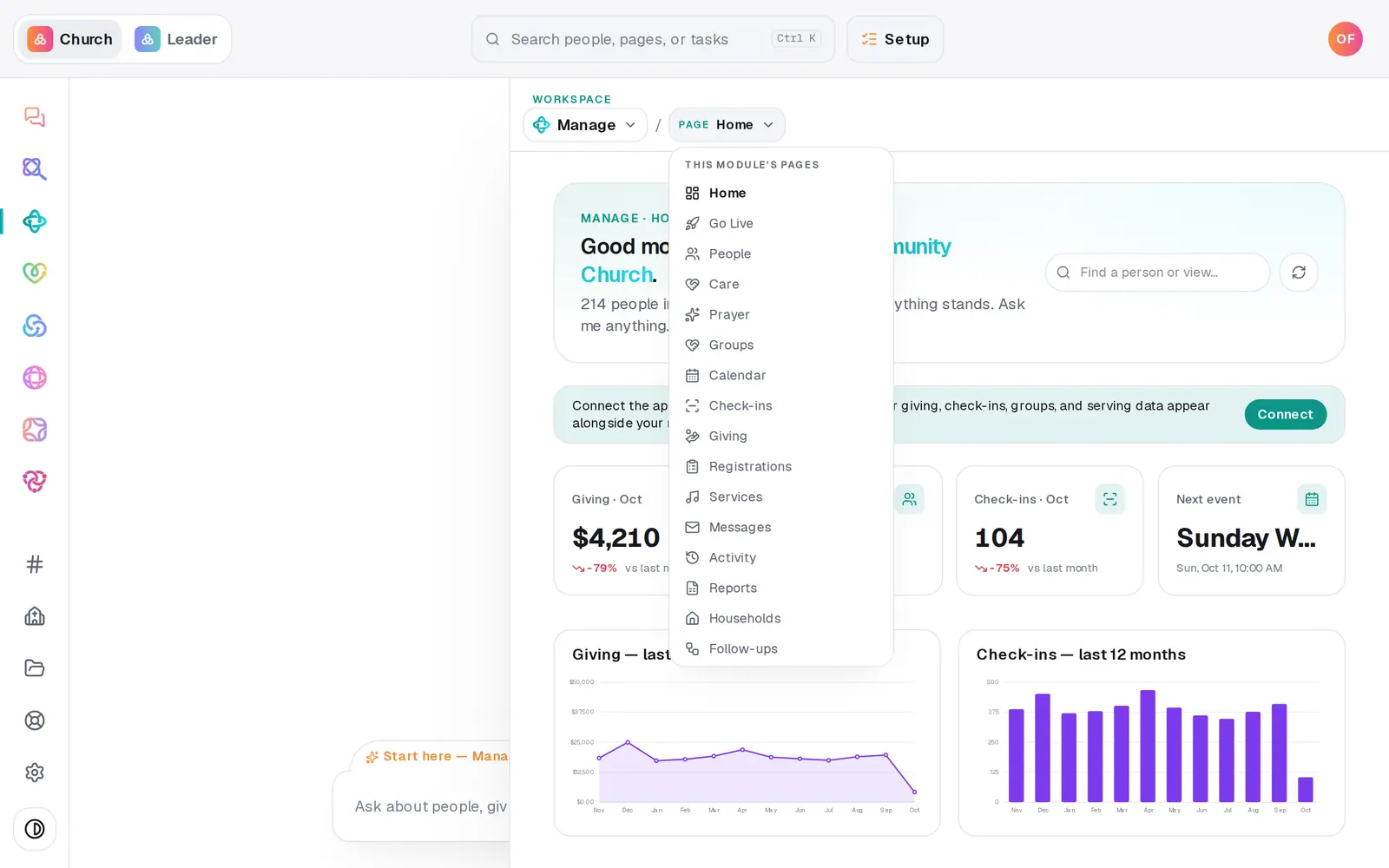
1/5 · Open Manage, then choose Messages from the page menu
Good to know
- Ask the chat “did the email I sent Sunday go out?” It reads that send's own record instead of guessing.
- CSV above the list downloads it as a spreadsheet.
- Replies to email sent from your church's Gmail or Outlook go to that mailbox as usual, not to this inbox.
- Archived at the top of the Inbox shows the emails you've archived, and Restore brings one back.
If it’s not working
The Inbox is empty
Replies to Aligned Email go to the address on its card in Automations → Connected apps (“replies go to …”): your church's public email, or whoever turned Aligned Email on. The Inbox only collects email sent straight to your @aligned.church address, and replies to Gmail or Outlook sends go to that mailbox. It reads “Nothing yet” until something arrives.
More people were skipped than I expected
On a big send, everyone past the first 100 is counted as skipped on the first row, and they get it in the “wave 2”, “wave 3” rows that follow. The rest are people who unsubscribed, addresses that bounced before, and any the email service refused. Before your next send, press Preview recipients to see exactly who's left out and why.
A row says failed
The email didn't go out to those people, and nothing resends by itself. The reason is recorded for each person. Press Help at the bottom of the left rail and someone can tell you what happened and whether it's safe to try again.
Someone says they never got it
Check the send's row first. People who unsubscribed and addresses that bounced before are left out on purpose, so make sure they're still subscribed and their address in People is right.
Next, you might want to
- Email the whole church or one listWrite an email, see exactly who will get it and who's left out, then send it.
- Choose where your church email comes fromSend church email from your own address on aligned.church, turned on in one tap, or from your church's Gmail or Outlook.
- Schedule an email for laterWrite an email now, pick the day and time it goes out, or cancel a scheduled one before it sends.
- See replies to your textsRead what people texted back to your church's number, and find out who sent a reply.