Text your whole church or one group
A text gets read when an email doesn't: the service time changed, the potluck moved, the youth trip leaves at 7. Once your church's number is approved you can text everyone, a list or a group in a couple of minutes. Anyone who has opted out is skipped for you.
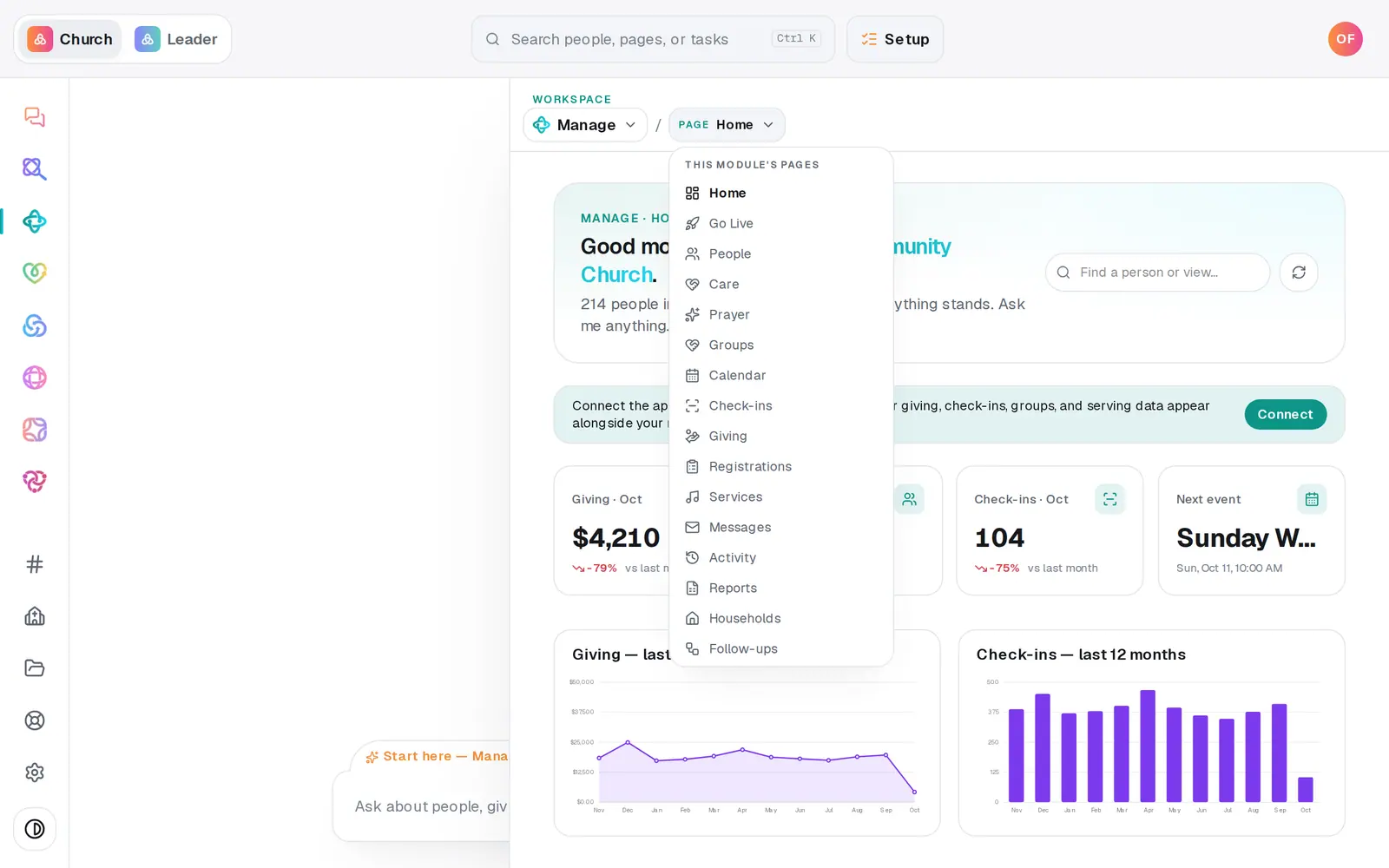
1/6 · Open Manage, then choose Messages from the page menu
Good to know
- Rather ask? Type “text the greeters team: we're meeting at 9:15 this Sunday” in the Manage chat. It shows how many people it's going to and the text, and sends only when you press Text and the number.
- Texts can't be scheduled, only emails can. To reach people later, send the text once you're inside the 8am to 9pm window, or schedule an email instead.
- Need a group of people you don't have yet, like parents of kids? Make a list first under Lists on the same page. Lists and groups both show up in Send to.
If it’s not working
There's no composer, only a registration card
Your church's number isn't live yet. The pill next to Text messaging says where it is: Submitted, Pending carrier approval, or approved with the number on its way. The composer appears by itself once the number is live.
It says “It's outside texting hours (8am–9pm local). Schedule it for the morning instead.”
Texts can only go out between 8am and 9pm. Texts can't be scheduled, whatever the message says, so send it again after 8am, or schedule an email instead.
It says no one in that audience has a mobile number, or that everyone has opted out
Everyone in that list or group has either opted out or has no mobile number on file. Add mobile numbers in People. Someone who opted out can only opt back in by texting START to your church's number.
More people “opted out” than I expected
That number counts everyone the send skipped, not only people who replied STOP. A send reaches up to 100 people, and the rest are counted there. Sending the same text again doesn't pick up where it stopped: within two minutes it's skipped as a repeat, and after that it starts over with the same people. For a bigger audience, text smaller lists or groups one at a time.
Next, you might want to
- Get your church's texting number approvedRegister your church's own texting number with the phone carriers once, in chat or on a form, and follow it to approval.
- Handle STOP replies and texting consentWhat happens when someone texts STOP to your church's number, how they opt back in, and which part of consent stays your church's job.
- See replies to your textsRead what people texted back to your church's number, and find out who sent a reply.
- Make a list you can email or textBuild a saved list — like this fall's new visitors — that keeps itself up to date and is ready whenever you email or text.