Handle STOP replies and texting consent
Once your church starts texting, someone will eventually reply STOP. Aligned handles it for you: that number stops getting your church's texts straight away, from every send and every automation. Here's where you'll see it, and what's still yours to keep.
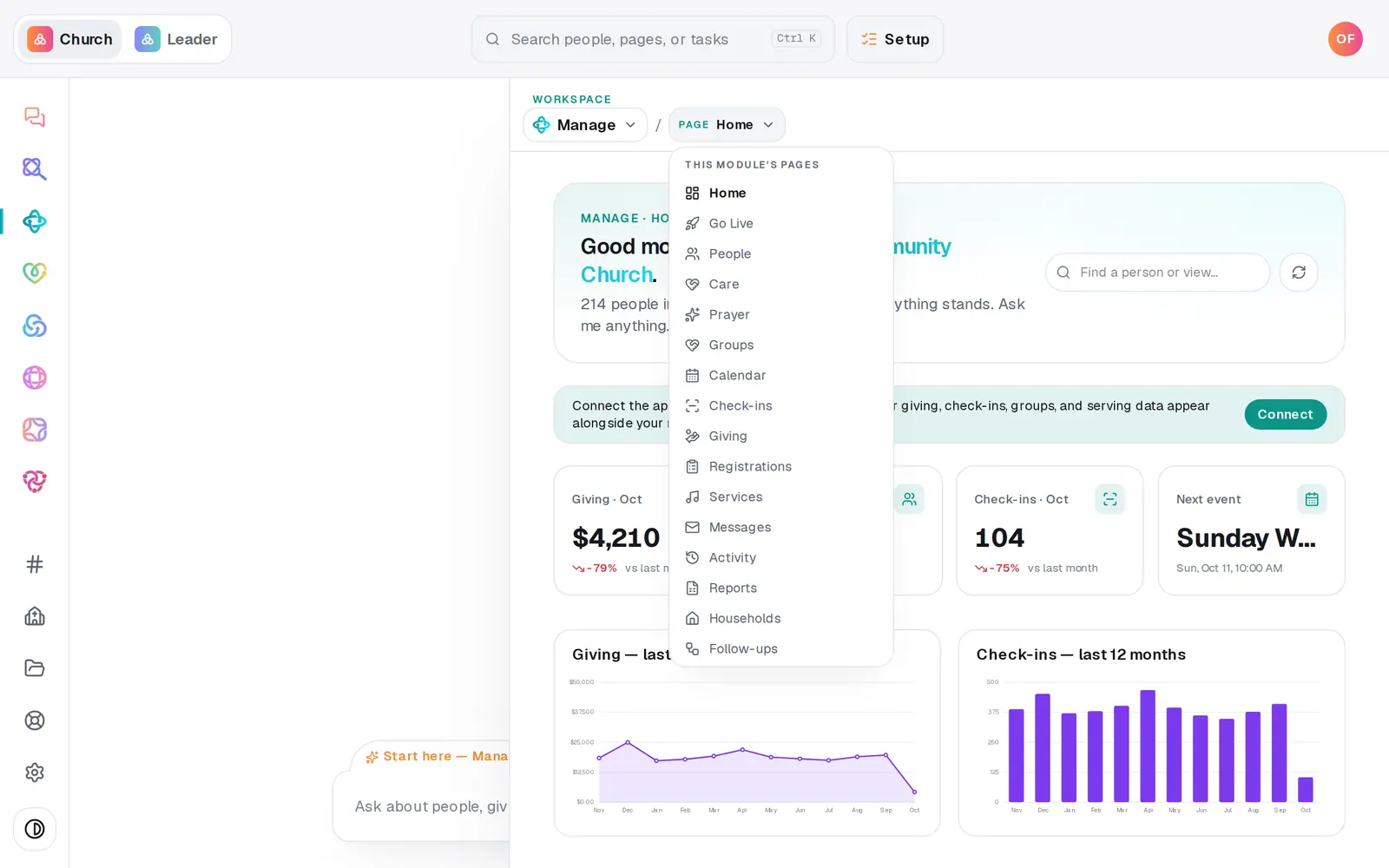
1/4 · Open Manage, then choose Messages from the page menu
Good to know
- To opt back in, the person texts START, UNSTOP or YES to your church's number. They get a reply saying they're subscribed to your church again, with a reminder that STOP opts them out.
- If someone texts HELP, they get an automatic reply with your church's legal name and how to unsubscribe.
- A STOP is kept for as long as your church texts. Importing that person again doesn't undo it.
- Email is separate. Every church email carries its own unsubscribe link, and texting STOP doesn't change whether someone gets your emails.
If it’s not working
Someone asked to stop, but didn't use the word STOP
A text that starts with STOP, STOPALL, UNSUBSCRIBE, CANCEL, END or QUIT opts that number out, even with more words after it. A reply like “please take me off this list” doesn't. It comes through as an ordinary message, so ask them to reply STOP.
Can I add someone back who opted out?
No. Only they can, by texting START to your church's number, and nobody at your church can override an opt-out, owners included. An opt-out isn't always on purpose: a reply that starts with CANCEL, END or another opt-out word counts too, like “Cancel my spot Friday” or “End of the month works”. If that's what happened, ask them to text START.
Someone says they never agreed to get our texts
Aligned keeps a record of every STOP and START, but not of how a number first came onto your list. Proof that someone agreed, like a connect card or a form with a texting box, is your church's to keep. They can text STOP any time.
Someone who texted STOP says they're still getting texts
Check the number they're texting from matches the one in their People record. A STOP applies to the number that sent it. If it's the same number and a text still went out, press Help at the bottom of the left rail.
Next, you might want to
- Text your whole church or one groupSend a text from your church's own number to everyone, one list or one group, once your number is approved.
- See replies to your textsRead what people texted back to your church's number, and find out who sent a reply.
- Stop texts or emails from your churchReply STOP to your church's texts or unsubscribe from its emails — and start them again if you change your mind.
- Get your church's texting number approvedRegister your church's own texting number with the phone carriers once, in chat or on a form, and follow it to approval.