See who changed what
A phone number changed and nobody remembers doing it, or you want to see what last week's import brought in. Activity is the change log for Manage: every change made by hand, from the chat, by an automation, by an import, or by a member updating their own details.
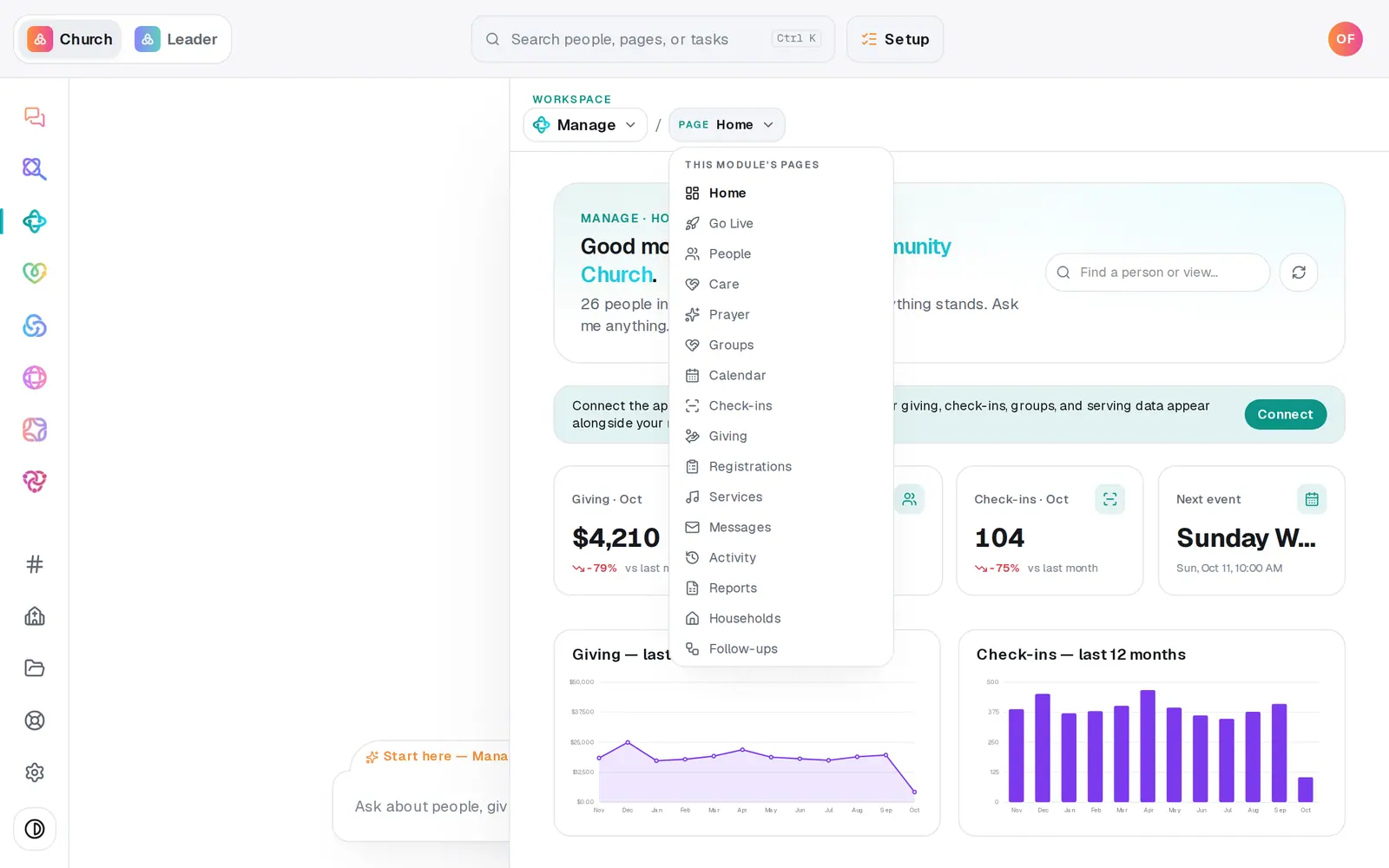
1/6 · In Manage, open Activity
Good to know
- History is kept for as long as your church's records exist — including the text of notes that were deleted and records that were merged away.
- Asking the chat "show the activity log" opens this page.
- A bulk change or an import you want to reverse has its own Undo — see the guide on changing many people at once.
If it’s not working
I can't see Activity
It says Activity is for staff with manager seats: your role can only view Manage. Ask your church's owner for access if you need it.
A line says "Updated a person" but not who
Lines in Activity name the kind of record. To see one person's changes, open their profile on People and press View change history.
It says "Nothing recorded in this window with these filters"
Nothing matches the filters you've chosen. Press Everything, set the record type back to All record types, or pick All time.
"The activity feed didn't load."
The list didn't load that time. Press the refresh button at the top right of the page.
Next, you might want to
- Archive or restore a personTake someone who moved away off your roster without deleting a thing, and bring them back if they return.
- Merge duplicate peopleScan your directory for people who are in it twice, and combine each pair into one record.
- Ask members to update their own infoEmail someone a link to check their own contact details, or copy the link to their member page and send it yourself.
- Change many people at onceTick the people you mean and set their status, add your church's wording, start a follow-up plan or archive them — all in one go.