Keep track of your church's equipment
The youth lock-in and the women's brunch both counted on the folding chairs, and nobody knew until Saturday morning. List what your church owns once and put it in the rooms where it lives: every booking of a room then carries its equipment, and the booking forms won't let two bookings at the same time use more than you have.
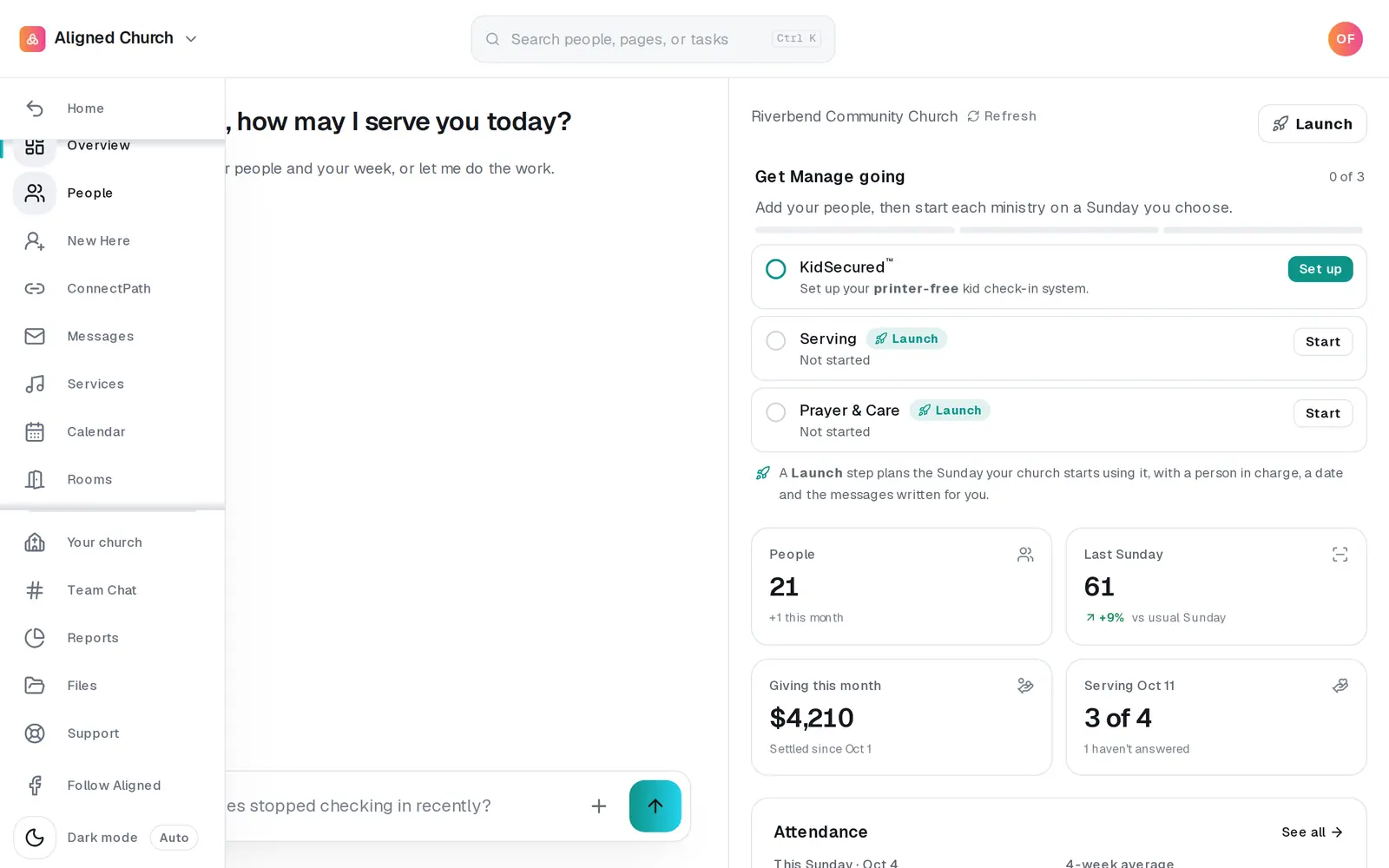
1/7 · In Manage, press Rooms on the left
Good to know
- From then on, booking a room books its equipment with it, and the room's upcoming bookings start using what you put in it too. In Calendar's New event form, once you pick the room, and in Book this room on the room's page, Equipment lists what the room has: use fewer or none for that booking, or add an item the room doesn't have.
- Equipment can't be in two places at once. The form counts how many are free: with 10 chairs and 6 in use by a booking at the same time, 4 are free. If this booking needs more than that, the form says “Some equipment is in use then” and won't save until you use fewer or none, or pick another time. A room that's already booked then doesn't stop the form on its own, but the new booking brings the room's equipment with it, so if there aren't enough for both, the form stops too. A change made from the chat or an import isn't stopped: if it leaves an item short, the warning at the top of Rooms lists it.
- To change how many you have, press the pencil on the item's row on the Equipment tab. The × deletes it, and it comes out of every room and booking.
If it’s not working
A booking form says “Some equipment is in use then”
Bookings at the same time leave too few of an item free for this one, and the lines under it name them. Use fewer or none for this booking, or pick another time. Bookings that end and start at the same minute don't count as overlapping.
A room's equipment list says “This room is booked then for…” and Save won't press
That room has a booking at the same time as another booking that's using those items. Put fewer in this room, or change one of those bookings.
I can't lower how many we have
The form says why. “…in use at once by…” means bookings at the same time need more than the new number: keep enough for them, or change one of those bookings. A line like “Fellowship Hall has 6 of these. Put fewer there first.” means a room holds more than that: lower its number first, with Equipment on the room's row.
There's no Add equipment, or no Equipment on a room's row
Your role can view Manage but not edit it, so you see the lists only. Ask your church's account owner or an Admin for a role that can edit Manage.