Book a room for a meeting or event
Someone asks whether the fellowship hall is free on Saturday, and nobody is quite sure. Every room has its own page with a calendar of what it's booked for, so you can check and book in the same place. Booking adds the event to your church calendar with the room held for it.
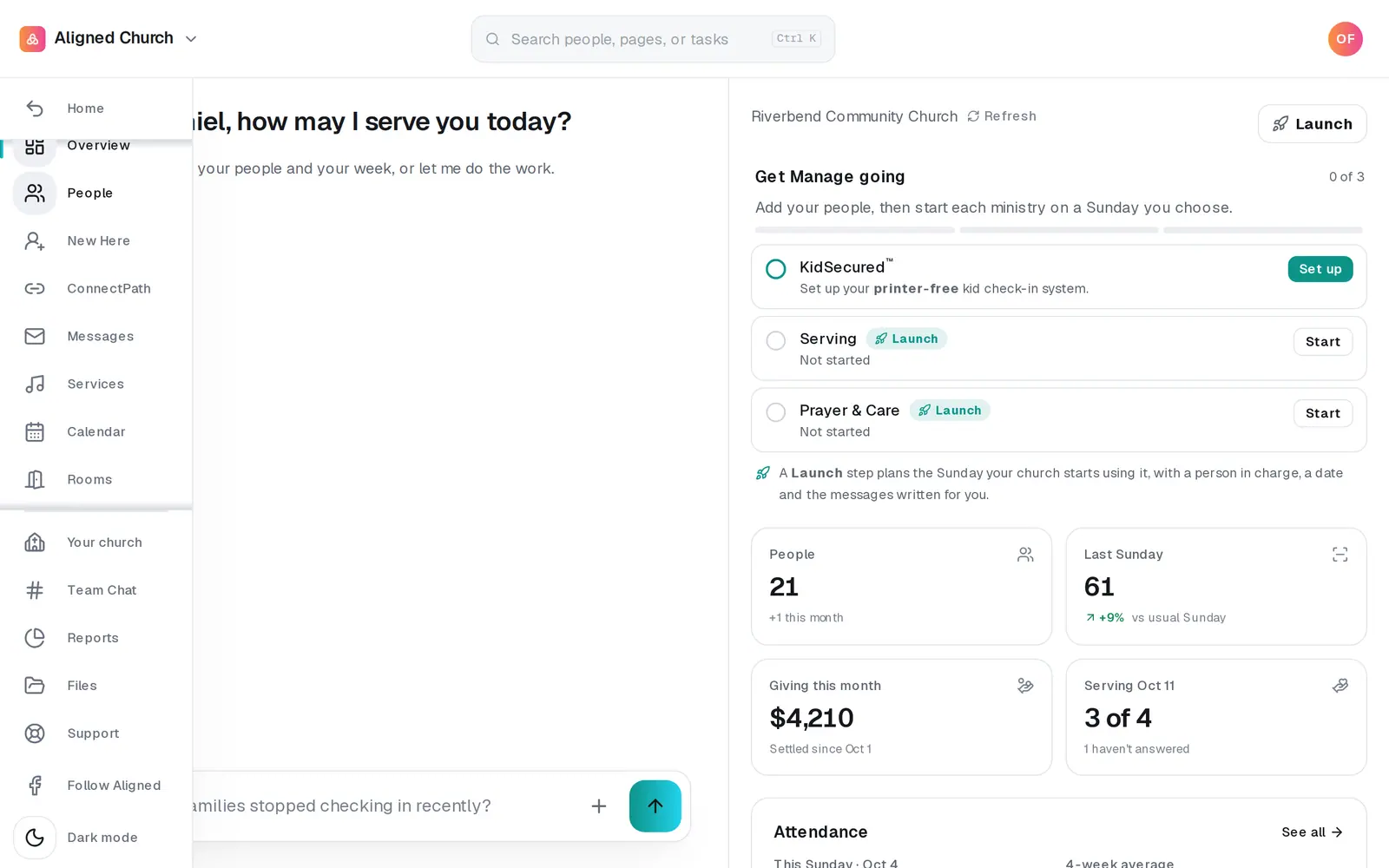
1/7 · In Manage, press Rooms on the left
Good to know
- Use Week and Month at the top of the room's calendar to switch views. The arrows move a week or a month at a time, back into the past as well as ahead.
- Making the event in Calendar instead? The New event form has a Room too (No room until you pick one). It warns about overlaps the same way, and Create event books the room.
- The Check-ins tab is for anything held in the room. Check someone in takes people from your roster or a guest's name, and Check in counts like any check-in at the desk: it shows in Check-ins' Today and in your attendance, and people check out from Today.
- A Kids room's Check-ins tab also has Kids check-in on its own card: how many kids KidSecured™ has checked in to that room right now, and Open KidSecured™. Checking someone in to the room is never a kids check-in, and kids check-in works exactly as it always has.
If it’s not working
It says the room is already booked then
That's a heads-up, not a block. The form names the first few events that overlap and when, and counts the rest, and Book room still books it. Pick another time or another room if the two can't share.
It says “Your event is saved, but the room didn't book.”
The event is on your calendar already, so don't book it a second time. Go back to Rooms, pick the event beside Book for at the bottom of the page, then tap the room's name.
I don't see Book this room
Your role can view Manage but not edit it. Ask your church's account owner or an Admin to give you a role that edits Manage, on the Staff tab in Your church.
Past bookings is empty, or says “Booking history starts now”
A booking shows under Past bookings once it has happened. A repeating event counts only from the day the room was booked for it, so a weekly event you booked today has no past bookings yet. If it says “Booking history starts now”, the room's past couldn't be loaded just then: go back to Rooms and open the room again.
A past booking has no Open event button
A one-time event that started more than a day ago, or an event that was deleted, has no page left to open. The booking is still listed in the room's history.
Next, you might want to
- Add an event to your calendarPut a one-time or repeating event on your church calendar, then edit it, cancel it, add a photo or book a room.
- Send each child to the right classroomGive your kids rooms an age group so KidSecured™ tells each parent which room their child goes to, and give each volunteer their own room.
- Check a family in at the welcome deskCheck people in by name from Manage, hand the family their security code, and check them out again from the same page.
- Check kids in safely on Sunday morningSet up KidSecured™: share your kids check-in link, give volunteers their live check-in dashboard, and put the right people on your kids check-in team.