Check kids in safely on Sunday morning
A clipboard at the classroom door works until the Sunday it doesn't. A check-in station is a page on any tablet: parents find their names, check the kids in, and leave with a security code they show at pickup. Setting one up takes about five minutes.
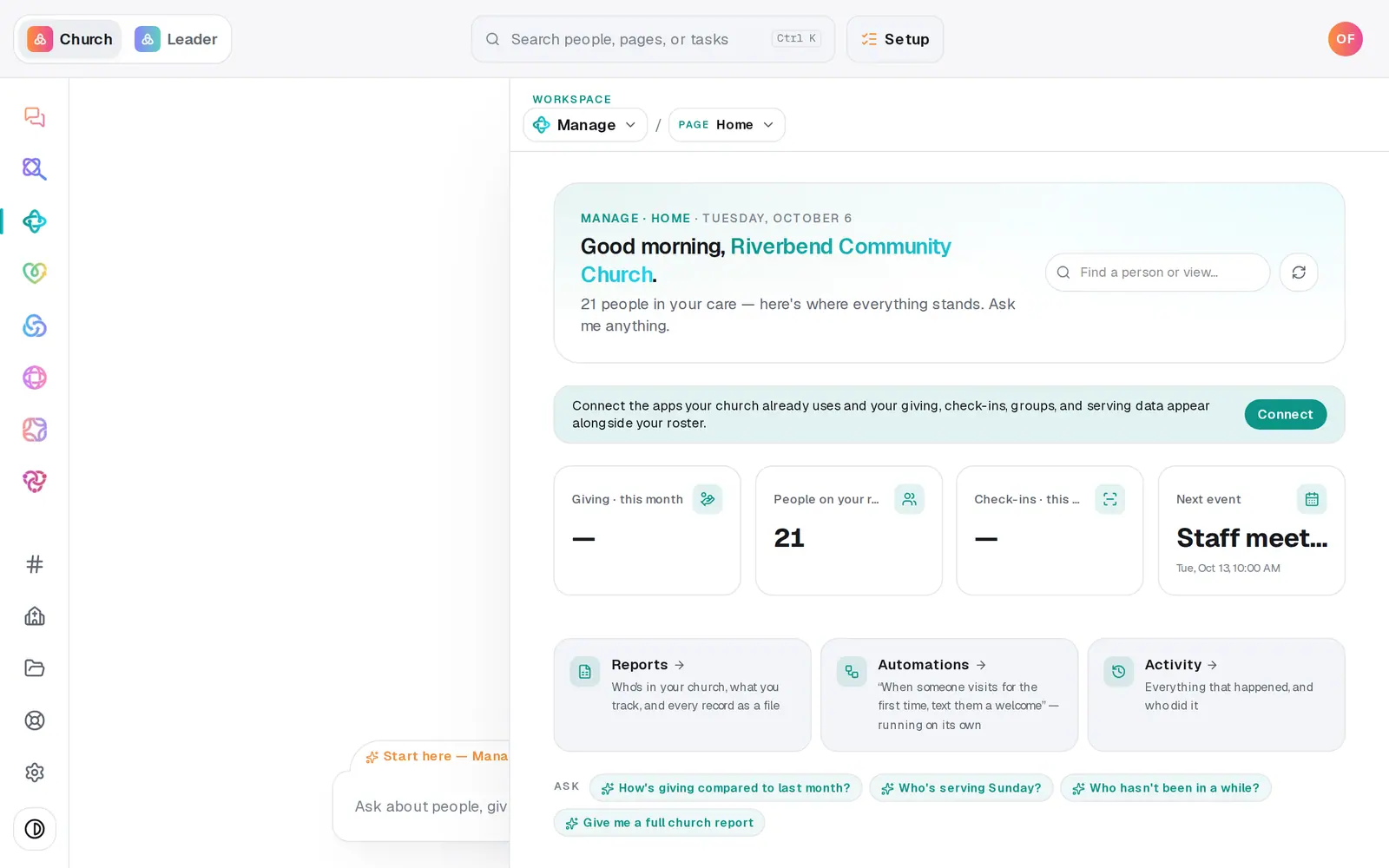
1/7 · In Manage, choose Check-ins from the page menu
Good to know
- Plan one station for every 50 kids at your busiest time. Go Live's Kids Check-in plan uses the same rule, and it never creates stations for you.
- One security code covers everyone checked in together. It's four characters, so it's easy to read aloud at the classroom door.
- Retiring a tablet? Press the × on its station row. Its link stops working right away, and there's no switch to turn it back on, so add a new station if you need it again.
- Want printed name tags? Print label on the code screen sends them to a USB label printer from Chrome or Microsoft Edge, and Print prints the code on any printer.
If it’s not working
A family can't find their name on the station
The search looks for first and last names already in your people. If they're new, have them tap New here? Add your family. It adds the family and brings them back to the station with everyone selected, one tap from checking in.
The station says "Couldn't reach the server"
The tablet lost its connection. Check the Wi-Fi and press Check in again. What the family already picked stays on the screen.
The station link opens a page that isn't found
That station has been turned off (the × on its row), or the link was copied incompletely. A turned-off station can't be turned back on. Add a new station and bookmark its link.
I turned Guest check-in off, but the tablet still shows the guest box
The tablet shows the setting it had when the page loaded. Reload the station. Until then, a typed guest name is turned away with a note to search for the family or use New here?.
Next, you might want to
- Print name tags and choose a label printerPrint a name tag for each child and a pickup receipt at the check-in station, and know which printer and browser will work.
- Check kids out at pickupMatch the parent's security code, check the family out, and note who else is approved to pick up a child.
- Check a family in without a kioskCheck people in from the welcome desk or the office, and hand the family their pickup code.
- Plan the Sunday you launch something newUse Go Live to pick a launch Sunday, name an owner, and get dated steps, a printed kit and messages already written.