Send each child to the right classroom
On a busy Sunday, nobody should have to work out which room a four-year-old goes to. Mark each kids room with an age group, and KidSecured™ tells every parent their child's room as each label is scanned. Give a kids volunteer a room, and they see only that room's kids.
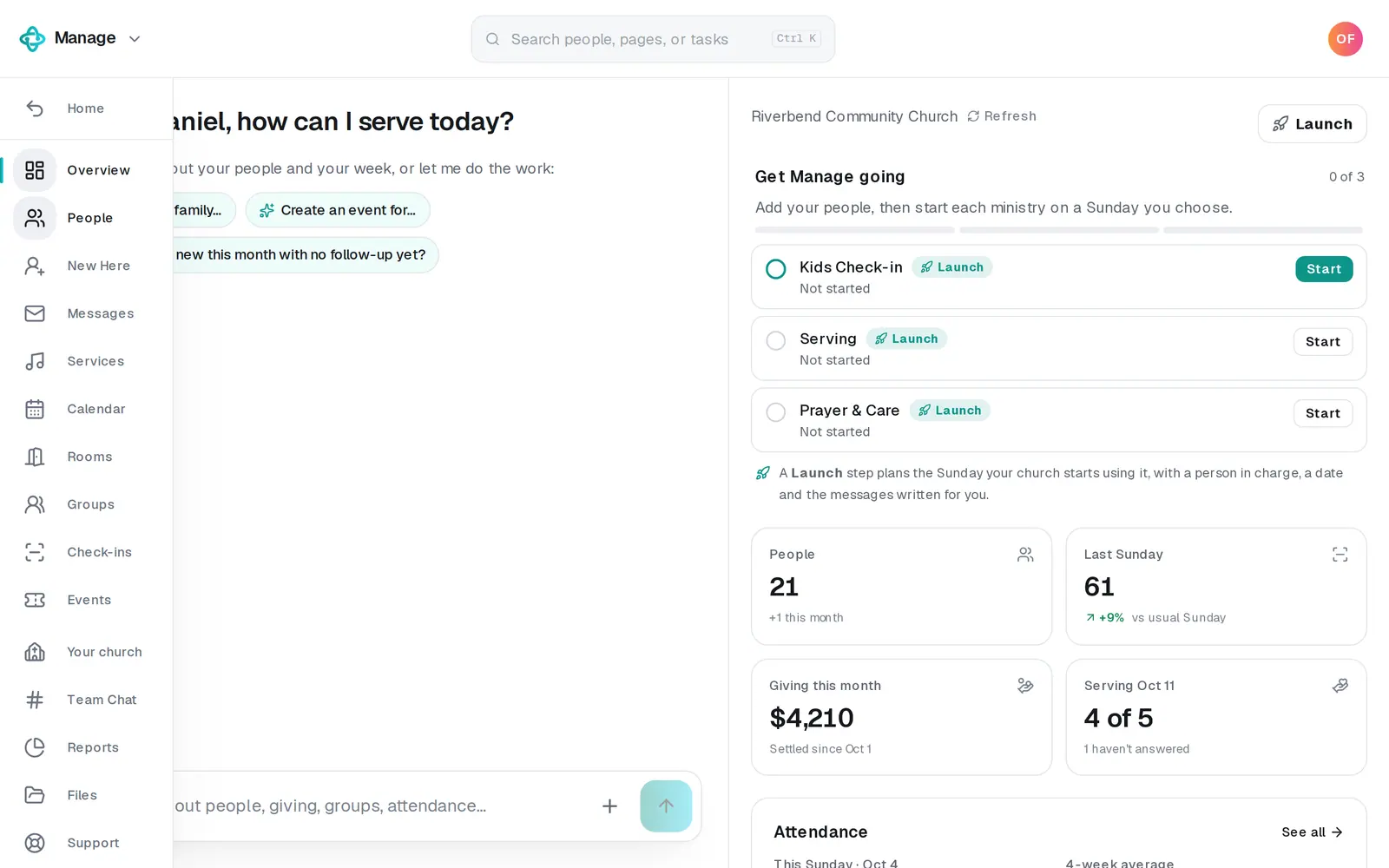
1/7 · In Manage, press Rooms on the left
Good to know
- Starting from Check-ins → Overview? The Kids Classrooms step's Add room opens this same form with Kids room already on.
- A child's room comes from their age in whole years on the check-in day, and when two Kids rooms both fit, the narrower age group wins. It's decided as the label is scanned: changing a room's ages or name, or adding a room, never moves a child who's already checked in.
- Parents see which room each child goes to, like “Mia goes to Room 104”, right after each label is scanned, and the room stays on their pickup page until pickup.
- Staff who can edit Manage, and kids volunteers with no room that day, see every child on the list, each with their room, and can pick a room at the top: All rooms, one Kids room, or No room.
If it’s not working
A parent's phone says “Ask a volunteer which room”
No Kids room's age group holds that child's age today, or the child has no birthday on file. Fix the age groups in Rooms (or the birthday), and the next check-in sends them to a room. Until then, look for them under No room on the list.
A child went to the wrong room
Their birthday on file is wrong, or two age groups overlap (the narrower one wins). The parent can change the birthday with the pencil beside their child at check-in, or staff can change it in People.
A volunteer sees every child instead of their room
They have no room on their request for today (Services → Scheduling → Room), they declined that day, the room isn't a Kids room any more, or they're staff who can edit Manage, who always see everyone. A room you give a volunteer shows on their list within a minute.
It says “A Kids room needs an age group: its youngest and oldest age.”
A Kids room can't be saved without its youngest and oldest age. Pick both, or turn Kids room off for a room you only book for events.
Next, you might want to
- Check kids in safely on Sunday morningSet up KidSecured™: share your kids check-in link, give volunteers their live list, and put the right people on your kids check-in team.
- Check kids out at pickupSign in to the live kids list, match the code on the child's label with the parent's pickup page, then check the child out.
- Schedule volunteers for SundayPut people on serving teams, ask them to serve on a date, see who confirmed, and plan around the weeks people are away.