Schedule volunteers for Sunday
Filling the greeter and nursery slots shouldn't take a week of texts. Each ask goes out as an email with a link, the volunteer answers with one tap, and you see who's confirmed in one list. Setting up a team and sending your first ask takes about ten minutes.
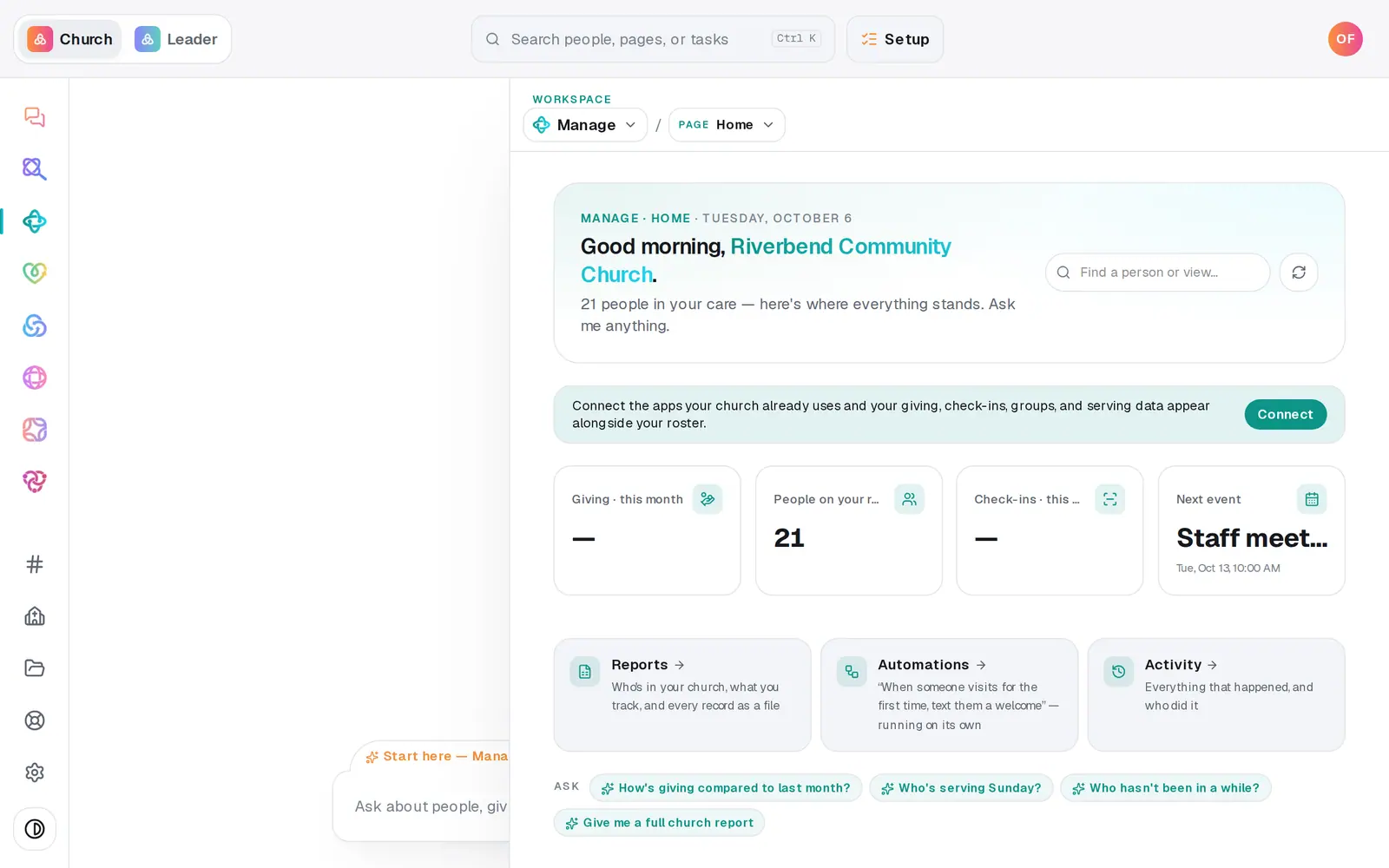
1/7 · In Manage, choose Services from the page menu
Good to know
- Fill a whole month from the chat: "schedule the worship team for November". Aligned builds a Sunday rotation across the team, skips blockouts and dates that already have someone, and shows you the rotation with a button like Send 4 serve requests. Nothing goes out until you press it. It covers up to eight Sundays at a time.
- To cancel an ask, press the × on its row in Upcoming requests. The copy icon next to it gets that person's link again.
- A team can have requirements, like a current background check for the nursery. Open Requirements on the team card to set them.
- Volunteers can change their answer later from the same link.
If it’s not working
A volunteer says they never got the email
Check that they have an email address on their profile, and that your church's Gmail or Outlook is connected in Automations → Connected apps. Either way, the copy icon on their row in Upcoming requests gets their link to text them.
It says they're blocked out that day
They've marked themselves away (it's in Blockouts). Press Schedule anyway if you've checked with them, or ask someone else.
It says they don't meet the requirements yet
The team has a requirement they haven't met, like a background check date, and it can't be skipped. Update their record, or ask someone who's cleared.
Go Live's Serving plan says volunteers reply YES
Serve asks go by email, and volunteers answer by tapping Confirm or Can't make it on the link. There's nothing to reply to. Scheduling lives here, in Manage → Services → Volunteer scheduling.
Next, you might want to
- Require a background check before someone servesRecord each volunteer's background check date, require a current one on a team, and see who isn't cleared yet.
- Plan your order of service and songsBuild Sunday's run sheet from last week's, print it for the team, and keep a song library whose chords change key on the spot.
- Choose where your church email comes fromSend church email from your own address on aligned.church, turned on in one tap, or from your church's Gmail or Outlook.
- Add an event to your calendarPut a one-time or repeating event on your church calendar, then edit it, cancel it, add a photo or book a room.