Require a background check before someone serves
Nobody should find out on Sunday morning that the nursery volunteer's check ran out last spring. Record when each person's check cleared, tell the team it's required, and Aligned keeps track of who's current. Setting it up takes about ten minutes.
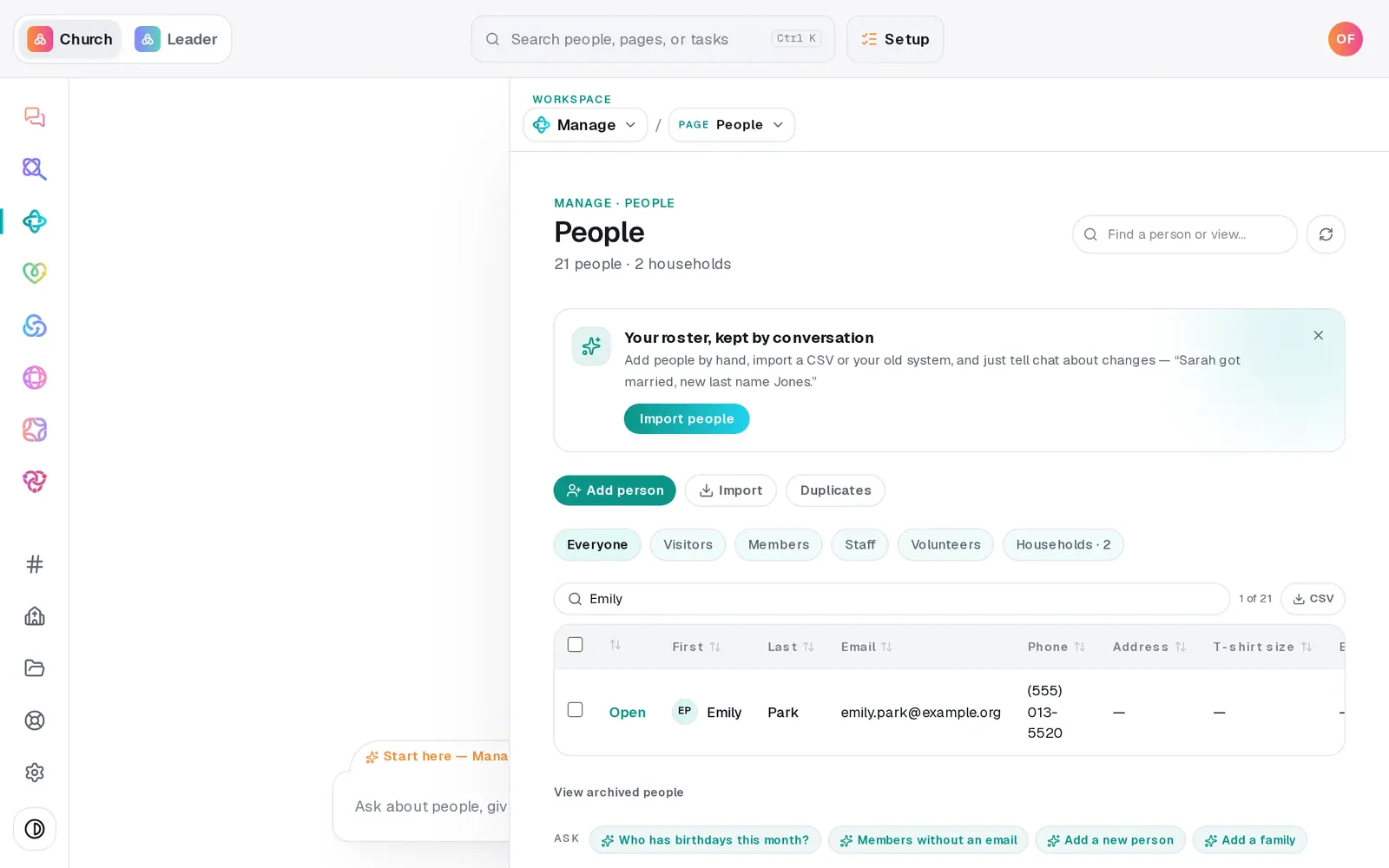
1/7 · In People, open a volunteer's profile
Good to know
- Keep the report itself on their profile: under Files, choose Background check and pick the file (up to 10 MB). Only manager seats can open files.
- Other requirements work the same way: Signed document for a policy they must sign, Minimum age for helpers who must be 18 or older, Completed milestone for a class, or Recent attendance.
- Groups have the same Requirements button on each group, for a youth group or a class.
- You can ask the chat instead: "nursery workers need a current background check, renew every two years". It shows the requirement on a button before anything is saved.
If it’s not working
It says "No date fields yet — create one under People → Fields"
There's no separate Fields page. Open anyone's profile in People, press + New field under Fields, and make a Date field named "Background check date". Then open Requirements again.
It says someone "doesn't meet the requirements yet"
Their background check date is missing or out of date, and the requirement is Required to join, so they can't be added to the team or asked to serve. Record their new date on their profile, then try again.
Someone who isn't cleared is still on the team
A new requirement doesn't take anyone off. It lists them under Not cleared and stops new serve requests for them until their date is current.
It says "Couldn't load the clearance report."
The list didn't load, so it shows nothing rather than claiming everyone's cleared. Close Requirements and open it again.
Next, you might want to
- Schedule volunteers for SundaySet up serving teams, ask people to serve on a date, see who confirmed, and plan around the weeks people are away.
- Keep notes, reminders and files on a personLog a pastoral note, set a private reminder to call, follow someone's news, and attach a signed form to their profile.
- Check kids in safely on Sunday morningSet up a check-in station, open it on a lobby tablet, decide on guest check-in, and plan the Sunday you start.