Get a permission slip signed online
Paper permission slips come back crumpled, late or not at all, usually the morning the van leaves. Write the slip once, send it to each parent from their profile, and they sign it on their phone with no account. You'll see the moment it's signed.
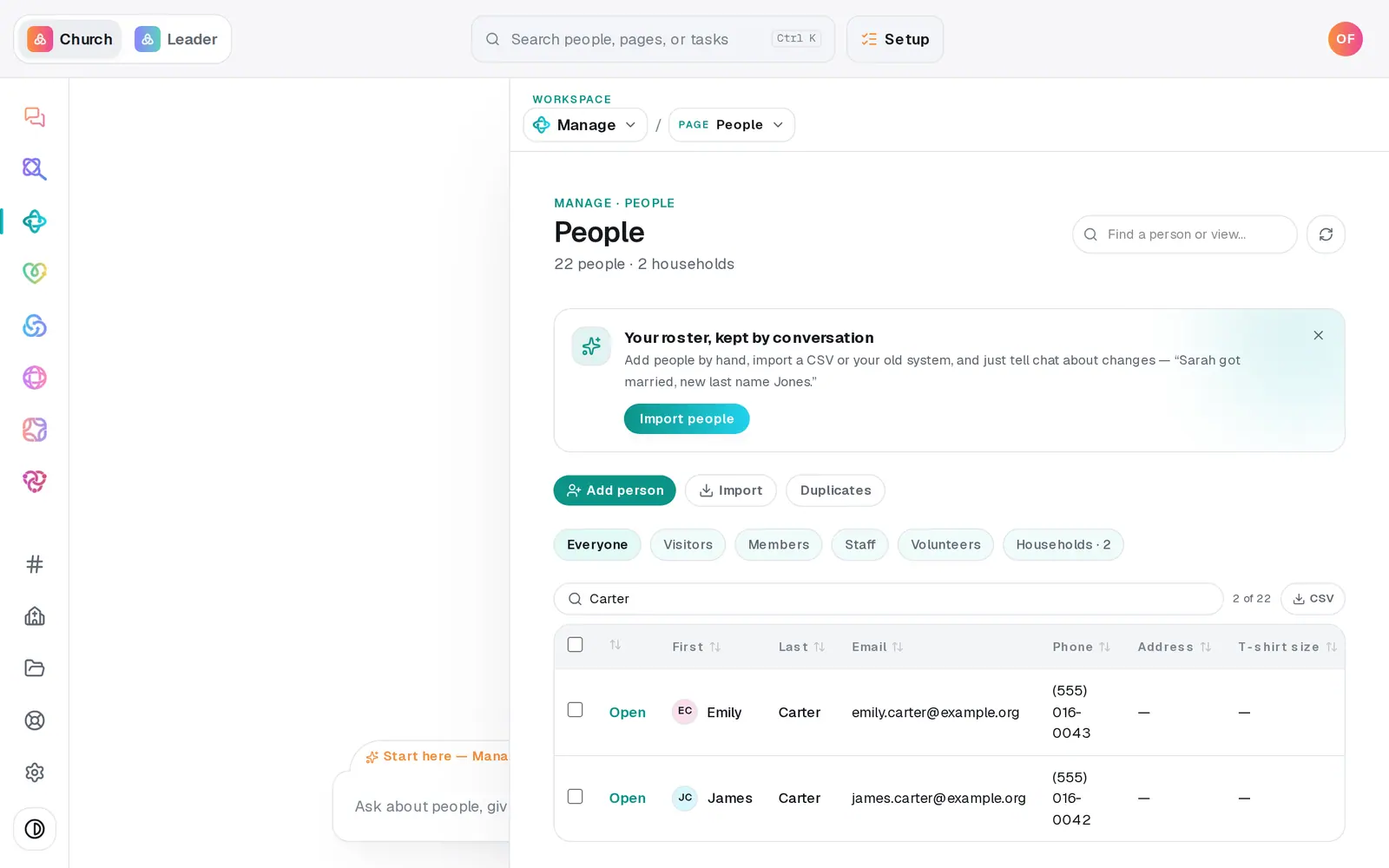
1/7 · In People, open the parent's profile
Good to know
- It goes to one person at a time. For the next family, open that parent's profile and pick the same slip under Send a document….
- Make signing part of serving: on a team or group, open Requirements, choose Signed document and pick the template. Anyone who hasn't signed shows as not cleared.
- The chat can do it too: “create a youth trip permission slip for parents to sign” makes the template, and “send Emily Carter the fall retreat permission slip” sends it. It shows you what it will do on a button first.
If it’s not working
It says “Sent — but connect your church mailbox to email the link.”
The request was made, but there was no church mailbox to email it from, and the profile has no way to copy the link. Connect your church's Gmail or Outlook in Automations → Connected apps, press the × on that request to withdraw it, and send it again.
It says the person “has no email on file — add one first.”
The link only goes by email. Add the parent's email to their profile, then press Send again.
The parent says “This link isn't valid”
The request was withdrawn, or the link got cut off when it was copied from the email. Send a fresh one from their profile.
I don't see Signatures on anyone's profile
Signatures are for the account owner and staff whose role can edit Manage. Ask your church's account owner if you need that access.
Next, you might want to
- Require a background check before someone servesRecord each volunteer's background check date, require a current one on a team, and see who isn't cleared yet.
- Keep notes, reminders and files on a personLog a pastoral note, set a private reminder to call, follow someone's news, and attach a signed form to their profile.
- Take registrations for an eventOpen a signup with a spot limit and your own questions, share its link, and close or reopen registration any time.
- Make a digital connect cardBuild a connect card or sign-up form, share its link, and close or delete it when you're done collecting.