Sign a document your church sent
Permission slips, waivers and photo releases don't need a printer anymore. Your church emails you a link, you read the document on your phone, and you sign by typing your name. It takes about a minute.
About 2 minutes Part of Aligned ChurchUpdated September 29, 2026
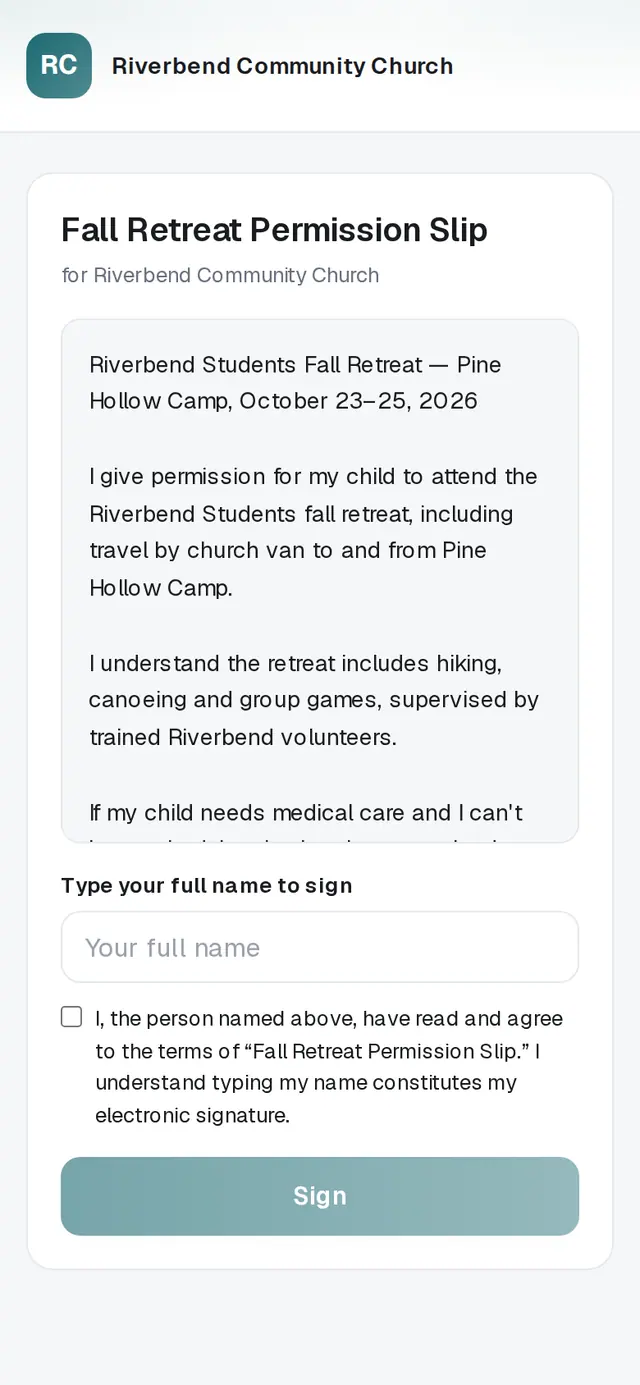
1/6 · Tap the link in your church's Please review and sign email
Before you start: The email from your church titled “Please review and sign: …”.
Good to know
- Your church keeps a record of exactly what you signed and when.
- No email? Check your spam folder for “Please review and sign”, or ask your church to check the email address they have for you.
If it’s not working
It says “This link isn't valid”
The document may have been withdrawn. Ask your church to send a fresh link.
It says “No longer available”
Your church has closed this document for signing. Contact your church if you still need to sign it.
It says “That didn't go through. Please try again.”
Your signature wasn't recorded. Check your connection and tap Sign again.
It says “Too many tries. Please wait a few minutes and try again.”
The link was used a lot in a short time. Wait a few minutes, then sign again.
Did this help?
Next, you might want to
- Update your contact info with your churchChange your phone, email or address from your church's link, and see your church life in one place on your member hub.
- Fill out a form from your churchComplete a connect card, interest form or survey your church sent you — no account needed.
- Sign up for an eventReserve spots for yourself and your family at a church event — or join the waitlist when it's full.