Check a family in without a kiosk
Not every Sunday needs a tablet in the lobby. A family arriving late, a small midweek class, or a desk volunteer with a laptop can check people in straight from Manage, and it lands in the same list as the kiosk, with the same security code for pickup.
About 1 minute Part of Aligned ChurchUpdated September 29, 2026
aligned.church/church
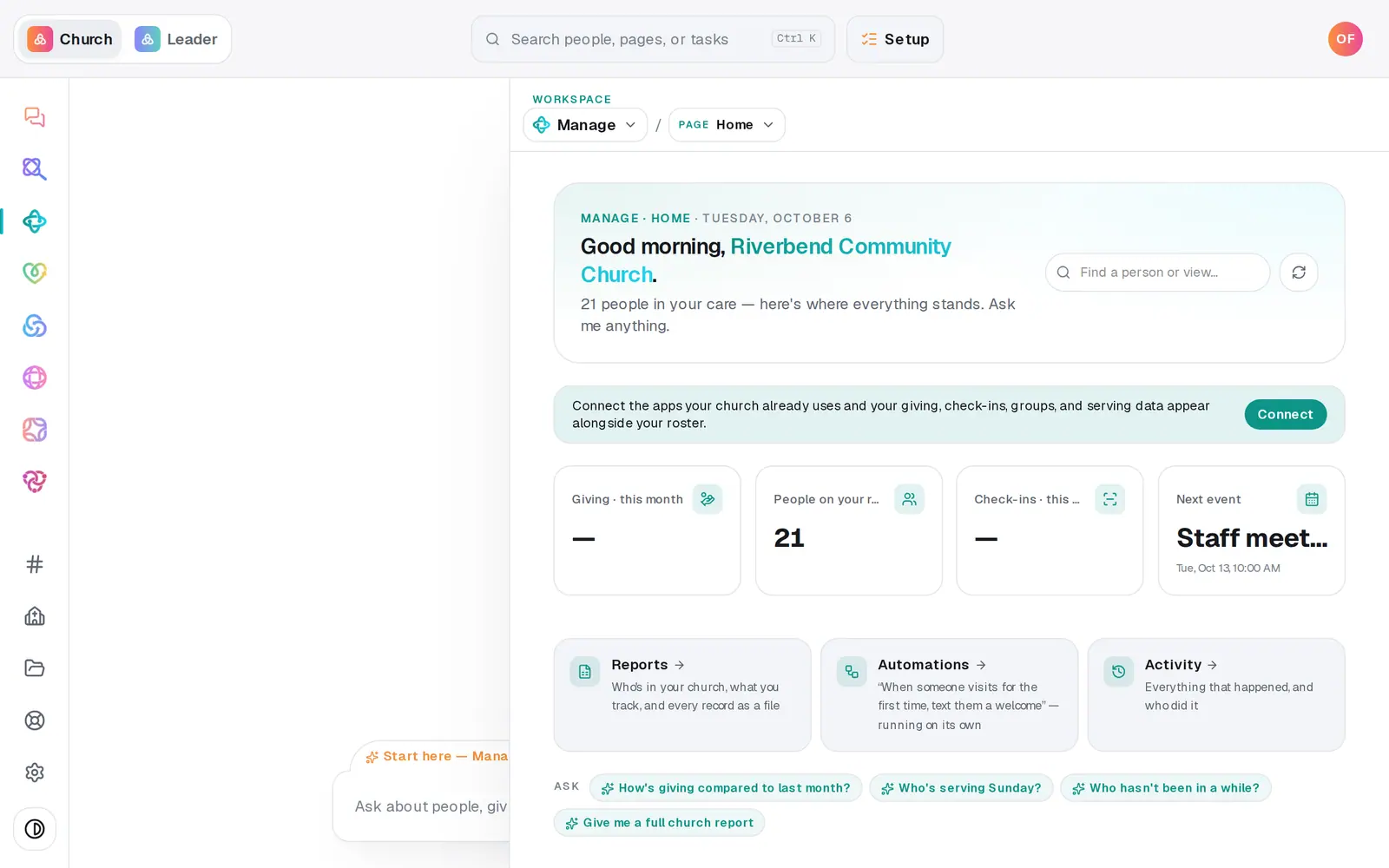
1/5 · In Manage, choose Check-ins from the page menu
Before you start: You need Manage on your Aligned Church plan and an owner or manager seat. The people you check in need to be in your people already, or you can type a guest's name.
Good to know
- You can do it in the chat too: "check the Okafors in to Sunday service" finds the whole family by last name. Tap the button to confirm, and the reply shows their security code.
- Checking out works from the same page: in Recent check-ins, press Check out on any of the family's rows.
- A guest typed in by name is counted in attendance, but isn't added to your people. For a family you'll want to follow up with, add them in People first.
If it’s not working
The person I need isn't in the list
The list only has people kept in Aligned. Someone who shows as read-only from a connected app can't be picked here. Add them in People, or type their name under Guest name.
I can't add a ninth person
One check-in holds up to 8 people. Press Check in for the first group, then check the rest in on their own. They'll get a separate code.
It says "That didn't save — try again."
The check-in didn't go through, usually because of a dropped connection. Nothing was recorded, so press Check in again.
Did this help?
Next, you might want to
- Check kids in safely on Sunday morningSet up a check-in station, open it on a lobby tablet, decide on guest check-in, and plan the Sunday you start.
- Check kids out at pickupMatch the parent's security code, check the family out, and note who else is approved to pick up a child.
- See how attendance is trendingRead today's check-ins and the week-by-week trend, ask the chat how attendance is going, and download every check-in as a spreadsheet.