Text first-time visitors automatically
A guest's first week decides whether they come back, and a warm text on the day of their visit helps. Aligned can send one to every first-time guest, the first time they check in at one of your check-in stations. It takes about five minutes to set up.
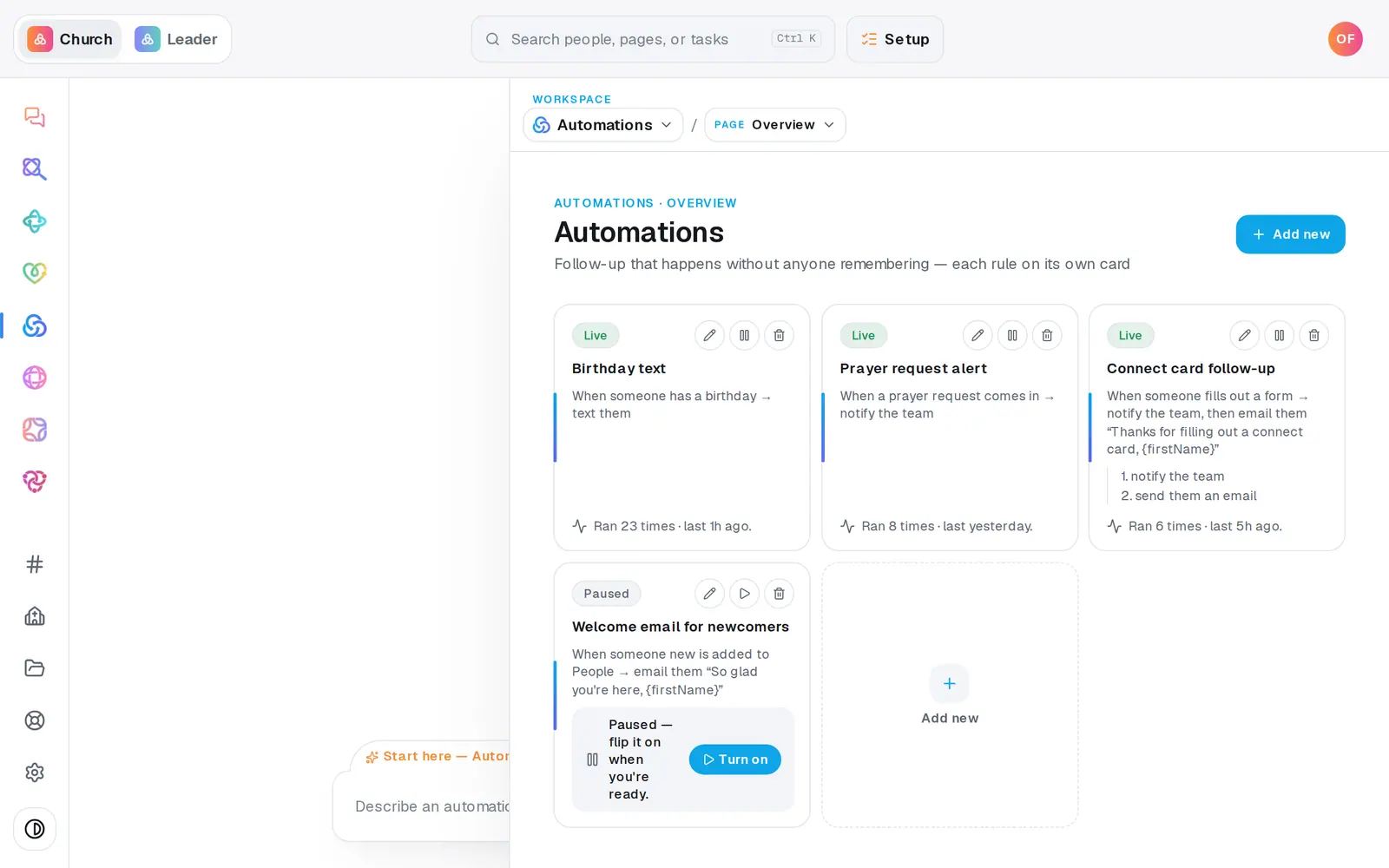
1/7 · In Automations, press Add new
Good to know
- In your first weeks on Aligned, a long-time member's first check-in here counts as a first visit too. To text only guests, set only when to their status contains… and type Visitor.
- Want someone to call them later in the week? Press Add step, choose set a follow-up reminder, and set it to wait 2 days.
- Rather describe it? Type “when someone visits for the first time, text them a welcome” in the chat. It builds the automation paused, for you to check over and turn on from its card.
If it’s not working
It's turned on but has never run
It only sees check-ins at your own Aligned check-in stations. Attendance you imported, and check-ins in another system, don't set it off. If your church doesn't check people in with Aligned yet, there's nothing for it to catch.
A guest checked in but didn't get a text
If they were checked in as just a guest name, there's no person to text yet. Add them in People, and their next check-in counts as their first. Otherwise open Activity in Automations: a skipped run says why, like “has no mobile number on file”.
A long-time member got the welcome text
Aligned only sees check-ins taken at your stations, so their first check-in here looked like a first visit. Add only when their status contains… Visitor to the automation so members aren't texted.
It says “Ready to make this live?”
Turning an automation on waits until your church has finished setup. Press Setup at the top of the screen and finish it. Meanwhile Save without turning on keeps your work, paused.
Next, you might want to
- Check kids in safely on Sunday morningSet up a check-in station, open it on a lobby tablet, decide on guest check-in, and plan the Sunday you start.
- Follow up with every newcomerSet up a newcomer follow-up plan, put new people in it, and move each person through the steps until they're connected.
- Check whether an automation ranSee what your automations did today, what they skipped and why, and what to fix when one didn't fire.
- Get your church's texting number approvedRegister your church's own texting number with the phone carriers once, in chat or on a form, and follow it to approval.