Check whether an automation ran
Someone asks whether the birthday text went out, or a first-time guest never got their welcome. You shouldn't have to guess. Every time an automation runs, Aligned writes down what happened, and it takes a minute to look.
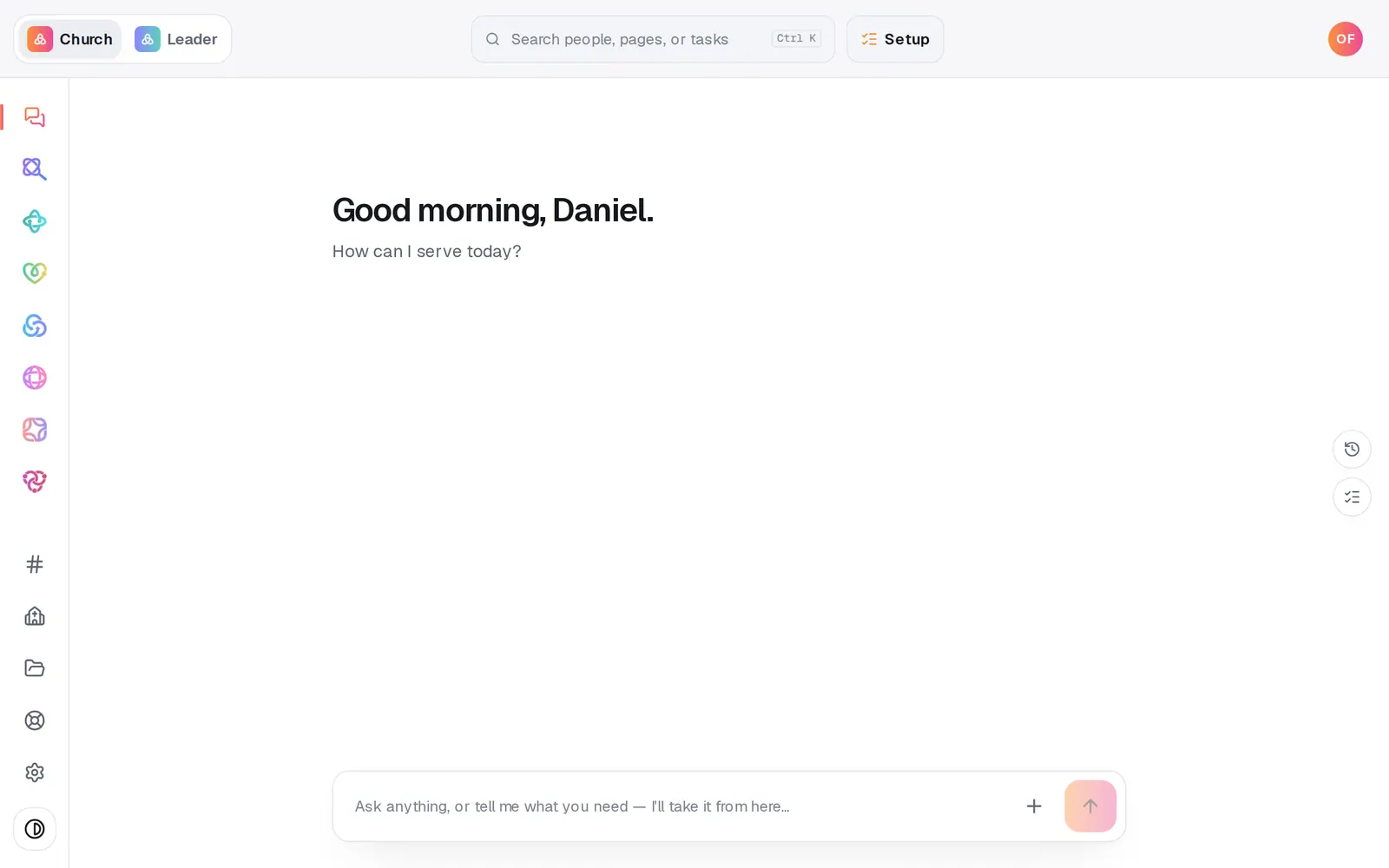
1/4 · Open Automations from the left rail
Good to know
- You can ask the chat instead: “did the birthday text go out?”, “what ran today?” or “is anything waiting?” It answers from the same record.
- In Manage, the Follow-ups page has an Automations section with a Recent activity list, so you can check without leaving your people.
If it’s not working
It never ran at all
First check its card says Live, not Paused. An automation only sees things that happen after it's turned on. Imports and changes to many people at once don't set off per-person automations, and someone checks in for the first time with us only sees check-ins at your own Aligned check-in stations.
The text steps never send
Your church's texting number has to be approved and live first. People who opted out are always skipped, and a text due overnight waits and goes out after 8am, showing Waiting until then.
It says “No email sender is connected — email not sent.”
Nothing is set up to send email. Turn on Aligned Email, or connect your church's Gmail or Outlook, in Automations → Connected apps, and the next run will send.
A run says Problem and I can't tell what to fix
The red line says which step failed. If it isn't something you can change, press Help at the bottom of the left rail and someone will look at that run with you.
Next, you might want to
- Change, pause or delete an automationEdit what an automation says or does, pause it for a season, or delete it for good.
- Test an automation before it goes liveSee who an automation would have caught last week, and send its email or text to yourself before you turn it on.
- Choose where your church email comes fromSend church email from your own address on aligned.church, turned on in one tap, or from your church's Gmail or Outlook.
- Put follow-up on autopilotStart from a ready-made recipe, like a welcome text or a prayer alert, and turn on your first automation.