See how attendance is trending
Board meetings, budget season and a hunch that Sundays feel thinner all come back to one question: how many people are actually here? Every check-in at a station or the welcome desk is already counted, so the numbers are waiting for you. Reading them takes a minute.
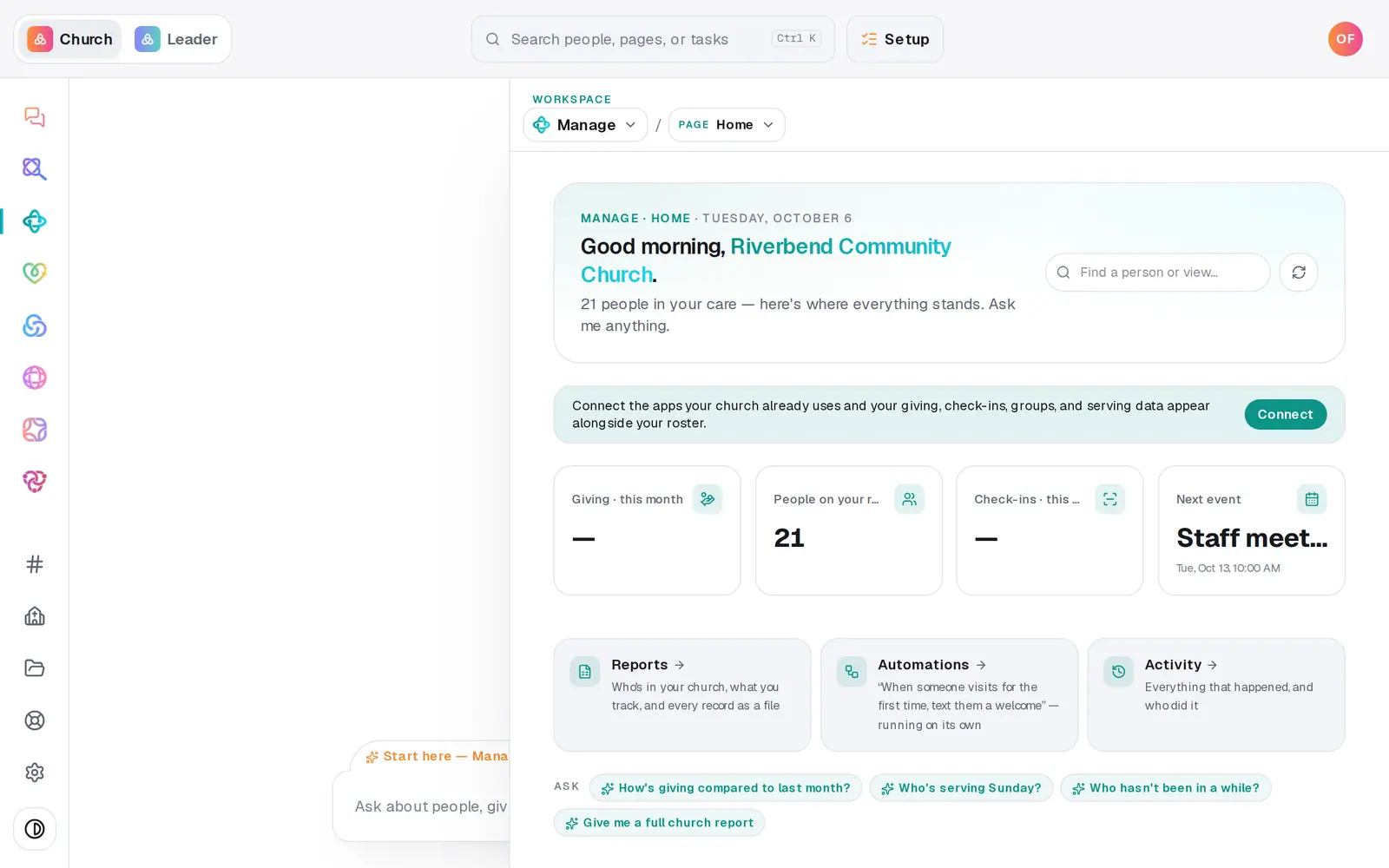
1/6 · In Manage, choose Check-ins from the page menu
Good to know
- Count heads in the sanctuary instead of checking everyone in? On Reports, press + Track a metric, name it (like "Sunday worship headcount"), add a goal and press Track. Each week, press Record on its card and type the number. The card shows your weeks as bars against the goal.
- You can log the headcount in the chat too: "log 187 for Sunday worship headcount".
- Using Planning Center Check-Ins? Once it's connected in Automations → Connected apps, its 12-month chart shows at the bottom of Check-ins and on Manage's Home.
If it’s not working
Manage's Home shows a dash for check-ins
Home's check-in number and chart come from a connected check-in app, like Planning Center Check-Ins. Check-ins at your Aligned stations and the desk show on the Check-ins page, in the chat's answer, and in the Attendance download.
This week's bar makes it look like attendance dropped
The last bar is the week so far. It grows as the week's check-ins come in, so compare the full weeks before it.
It says "Reports are for staff with manager seats"
The downloads on Reports are for the church owner and manager seats. Ask your church owner to change your seat, or to send you the file.
The chat says "No check-ins recorded yet."
Nobody has checked in at a station or the desk yet. Set up a station (the chat can do it: "Set up a check-in station for the lobby"), or check a family in from the Check-ins page, and the answer fills in.
Next, you might want to
- Ask who has a birthday or who's missed churchAsk plain questions about your people — birthdays, who's new, who hasn't been in a while — and get the list back.
- Check kids in safely on Sunday morningSet up a check-in station, open it on a lobby tablet, decide on guest check-in, and plan the Sunday you start.
- Check a family in without a kioskCheck people in from the welcome desk or the office, and hand the family their pickup code.
- Export your people to a spreadsheetDownload your whole directory, group rosters, attendance or song usage as a spreadsheet — or just the list on your screen.