Record your weekly attendance
The board wants to know whether this fall is busier than last, and the honest answer starts with counting the same way every week. People → Attendance asks for the numbers growing churches watch, adds up the ones Aligned already counts for you, and shows the trend.
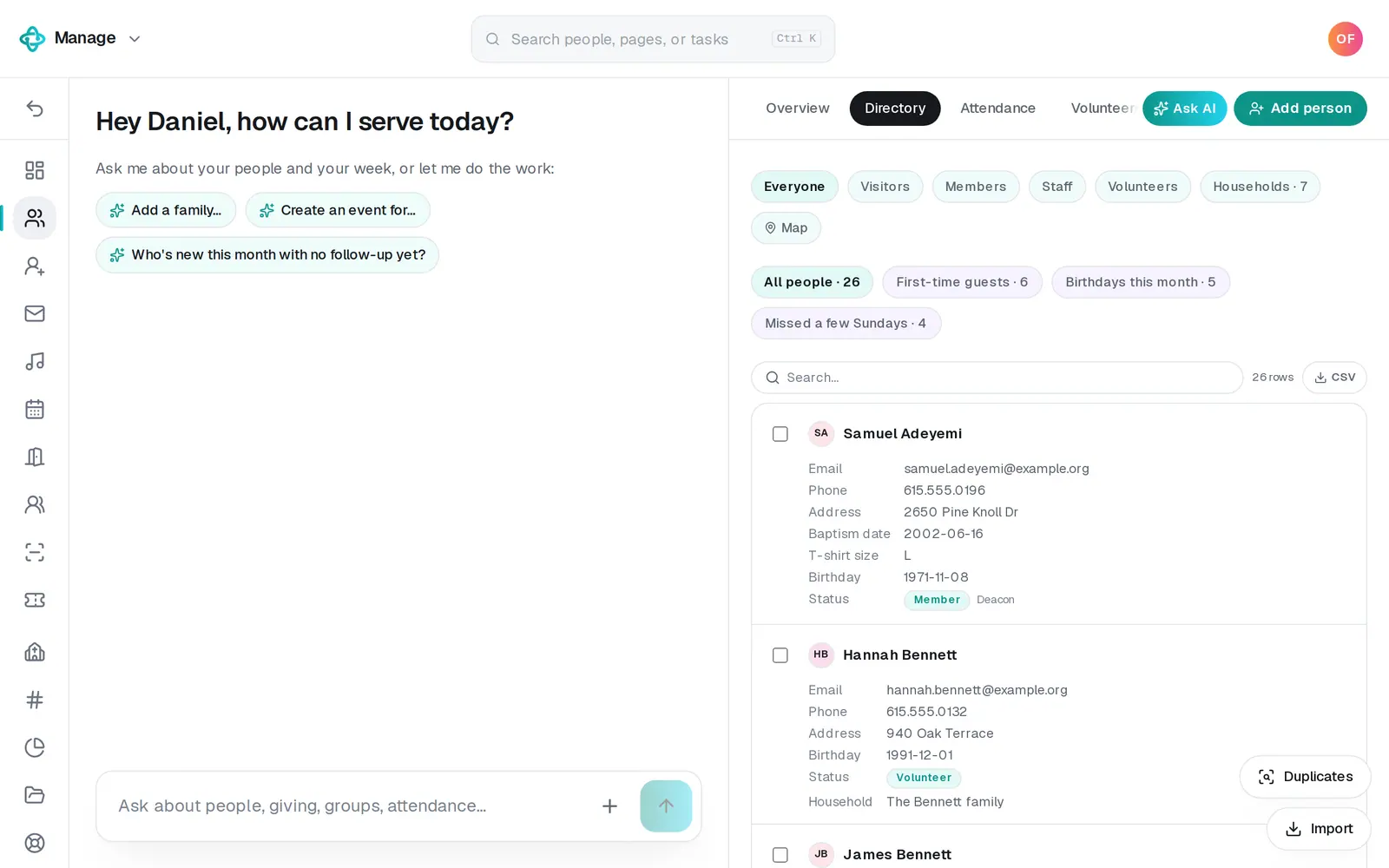
1/6 · In People, press the Attendance tab
Good to know
- Or say it in Manage's chat: “we had 142 at 9 and 210 at 11, 12 first-time guests”. The chat shows every number it read and the service each lands on, and saves nothing until you tap Save attendance. A question like “how was attendance last month?” is answered, never saved.
- Weeks run Monday to Sunday and are named for their Sunday. A Saturday night service counts with the next day's Sunday, and numbers saved on several days in one week add up to that week.
- Kids are counted from check-ins, volunteers from the serving schedule, people in groups from each group's attendance, households that gave from Aligned Giving, and baptisms from each person's Baptism milestone. A number you type always wins.
- Metrics, in Reports, is for anything else you count, like meals served. Attendance, guests, baptisms, groups and giving belong here.
If it’s not working
It says “Whole numbers only.” or “That number is too big to be right.”
Type the number on its own, without commas, decimals or words, then press Save attendance again.
It says “Give every service a name, like 9:00 AM.”
A service row has no name. Press Rename or remove, type a name for it (or remove it), and save.
It says “Someone else just saved this day — reload and try again.”
Another person saved numbers for the same day while you were typing. Reload the page, check what they saved, and add yours.
There's no Add attendance button
Your role can view Manage but not change it, so you can read the numbers but not add them. Ask your church's account owner for a role that can edit Manage.
It says “That didn't save — try again.”
The numbers didn't go through that time. They're still in the form, so press Save attendance again.
Next, you might want to
- See how your church is doingGet the week at a glance, read a summary of your whole church before a board meeting, and track the other numbers you care about against a goal.
- Take small group attendanceTick off who came to group tonight, count your visitors, and save it, from your phone or your computer.
- See how attendance is trendingRead this Sunday against a usual week and the last 12 weeks against last year, ask the chat, and download the last six months of check-ins as a spreadsheet.
- Export your people to a spreadsheetDownload your whole directory, group rosters, attendance or song usage as a spreadsheet, or just the list on your screen.