Take small group attendance
Group just wrapped and you'd like to mark who came before you head home. Open the group on your phone, tick the people who were there, add any visitors, and it's recorded — the group's card then shows the date it last met.
About 2 minutes Part of Aligned ChurchUpdated September 29, 2026
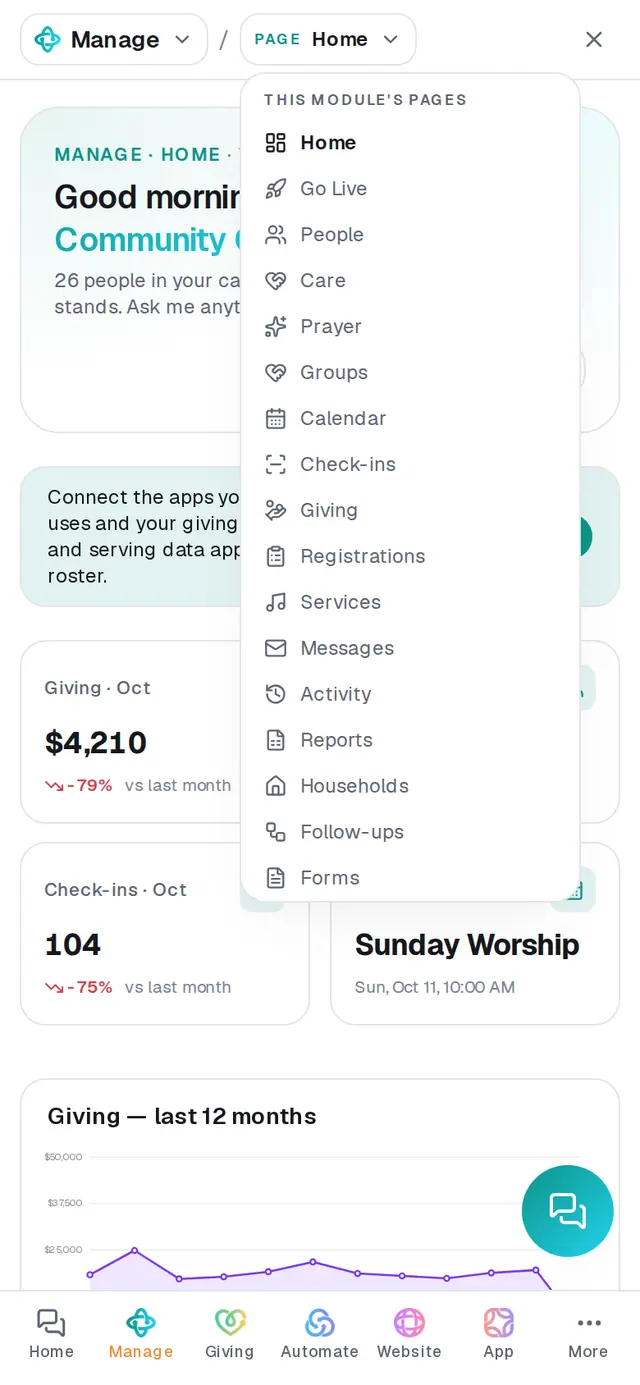
1/6 · In Manage, open Groups
Before you start: You need a role that can edit Manage, and the group needs members — Record attendance only shows on a group that has some.
Good to know
- Quicker still: tell the chat — "Tuesday Men's Study met tonight, everyone but David Kim, plus 2 visitors". Say the day it met; the reply confirms the date and how many were there. If a name could be more than one person, it asks for the full name before recording anything.
- Got it wrong? Record the same date again. What you save replaces what was saved for that day — it never counts twice.
- Deleting a group deletes its attendance history too. Its people stay in your directory.
If it’s not working
There's no Record attendance button
The group doesn't have any members yet, or your role can only view Manage. Add people to the group with + Add people… first.
Someone who comes every week is on my "hasn't been in a while" list
Those lists go by check-ins. Group attendance is kept with the group, so it doesn't count as a check-in.
The chat says the group "has no members yet"
Attendance is taken from the group's members. Add them on Groups with + Add people…, then tell the chat again.
"That didn't save — try again."
The attendance didn't go through that time. Your ticks are still there — tap Save attendance again.
Did this help?
Next, you might want to
- Start a small group and add peopleCreate a group, add its members from your directory in one go, and choose who leads it.
- Let people join a group onlineShare a group's join link, list it on your website, announce it in your app, and place the people who ask to join.
- See how attendance is trendingRead today's check-ins and the week-by-week trend, ask the chat how attendance is going, and download every check-in as a spreadsheet.
- Ask who has a birthday or who's missed churchAsk plain questions about your people — birthdays, who's new, who hasn't been in a while — and get the list back.