Let people join a group online
Most people won't walk up to a sign-up table, but they'll tap a link. Every group has its own join page — share the link, list the group on your website, and everyone who asks to join lands in one inbox for a leader to place.
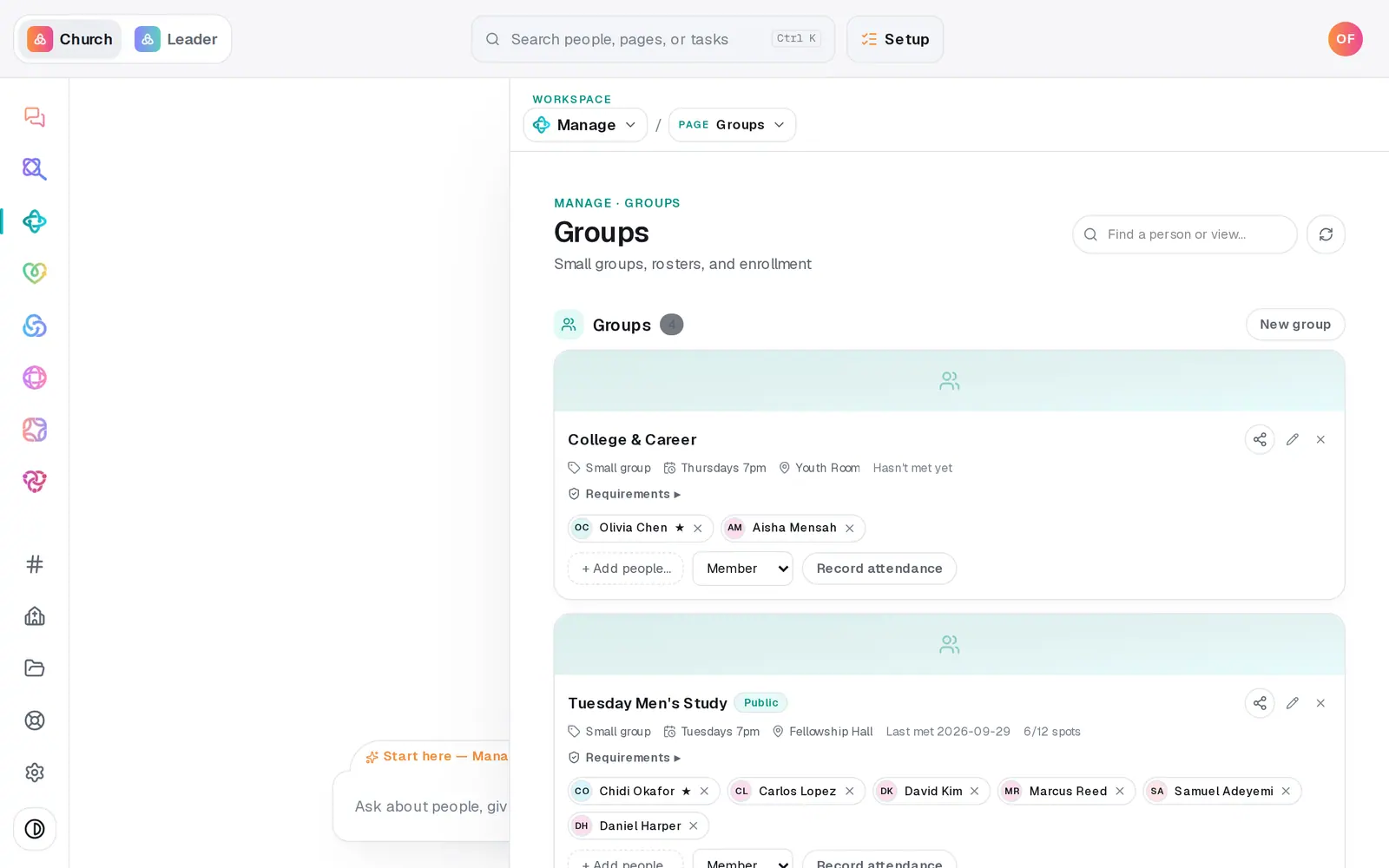
1/6 · On Groups, press the share icon on the group
Good to know
- Asking to join never adds anyone by itself — a leader places them, and any requirement the group has (a background check, a minimum age) is checked at that moment.
- To stop new requests, set Enrollment to Closed in the group's edit form. The join page then says the group isn't taking new members.
- Log interest you hear in person with + New request on Connect requests, or tell the chat: "Dan wants to join a small group".
If it’s not working
The share box says "No join link loaded yet"
The group's page hasn't been made yet. Refresh the page and open the share box again.
"App announcements are owner-only"
Only the church owner can send a push to your app. Ask them to send it, or share the link another way.
"No one can receive this yet"
Nobody has opted in to your church's notifications yet — people do that in your app or from your website's notification prompt — so nothing was sent. Share the join link by email or text instead.
Placing someone into a group was refused
They don't meet one of the group's requirements yet — the message says which. Sort that out first, or choose Connected (no group).
Next, you might want to
- Start a small group and add peopleCreate a group, add its members from your directory in one go, and choose who leads it.
- Take small group attendanceTick off who came to group tonight, count your visitors, and save it — right from your phone.
- Join a small groupAsk to join a group from its link or your church's website, and a leader follows up with you.
- Send a push notification to your church appSend a short announcement to the phones of everyone who installed your church's app and allowed notifications.