Send a push notification to your church app
Some news can't wait for Sunday: the parking lot is closed, the livestream starts at ten. A push notification lands on the phones of everyone who installed your church's app and allowed notifications. It takes about a minute.
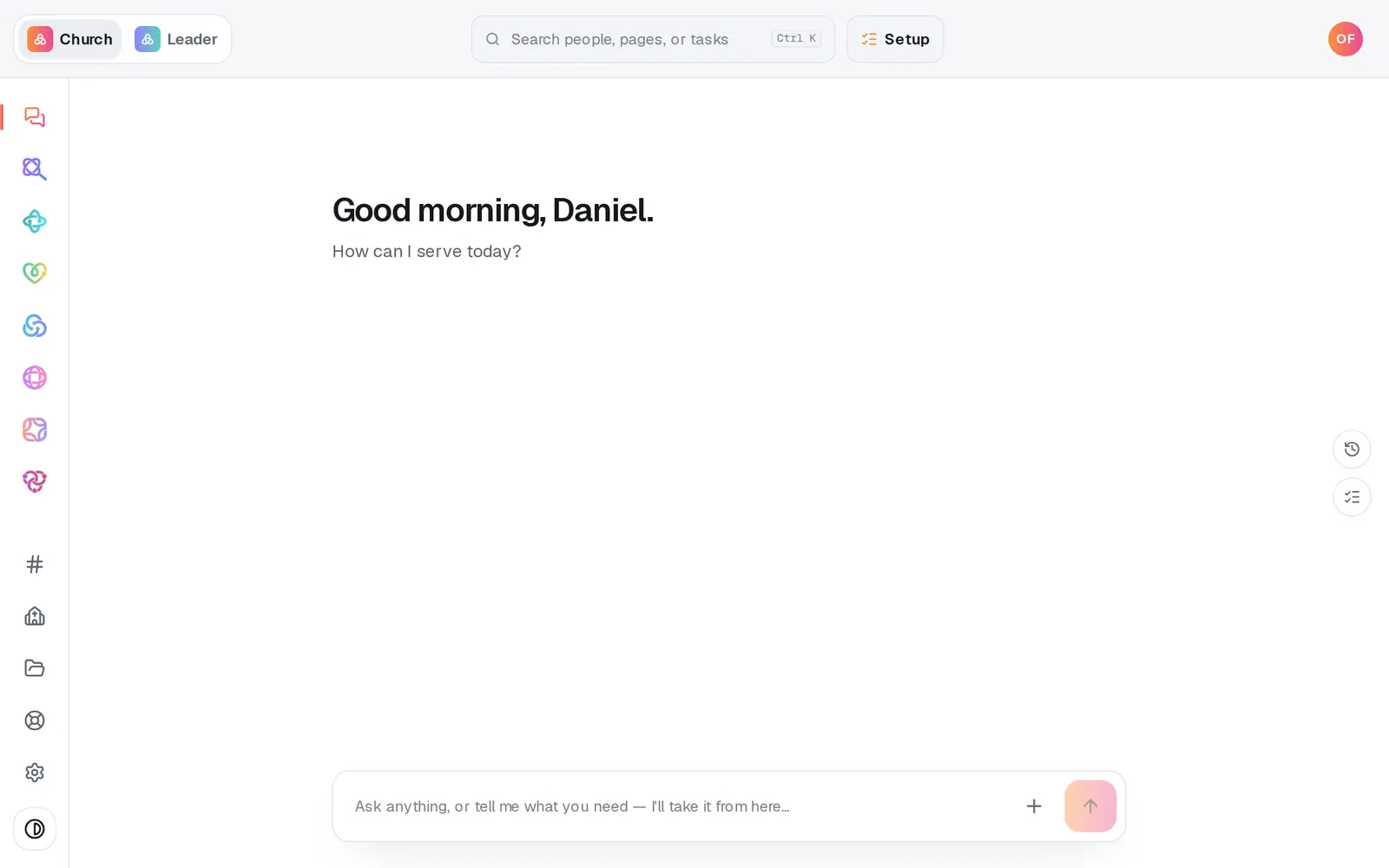
1/7 · Open App from the left rail
Good to know
- The count says “about” because it can't see who has deleted the app since allowing notifications, so it can run a little high.
- You can ask the chat to send one: “send a push saying doors open at 9”. It shows you the notification first and sends only when you confirm.
- Longer news belongs in an email or a text. A notification works best as a quick heads-up.
If it’s not working
Send notification is greyed out and it says “No one can receive this yet”
Nobody has installed your church's app and allowed notifications yet, so there's no one to send to. Nothing is wrong. Once people install your app and allow notifications, the count goes up and you can send.
It says “Push isn't switched on for your app yet”
Notifications you send from here won't reach anyone's phone until push is switched on for your app. Press Help at the bottom of the left rail and someone will look at it with you.
We published our own app, and its installs don't get our notifications
Push isn't switched on for a church-branded app published under your church's own store accounts, so that app's installs don't receive notifications sent from here. Press Help if you'd like to talk it through.
A notification shows Failed under Recent
It didn't go out. Send it again. If it fails a second time, press Help at the bottom of the left rail.
It says “Ready to make this live?”
Sending a notification waits until your church has finished setup. Press Setup at the top of the screen, finish it, then come back to Notify.
Next, you might want to
- Get your church its own appTurn your church's website into an app for the App Store and Google Play — choose the site it opens, check how it looks, and name it.
- Get your church's app on your phoneInstall your church's app from the App Store or Google Play, or keep its website on your home screen like an app.
- Text your whole church or one groupSend a text from your church's own number to everyone, one list or one group, once your number is approved.
- Email the whole church or one listWrite an email, see exactly who will get it and who's left out, then send it.