Start a small group and add people
A new study starts next month and the sign-up sheet is sitting on your desk. Create the group once, tick everyone who's in it, and mark who leads — then attendance, the join link and your website all work from that same group.
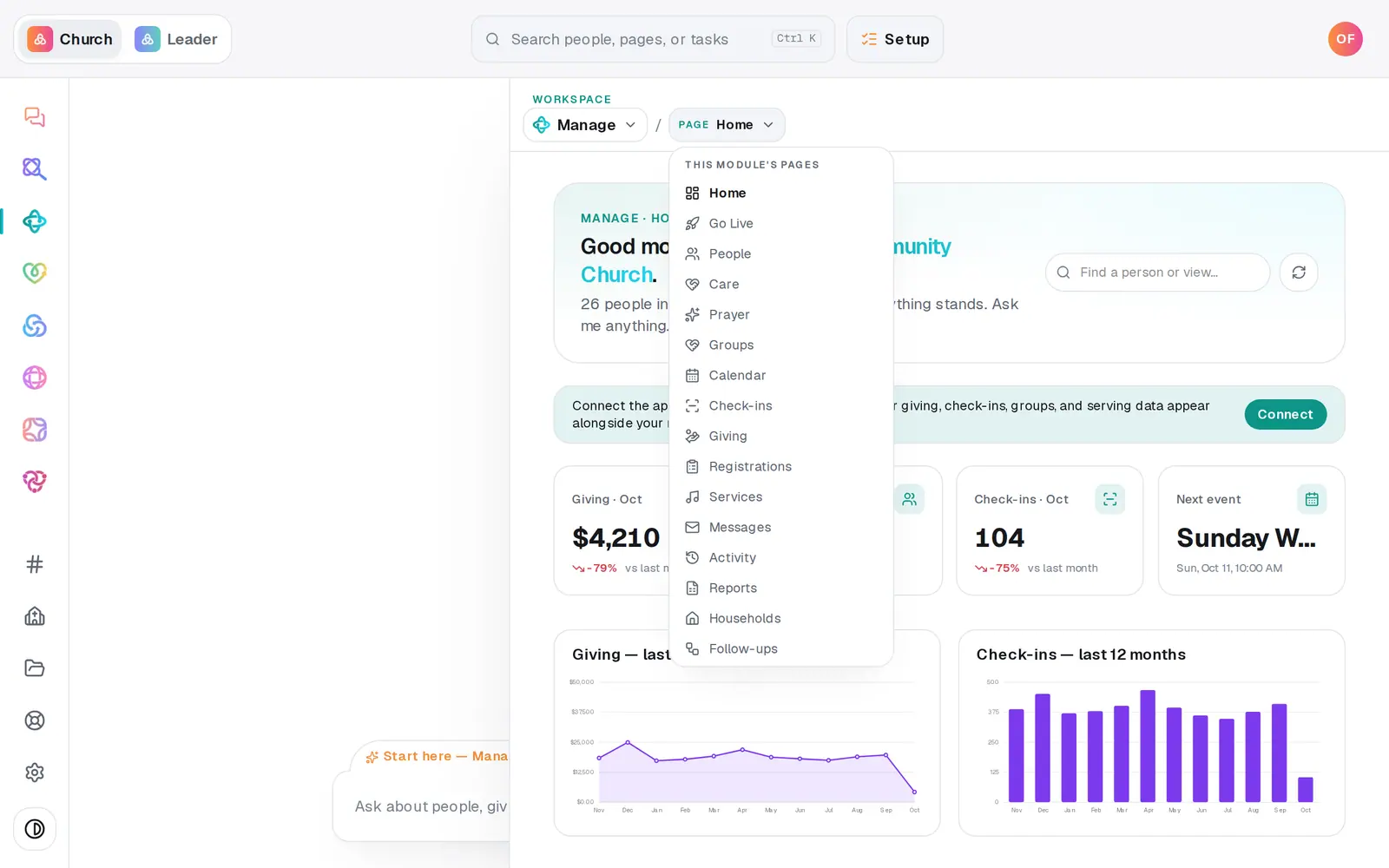
1/6 · In Manage, open Groups
Good to know
- You can do it all from the chat: "start a Tuesday men's group at 7pm in the chapel, cap it at 12, open to new members", then "add Sarah to the men's group" or "make Lisa the leader of the moms group".
- To take someone out, press the × next to their name on the group. They stay in your directory.
- Deleting a group (the × in its top corner) deletes its attendance history too. Its people stay in your directory.
If it’s not working
Someone I ticked wasn't added
The group may have a requirement they don't meet yet, like a background check or a minimum age — the list doesn't say who was left out. Open Requirements on the group to see its rules, or ask the chat to add them: it tells you what's missing.
There's no + Add people… button
Everyone in your directory is already in the group, or your role can only view Manage. Add the new person to your directory first.
A group has a lock and says read-only
It comes from a connected app like Planning Center, so it's changed there — the change comes back here within about six hours. To own an editable copy, bring it in with Import.
"That didn't save — try again."
The change didn't go through that time. Press it again in a moment.
Next, you might want to
- Take small group attendanceTick off who came to group tonight, count your visitors, and save it — right from your phone.
- Let people join a group onlineShare a group's join link, list it on your website, announce it in your app, and place the people who ask to join.
- Add people and group them into familiesAdd someone with a short form, add a whole family in one sentence, and group people into households.
- Require a background check before someone servesRecord each volunteer's background check date, require a current one on a team, and see who isn't cleared yet.