Earn extra requests by reviewing or sharing
On the free plan and running low? Two things earn you more room: a quick, honest review of Aligned, and a gift of free requests to a pastor friend. Both take a couple of minutes.
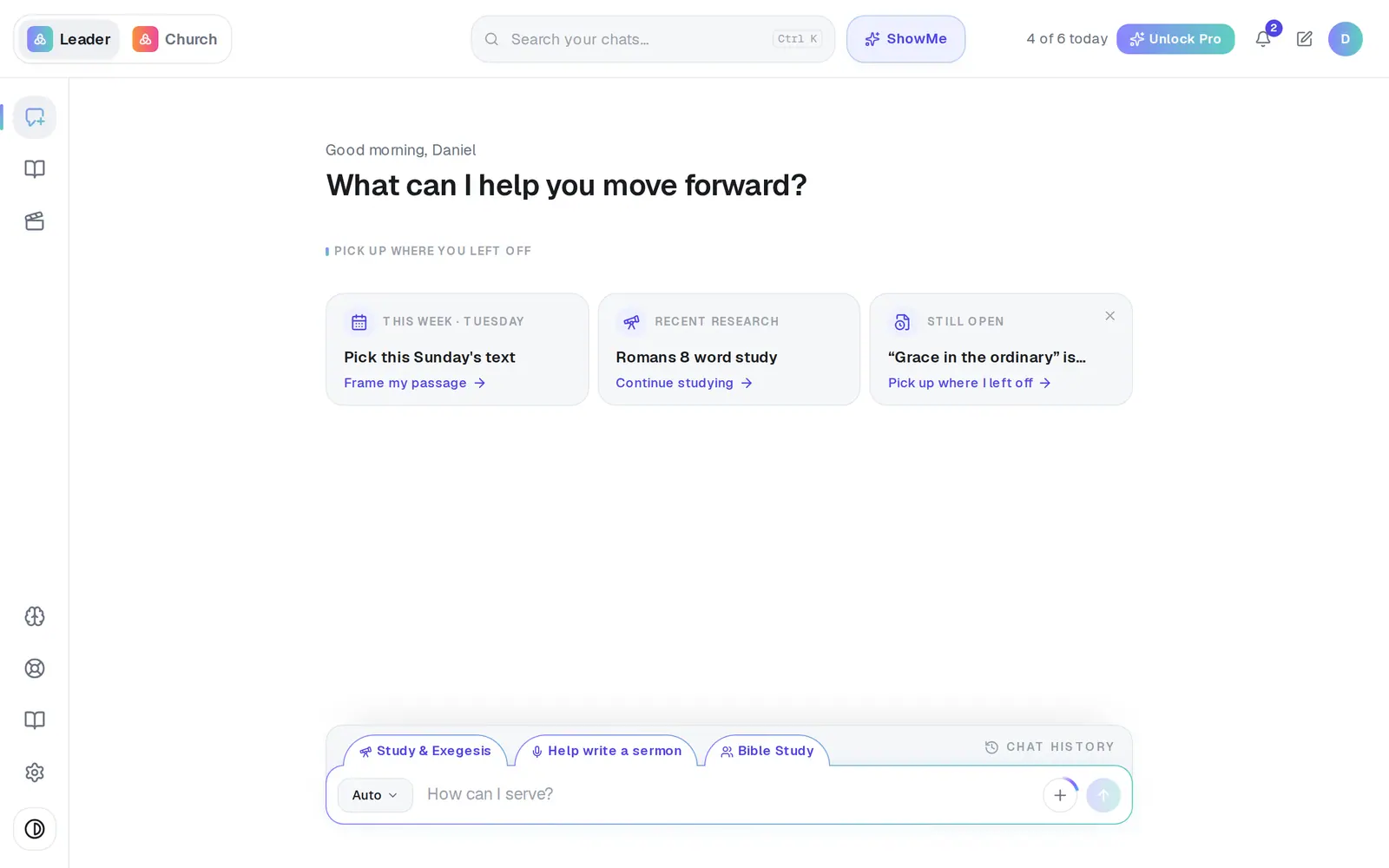
1/7 · Open Resources — the book icon near the bottom of the left rail
Good to know
- The extra requests give you more room on busy days for about a month. They don't raise the free plan's 200-a-month allowance, and they end quietly with no reminder.
- A gift works the same way for your friend: their extra requests are spread across the month, not all usable in one sitting.
- Once your review reward is claimed, Resources → Your account offers Give a pastor 100 credits whenever you want to send more.
- Bonuses from reviews and friends only add up so far. Past that point a new friend earns you nothing more, and Pro is the way to go further.
If it’s not working
I don't see Claim 100 extra requests
It appears once you've given an answer a thumbs-up (or told us Aligned helped), only for churches that have been using Aligned for a while, and it's gone once it's been claimed. It's offered once per church.
It says “Not eligible yet”
The reward is for churches with some real use behind them. Come back to it once you've been using Aligned for a while.
The daily limit window doesn't mention reviews any more
That's right — the offer now lives in Resources → Your account instead.
My friend's gift didn't send
Someone who already has an Aligned account can't be gifted, and your own address can't either — the panel names what happened to each address. If it says it couldn't send your gifts, try again in a moment.
My friend never got the gift email
Ask them to check spam, then to sign up at aligned.church with the same email you sent it to. The gift attaches to that address even without the email.
My extra requests disappeared
They run for about a month and then end quietly. That's expected, and nothing is wrong with your account.
Next, you might want to
- What's included in the free planWhat counts as a request, how many you get, when they reset, and where to see what's left.
- You hit today's limit — here's what to doWhy the chat stopped, when it comes back, and your options until then.
- Upgrade to ProWhat Pro adds, what it costs, and how to pay monthly or yearly — on the web or from the phone or Mac app.