Get the 0% giving fees offer from Aligned Leader
There's an orange Get 0% Giving Fees button at the top of Aligned Leader, and you'd like to know what it is before you press anything. It opens Aligned Church's window with Aligned Giving's offer on processing fees, whenever you want it. Nothing in the window charges you, and your chats stay exactly as they are.
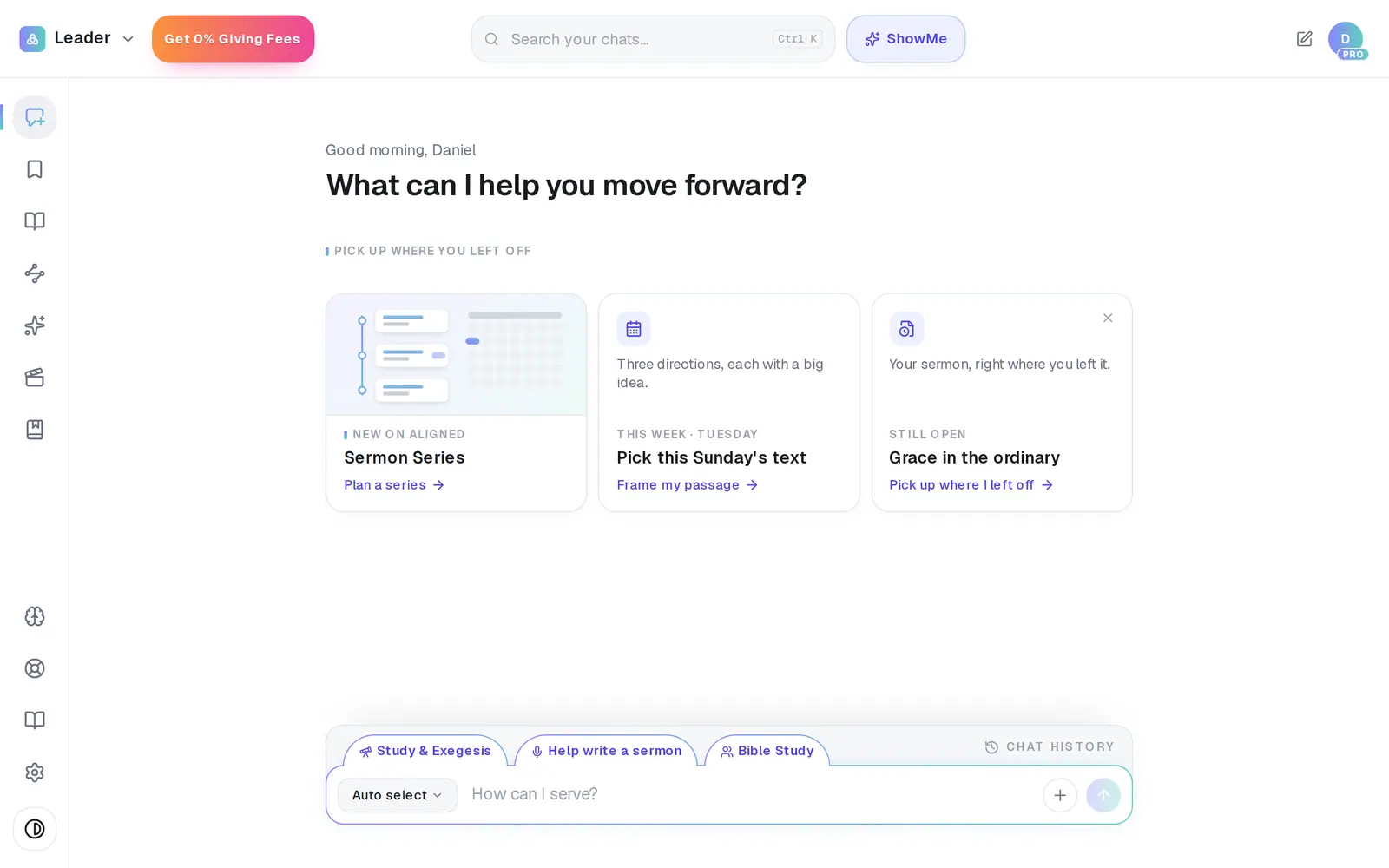
1/5 · Press Get 0% Giving Fees at the top left, beside Leader
Good to know
- The × closes the window (so do Escape and a click on the dimmed page around it). The button stays, so you can open the offer again whenever you like.
- In the iPhone or Android app, the window's buttons open their page in your phone's browser, already signed in, and the window closes. On an iPhone, Done at the top of that page takes you back to the app.
- The same window can also open by itself as Aligned Leader opens. Once you've pressed one of its buttons, there or after Get 0% Giving Fees, it won't open by itself again.
If it’s not working
I don't see Get 0% Giving Fees
It shows once you've used Aligned Leader on at least 3 different days (any days, not in a row), or from the first day if your church has Aligned Leader Pro. It's there only until your church sends its Aligned Giving application. While you're still filling the application in, you keep it; once it has gone in (in review, approved, asked to fix something, or declined), it's gone. It also goes when the offer stops taking churches: on Dec 1, or sooner once its places are taken. It's never shown during Aligned Leader's first-time setup. On a phone, or any narrower screen, look in the menu rather than at the top of the screen. On a computer there's no menu for it: in the rare case something else at the left of the top bar leaves it no room, it stays out of the bar rather than cover the search. If it's missing on one visit only, open Aligned Leader again later.
The window has no Start Aligned Church button, only Got it
You're on a staff seat. The offer is the same, but setting up Aligned Giving is for your church's account owner or an admin, and the window names your account owner when it can. Press Got it to close it, and ask them to set it up.
In the phone app, the browser asks me to sign in
Each tap makes a one-time sign-in for that browser, and a second tap soon after the first (or a moment one can't be made) opens the page without it. Sign in there as you usually do.
Next, you might want to
- Start Aligned Church if you already use Aligned LeaderOpen Aligned Church from Aligned Leader with the same account, set your church up in the welcome chat, and switch back any time.
- Finish setting up your church to turn on Aligned ChurchWhen aligned.church/church keeps showing its welcome page after you sign in, finish the welcome chat and press Launch Aligned Church. No card needed.
- Choose Aligned Giving or keep your current givingDecide how your church will give. It's what unlocks the parts of Aligned Church that go public, and it sets what you pay.
- Understand giving fees (and let donors cover them)What each gift costs your church, where to see it, and how to have “cover the fees” ticked for your donors by default.