Add or drop a module
You started with the website and now want Social, or you're paying for something nobody uses. You can change your modules whenever you like, and the page shows the new total before anything is saved.
About 2 minutes Part of Aligned ChurchUpdated September 29, 2026
aligned.church/church
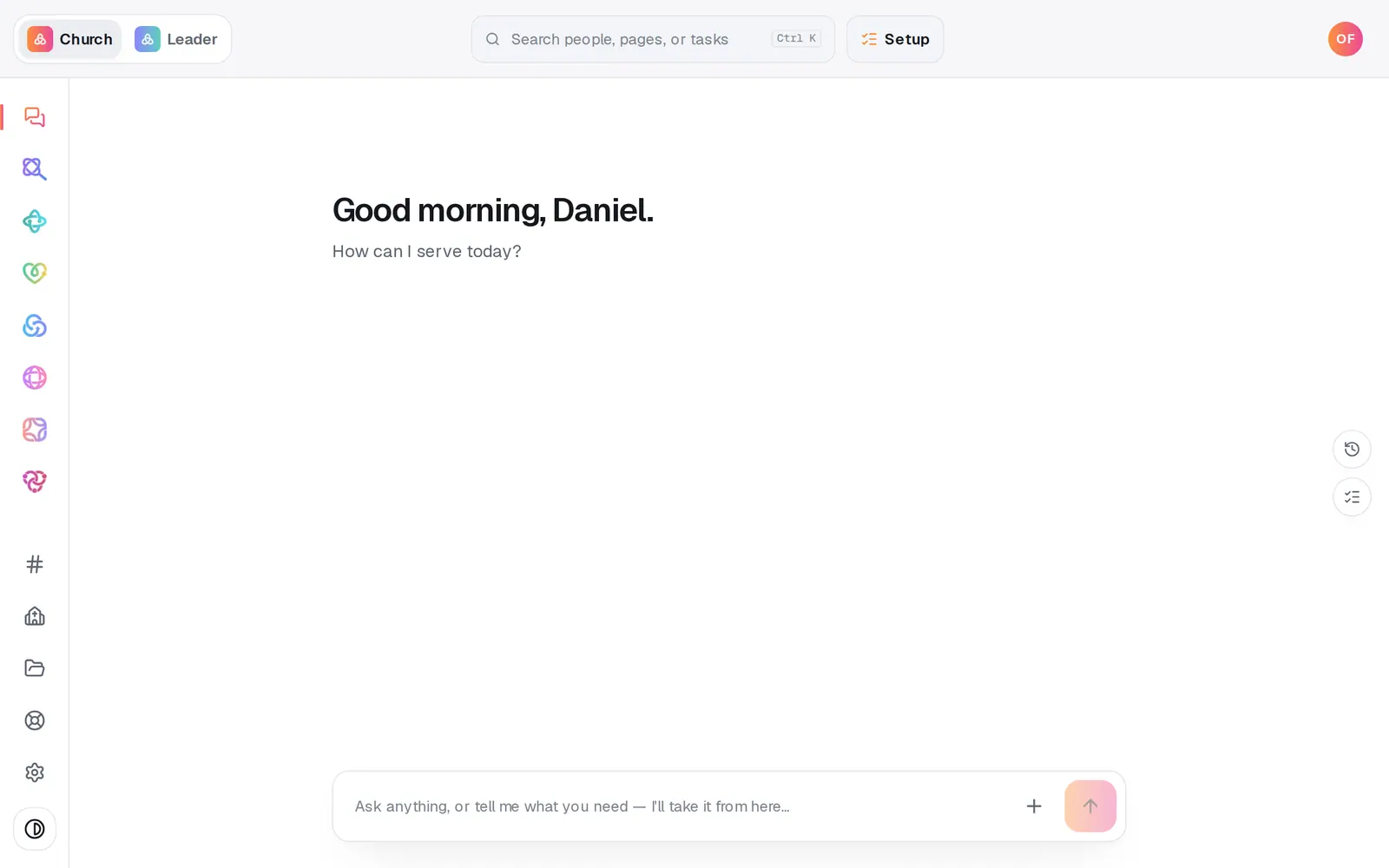
1/5 · Open Settings at the bottom of the left rail
Before you start: You're the account owner, and your church has a plan with a card on file.
Good to know
- Adding one you skipped? Open it from the left rail. A module that isn't on your plan opens as an Add page instead, for example Add Social, with its price and your new monthly total. Press Add Social to my plan and it's yours right away. While your plan is $0, every module is already yours.
- Website comes with Research and SEO. They're never billed on their own.
- A month you've already paid for isn't pro-rated when you add or drop a module.
If it’s not working
It says “Keep at least one module, or cancel your plan below.”
A plan needs at least one module. To stop paying altogether, press Cancel Aligned Church at the bottom of the page instead.
Save modules is greyed out
Nothing has changed yet. Tick or untick a module first.
I don't see the Modules list
It shows once your church has a plan with a card on file. If your plan says Canceled, message us from Help to start it again. If it says “You don't have an Aligned Church plan yet.”, press Setup at the top of the screen first.
It says “We couldn't update your billing. Please try again.”
Nothing was changed. Try again in a minute. If it keeps happening, message us from Help.
Did this help?
Next, you might want to
- Understand what Aligned Church costsThe price of each module, when it's all $0, how long your free window runs, and where to see exactly what your church pays.
- Cancel Aligned Church (and what happens to your work)Stop your plan from Settings in a minute, what cancelling does and doesn't do, and how to start again later.
- Choose Aligned Giving or keep your current givingDecide how your church will give. It sets your price and how long you have to get set up, and nothing is charged today.