Cancel Aligned Church (and what happens to your work)
Maybe your church is moving on, or you only needed Aligned Church for a season. There's no contract and no one to call: you cancel from your own Plan page, charges stop straight away, and cancelling doesn't delete what you've built.
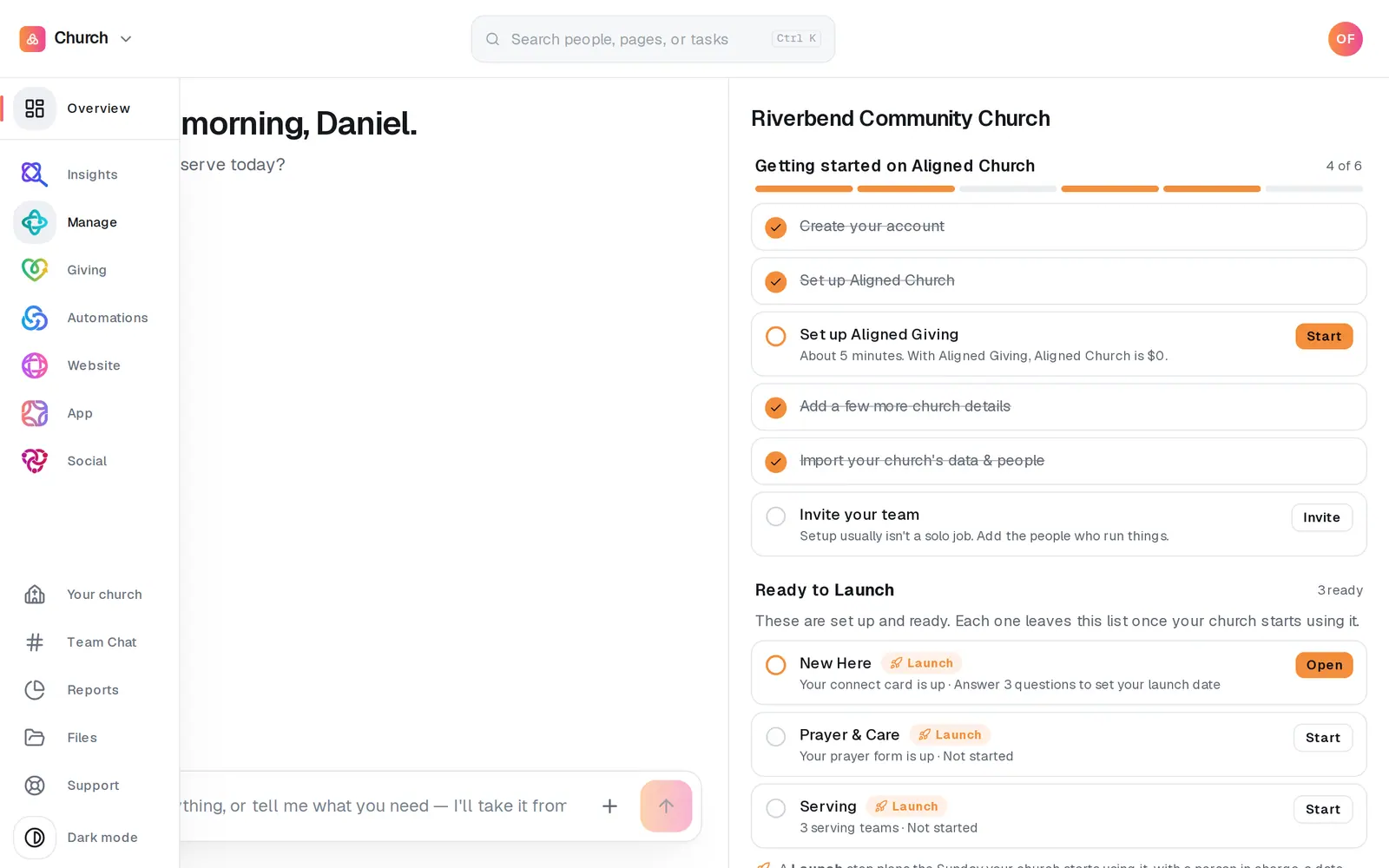
1/4 · Open Your church at the bottom of the left rail
Good to know
- Only want to pay for less? Untick the modules you don't use under Modules and press Save modules instead. At least one module has to stay on the plan.
- Cancel during your free window and nothing is ever charged.
- Cancelling ends your plan, not your account. To delete the account itself, see Delete your Aligned Church account.
If it’s not working
We want to start again
There's no restart button. Reply to any email from Aligned Church, or message us at aligned.church/help, and a person will start your plan again. While you can still open your workspace, Support at the bottom of the left rail works too.
Can we get this month refunded?
A month you've already paid for isn't refunded. If you think you were charged by mistake, reply to your receipt or message us at aligned.church/help, and we'll look at it with you.
It says “We couldn't stop your billing. Please try again.”
Nothing was changed, so your plan is still running. Try again in a minute. If it keeps happening, message us from Support and a person will stop it for you.
I pressed the button and nothing happened
The confirmation box has to be answered with OK. Pressing Cancel on it leaves your plan running, so press Cancel Aligned Church again and choose OK.
I don't see a Cancel box
It only shows while there's a plan to cancel. If your plan already says Canceled, nothing further will be charged. If you're on staff rather than the account owner, the plan isn't yours to cancel; ask the owner.
Next, you might want to
- Add or drop a moduleChange which modules are on your plan from Your church's Plan tab, see the new monthly total before you save, or add one you skipped.
- Understand what Aligned Church costsWhat Aligned Church costs, what you can do for free, and where to see exactly what your church pays.
- Delete your Aligned Church accountDelete your account from Aligned Leader's Settings, see exactly what goes with it first, and when your Aligned Church plan is cancelled before anything is deleted.
- Cancel Pro (and what happens to your work)Cancel your subscription, what you keep, and when it takes effect.