Cancel Pro (and what happens to your work)
Maybe the budget changed, or Pro isn't earning its keep this season. Cancelling takes about a minute in Settings, and nothing you've made is deleted. The one thing to know first: it takes effect the moment you confirm, not at the end of the month you paid for.
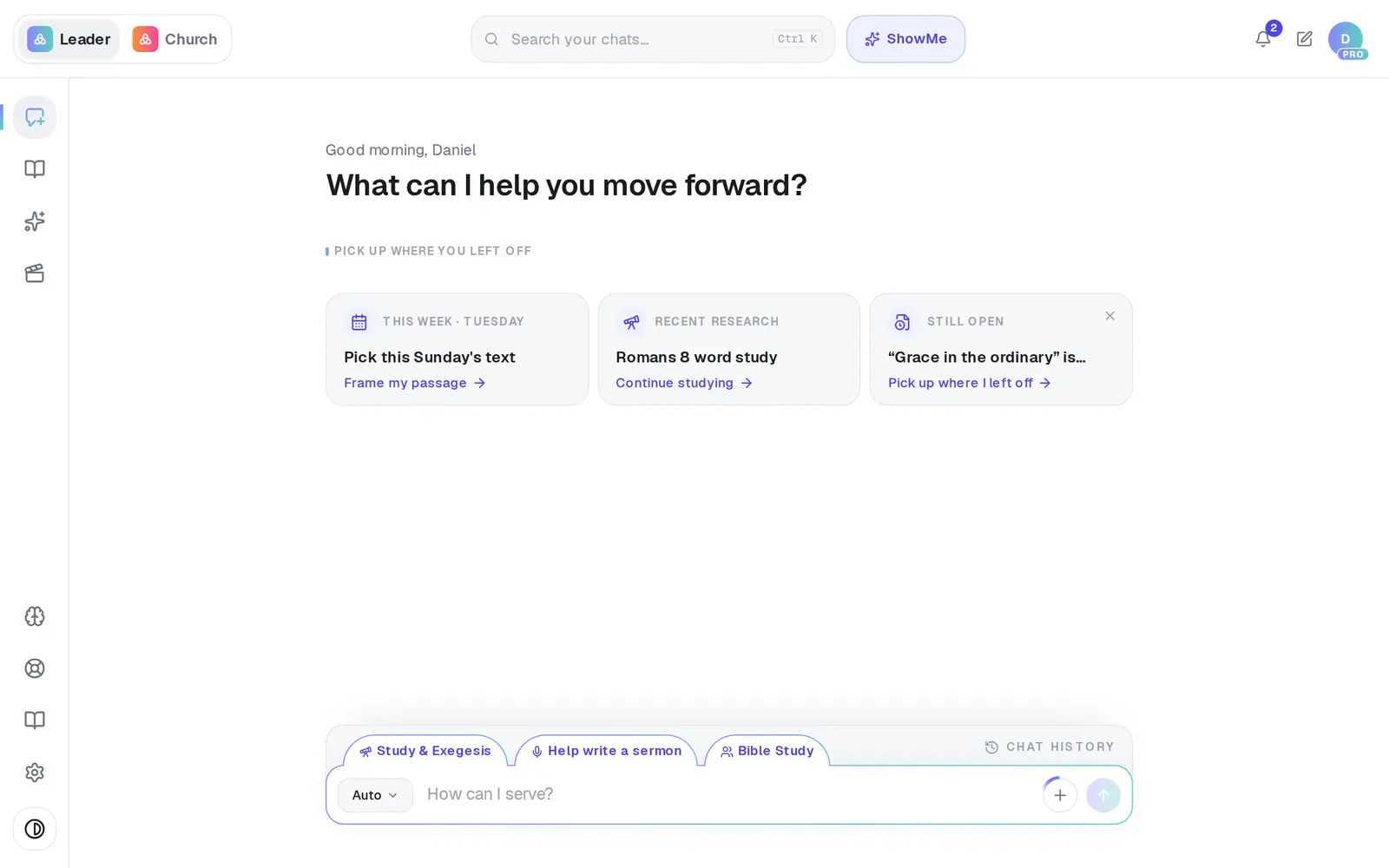
1/6 · Open Settings from the gear at the bottom of the left rail
Good to know
- Only need a break? Tap Just pausing for now in the cancel form. On a monthly plan that has paid at least once, you can pause for 2 weeks to 3 months and Pro comes back on its own.
- Nothing is deleted. Your chats, Saved Work, Church Brain and your staff's work all stay. When you want Pro back, press Unlock Pro and enter your card again. Pro switches on as soon as it's paid, and your staff reload the page and they're in.
- Changing cards? Don't cancel to do it. Change card on the same Billing tab swaps it without a charge; cancelling gives up the rest of the month you paid for.
If it’s not working
It says “We couldn't cancel your subscription. Please try again.”
Nothing changed, so you're still subscribed and next month would be charged. Try again in a moment. If it keeps failing, message Support before assuming you're cancelled.
It says my subscription is cancelled but it “couldn't finish updating your church's plan”
The part that matters worked: the subscription is cancelled. Only the plan label didn't catch up, so Settings may still say Pro for a moment. Reload the page and press Cancel plan again to finish it.
I wanted a refund for the rest of the month
There's no refund button, and cancelling doesn't refund anything by itself. Message Support with your church name and roughly when you were charged, and a person will look at it.
Our Aligned Church plan shows as Canceled too
When a church has both, they share one billing account, so cancelling Pro can stop the Aligned Church plan as well. If you only meant to cancel Pro, message Support — there's no undo button for it.
I don't see a Billing tab
Billing only appears for the church's owner. Ask whoever set up your church's account to cancel, or message Support and we'll help.
Next, you might want to
- Pause Pro instead of cancellingTake a break from Pro for 2 weeks to 3 months, keep everything, and let it pick back up on its own.
- Come back to Pro with an offerTake the 30 free days offered right after cancelling, or the 20%-off offer we email later.
- Get a receipt or ask for a refundWhere Pro receipts go, when your next charge is, and how to ask a person about a charge.
- What's included in the free planWhat counts as a request, how many you get, when they reset, and where to see what's left.