Get a receipt or ask for a refund
The treasurer needs a receipt, or a charge on the statement doesn't look right. Receipts come by email and there's no billing history inside Aligned, so when one goes missing — or you want to ask about a refund — a person on our team sorts it out. Here's where to look first, and how to ask.
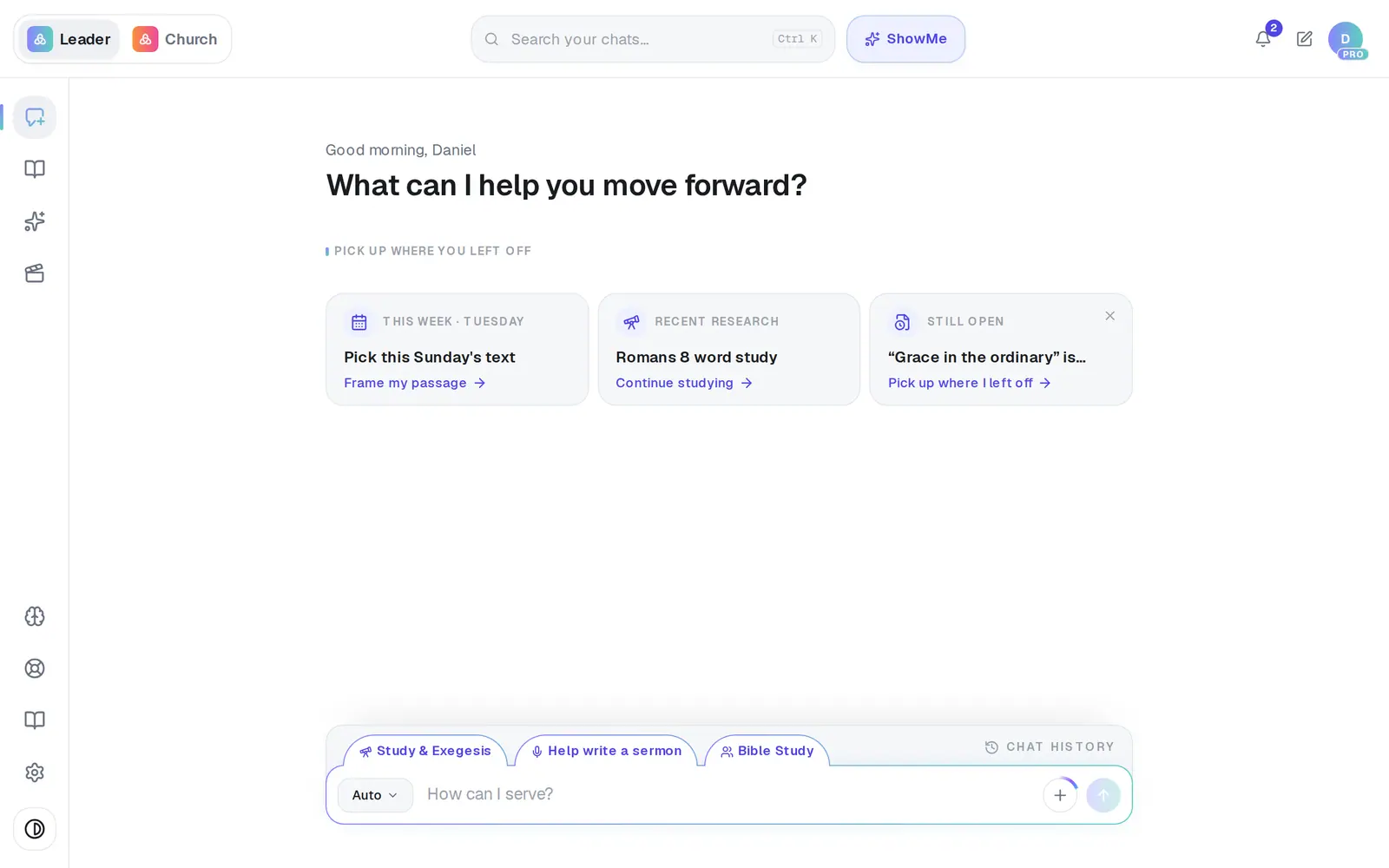
1/4 · Open Support from the life ring near the bottom of the left rail
Good to know
- A receipt is emailed when you first subscribe, after every payment, and after a card update clears a missed payment. Monthly receipts also name your next billing date.
- On a yearly plan, Settings → Billing shows “Annual billing · renews” with the date. Monthly plans don't show a date on screen — your latest receipt email has it.
- On your card statement, Pro shows up as Aligned Church AI.
- Cancelling doesn't refund anything by itself. If money back matters to you, ask in Support — a person reads it and replies.
If it’s not working
There's no billing history or invoice list anywhere
That's right — receipts only come by email, and there's no download or resend button in the app. Ask in Support and a person can send you a copy.
My receipts still go to my old email address
If you changed the email you sign in with, receipts can keep going to the old inbox. Tell us in Support and we'll point them at the new one.
I want a refund
There's no refund button, so a person handles every request. Message Support with your church's name and roughly when you were charged, and we'll look at it and reply.
I see a charge from Aligned Church AI and don't know what it is
That's how Pro appears on a statement. If nobody at your church upgraded, message Support with the date and amount so we can check which account it belongs to.
Next, you might want to
- Cancel Pro (and what happens to your work)Cancel your subscription, what you keep, and when it takes effect.
- Change the card you pay withSwap the card Pro bills to without being charged or losing a day of Pro.
- Switch Pro to yearly billingMove Pro from monthly to yearly and save 20% — without losing the month you've already paid for.
- Get help from a real personMessage the Aligned team, send a feature idea or bug report, and know what happens after you send.