Switch Pro to yearly billing
Paying once a year means one charge to track and 20% off: $86.40 a year instead of $9 a month. The switch takes a minute in Settings, and the month you've already paid for isn't lost — your year starts when it ends.
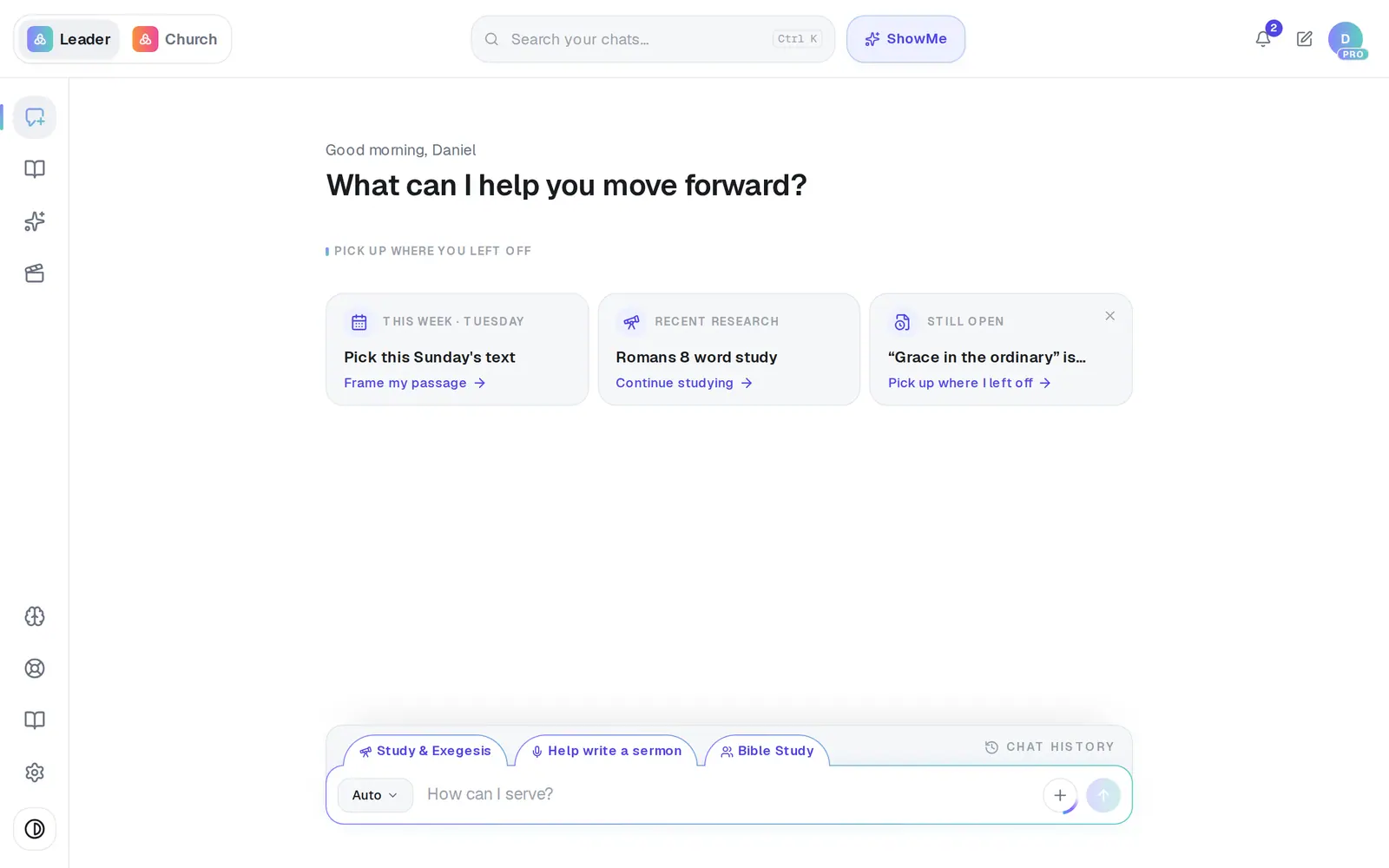
1/5 · Open Settings from the gear at the bottom of the left rail
Good to know
- Both ways of paying buy exactly the same Pro. The only differences are the price and how often you're charged.
- Coming from the link in a receipt email? It opens Settings → Billing for you, right where the switch is.
If it’s not working
I'm on yearly and want to go back to monthly
There's no button for that. Message Support and a person will sort it out with you.
It says “Your monthly renewal is processing.”
Your monthly payment is being taken right now. Wait until it has gone through, then switch — your year starts from the month you've paid for.
It says “Please update your card first — there's an unpaid renewal on your plan.”
A monthly payment didn't go through. Fix the card first (Keep Pro when your card is declined shows how), then come back and switch.
I don't see the Monthly | Annually switch
It only shows on monthly Pro that has already been paid. It isn't there during free days or while a pause is scheduled (press Undo pause on the Pause scheduled card first). If you're already yearly, you'll see “Annual billing · renews” with a date instead.
Next, you might want to
- Upgrade to ProWhat Pro adds, what it costs, and how to pay monthly or yearly — on the web or from the phone or Mac app.
- Change the card you pay withSwap the card Pro bills to without being charged or losing a day of Pro.
- Get a receipt or ask for a refundWhere Pro receipts go, when your next charge is, and how to ask a person about a charge.
- Pause Pro instead of cancellingTake a break from Pro for 2 weeks to 3 months, keep everything, and let it pick back up on its own.